

ChatGPT says the conversation is too long — what that means and what to do
The message — "You've reached the maximum length for this conversation, but you can keep talking by starting a new chat" — means the chat has outgrown the model's context window, the amount of text it can hold at once. Everything counts: your messages, its replies, pasted text. You cannot extend that chat, but it stays readable in your history. The fix is to ask it for a handoff summary before the wall, start a new chat and paste the summary in first. On nixm there is no growing transcript to outgrow: each message carries a fixed intent and a running log instead.
What the message actually means
Every reply ChatGPT writes is produced by rereading the conversation so far. That conversation has to fit inside the model's context window, a fixed budget measured in tokens; a token is roughly three quarters of a word. Your messages count, ChatGPT's replies count, and anything you paste counts. When the conversation no longer fits, ChatGPT stops accepting new messages in that chat and shows: "You've reached the maximum length for this conversation, but you can keep talking by starting a new chat."
It is not a ban, an account problem or a bug. It is the ceiling of the design: a thread that keeps everything will eventually hold too much.
How big the window is on each plan
OpenAI lists the total context window per plan on its pricing page. As of October 2026:
| Plan | Instant models | Reasoning models |
|---|---|---|
| Free | 27K tokens | Varies |
| Go | 54K tokens | 256K tokens |
| Plus | 54K tokens | 256K tokens |
| Pro | 128K tokens | 400K tokens |
Two things the table hides. OpenAI notes that the part available for your input is smaller than the total, because the reply needs room too. And 27K tokens is roughly 20,000 words of conversation, which a long working session with pasted documents can fill in an afternoon.
Why it gets slow and forgetful before the wall
Most people notice trouble well before the error. Replies take longer, because every turn rereads more text. And the model starts losing track: it repeats suggestions you already rejected, drops a constraint from the start, or answers an older version of a plan you have since changed. Long transcripts are full of superseded decisions, and a model reading all of them does not always know which one is current. Details buried in the middle of a long context are the easiest to lose.
That is worth knowing because it changes when to act. The best moment to move to a new chat is when it starts drifting, not when it stops.
Can you continue the same chat?
No. Once the limit is reached that conversation is closed to new messages. It stays in your history, so you can still read, search and copy from it, but nothing you do will add room. Upgrading your plan changes the window for future chats; it does not reopen this one.
How to move the work into a new chat without losing it
The reliable method is a handoff summary, written by the chat itself while it still has the full context. If the old chat no longer accepts messages, do the same thing by hand from the history. Before it fills up, send something like:
Write a handoff for a new chat. Include: the goal, every decision we made and why, constraints I gave you, anything we tried and rejected, open questions, and any names, numbers or wording that must be kept exactly. Bullet points, no commentary.
Then open a new chat, paste the handoff as the first message, and add: "Continue from here." Check the summary before you rely on it; a summary keeps what seemed important when it was written, and a detail you will need later can fall out. Ask for exact wording to be quoted, not paraphrased.
For work that will span many chats, keep the durable parts outside the conversation: the brief, the decisions, the current draft. A ChatGPT Project's instructions and files, if your plan has Projects, or a plain document you paste in, survive chat limits. Memory is not the fix here; it stores small facts about you, not the state of a project.
How to hit the limit less often
- One chat per task. A chat that wanders across five topics fills up five times faster for the one you care about.
- Paste the part, not the whole. A full document pasted to ask about one section spends the window on everything else.
- Restart at milestones. When a phase is done, hand off and start clean, rather than dragging the whole history into the next phase.
How Claude handles the same problem
Claude used to stop long chats the same way, and "Claude conversation too long" was a common search for it. Anthropic now handles it differently: per its help center, when a chat nears the context limit, Claude summarizes earlier messages and keeps going, while your full history stays visible. It needs code execution enabled in settings, and those conversations use up more of your usage limit. Anthropic notes that rare cases, such as a very large first message, can still hit the wall; if that happens, the fix is the same — start a new chat, or keep the material in a project.
That summary has the same trade-off as the manual handoff above. Older details get condensed, and what a summary keeps is decided at the moment it is written.
A design with no thread to fill
The handoff summary above is a manual version of something that can be built in. nixm doesn't keep a transcript. Each conversation is a signal: a fixed intent, set once, and a running log of what has been decided, rewritten as the conversation moves. The model sees the intent, the log, the last five exchanges and your new message — never the full history — so there is no growing thread to run out of room.
We measured what that costs and buys in signal vs thread. Across 30 scripted conversations, the signal's context stayed around 2,000 tokens from turn 10 to the end while the thread's kept growing, and a blind AI judge preferred the signal's replies 28 to 12, mostly where plans changed. The trade is real: the full transcript was better at exact recall, 82% against 60%, and we only measured to turn 25. A distilled log of the session stays with the signal for seven days, then dissolves, along with any images you uploaded.
Try a conversation that keeps its place
Open nixm and seed a signal — no account, no transcript kept.
frequently asked
What does "maximum length for this conversation" mean in ChatGPT?
The chat has outgrown the model's context window, the fixed amount of text it can hold at once. Your messages, its replies and anything you paste all count. ChatGPT then stops accepting new messages in that chat.
Can I continue a ChatGPT chat after hitting the limit?
No. The chat stays in your history and can still be read and searched, but it will not accept new messages. Start a new chat and paste in a summary of the old one.
How long can a ChatGPT conversation be?
It depends on the plan and model. OpenAI's pricing page lists a total context window of 27K tokens on Free and 54K on Go and Plus for instant models, 256K for reasoning models on Go and Plus, and 128K and 400K on Pro. A token is roughly three quarters of a word.
Why does ChatGPT get slow and forget things in long chats?
Each reply rereads the whole conversation, so long chats take longer, and a transcript full of superseded decisions makes it easier for the model to lose track of the current one or of details from the middle.
How do I move a long ChatGPT conversation to a new chat?
Before the limit, ask it for a handoff: goal, decisions, constraints, rejected options, open questions and exact wording to keep. Paste that into a new chat as the first message and check it for missing details.
Does Claude have a conversation length limit?
It has a context window like ChatGPT, but per Anthropic, when a chat nears the limit Claude summarizes earlier messages and continues, as long as code execution is enabled. Rare cases, such as a very large first message, can still hit the limit.
Does upgrading fix the maximum length error?
Paid plans have larger context windows, so future chats can run longer. Upgrading does not reopen a chat that has already hit the limit.
Is there an AI chat without a conversation length limit?
nixm does not send a growing transcript. Each message carries a fixed intent, a running log of decisions and the last five exchanges, and in our tests that context stayed around 2,000 tokens after turn 10. It is weaker at word-for-word recall than a full transcript.
try it now — no account, no transcript kept. even the signal dissolves in seven days.
seed a signal →Enter your email and receive a link to sign in. No passwords, just a secure signal to connect.
why connect
- 20 free credits to start
- your signals, remembered
- buy more credits anytime
- image & video generation features
two signals. one mind.
most AI starts every conversation from zero. you arrive, explain yourself, refine, re-refine, watch the model drift back to defaults. five messages to reach one good answer. ten more to keep it on track.
nixm™ flips that. every nixm has two signals primed before you ever arrive — an intent signal that holds the mission, and a collab signal that holds the settings.
intent is what you're trying to make. build a beatbox. write a brand brief in editorial tone. visualize photosynthesis in 3d. that signal is locked from the moment the URL loads.
collab is everything else — constraints, voice, references, what to avoid, what to lean into. it's the producer's notes. the model isn't reading them when you arrive. they were already in the room.
you say one thing. nixm™ answers refined.
this is the difference. not the model — the model is interchangeable. the difference is that nixm™ hands the model a primed signal, not a blank room.
recent unlocks.
capabilities that surfaced from the lab. fresh frequencies, freshly tuned.
lip sync
a cast character that speaks. give her a line and the voice and the mouth come back together, in one pass. nothing recorded, nothing dubbed. short lines land best: five words, face to the lens, no cut right before it. longer lines can drift, so lip sync is still experimental. both takes, and what seems to make the difference: one clip where it works, one where it doesn't.
CAST
the same face, a new scene. most AI video forgets your character between clips — you describe her again and a stranger comes back. cast a character once, from a photo or a frame you rendered, name it, and it holds. then direct it anywhere: an alley at 3am, a desert at golden hour, two characters in one frame. 10 seconds for 2 video credits, 15 for 3, sound in the same pass. nixm shows you the shot and the price before it spends anything. holding a character across a whole sequence is its own craft — what continuity actually takes.
cinematic studio
direct a single unforgettable frame. tell nixm a fragment — a character, a mood, a moment you half-see — and it casts the scene with you: lens, light, motion, the decisive instant. when the frame lands, set it in motion as a short clip. you bring the spark. nixm directs. if you have never done this before, the route from idea to finished clip is the place to start.
extend
eight seconds is where the shot starts, not where it ends. every finished clip now carries an EXTEND button — one press and the same shot carries on for about seven more seconds, one credit, no plan to join. press it again if it's still going somewhere. we cut the join down to about two tenths of a second by telling the model what it must not change; the writeup is in what extending a clip really does.
video gen
ask for a video, get a video. eight seconds, with sound — dialogue, score, and ambience in one pass. inline on mobile, side panel on desktop — expand, play, download. landscape, portrait, or square, detected from how you ask. HD or 4K — 1 video credit for HD, 2 for 4K. the sound is generated with the picture rather than added after — why that changes the result.
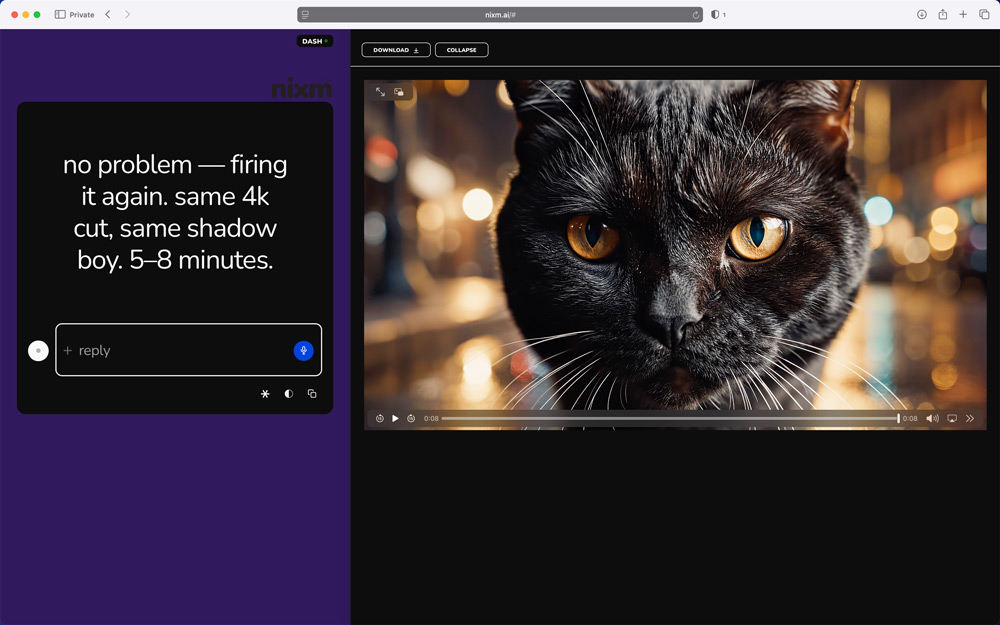
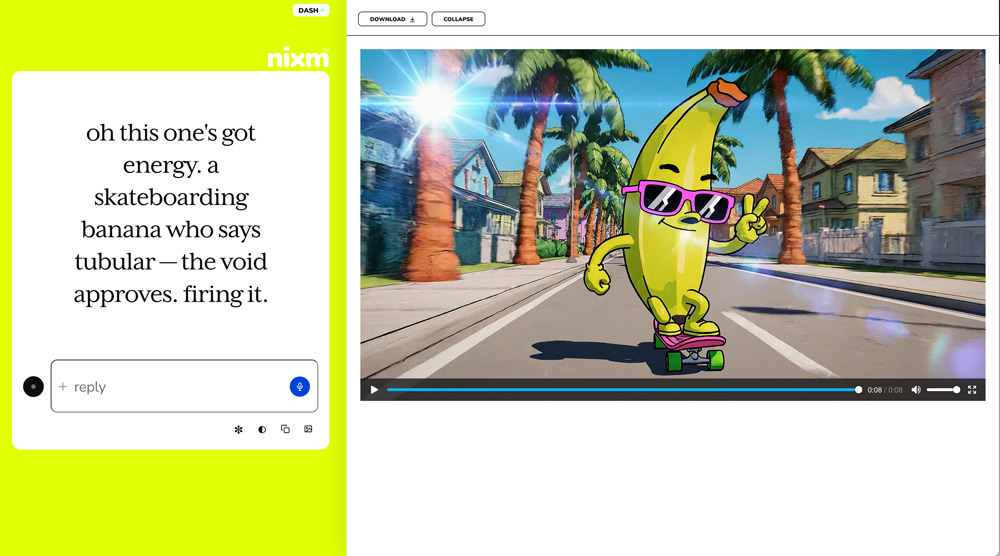
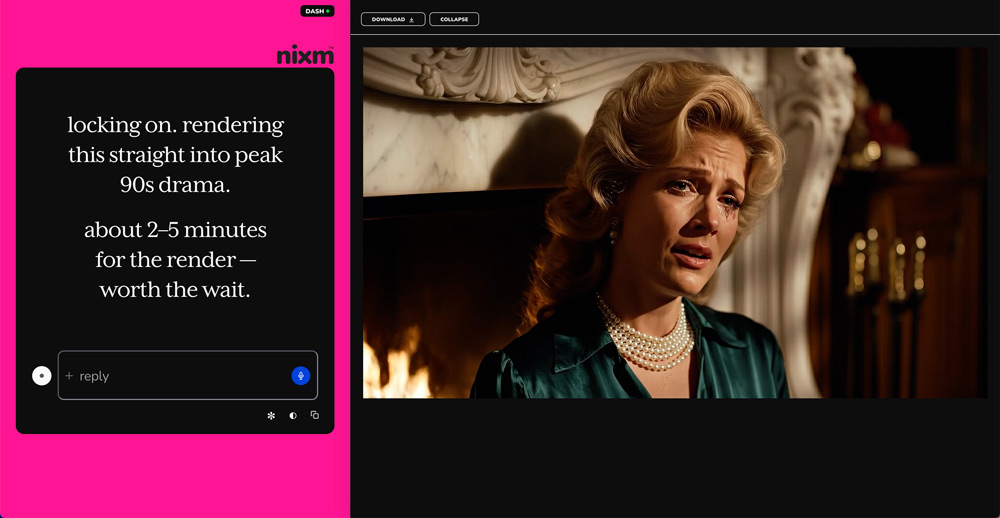
image gen
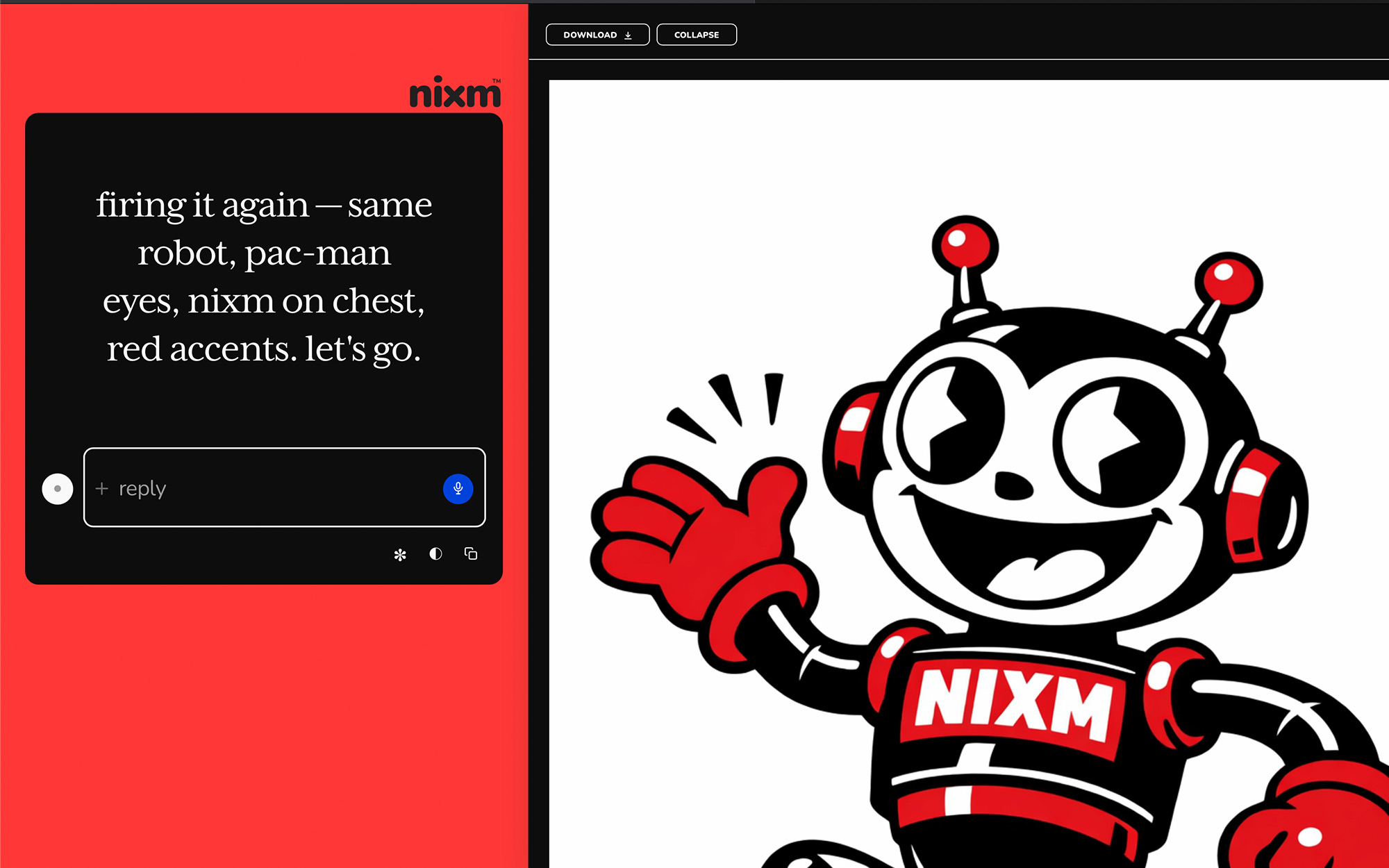
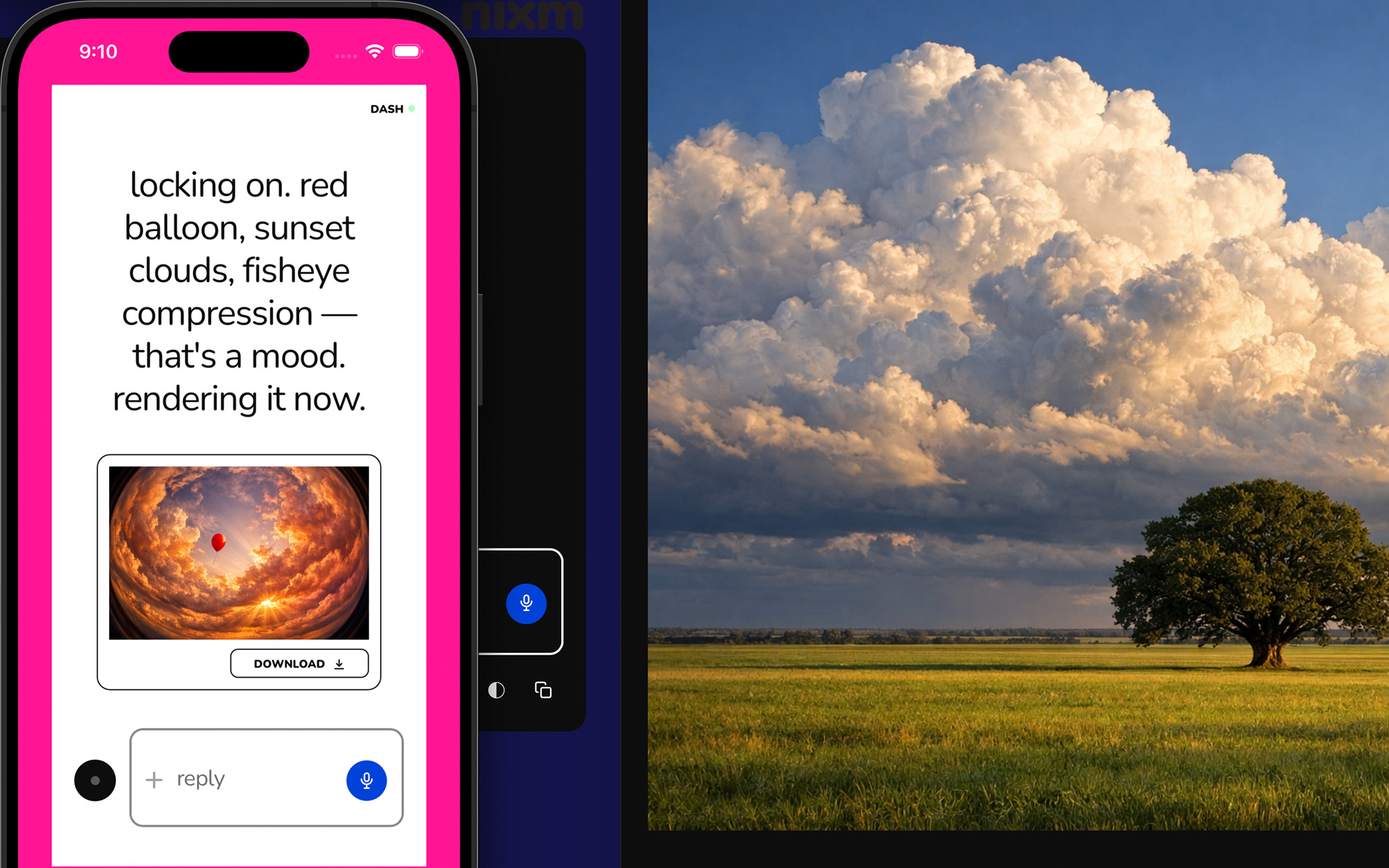
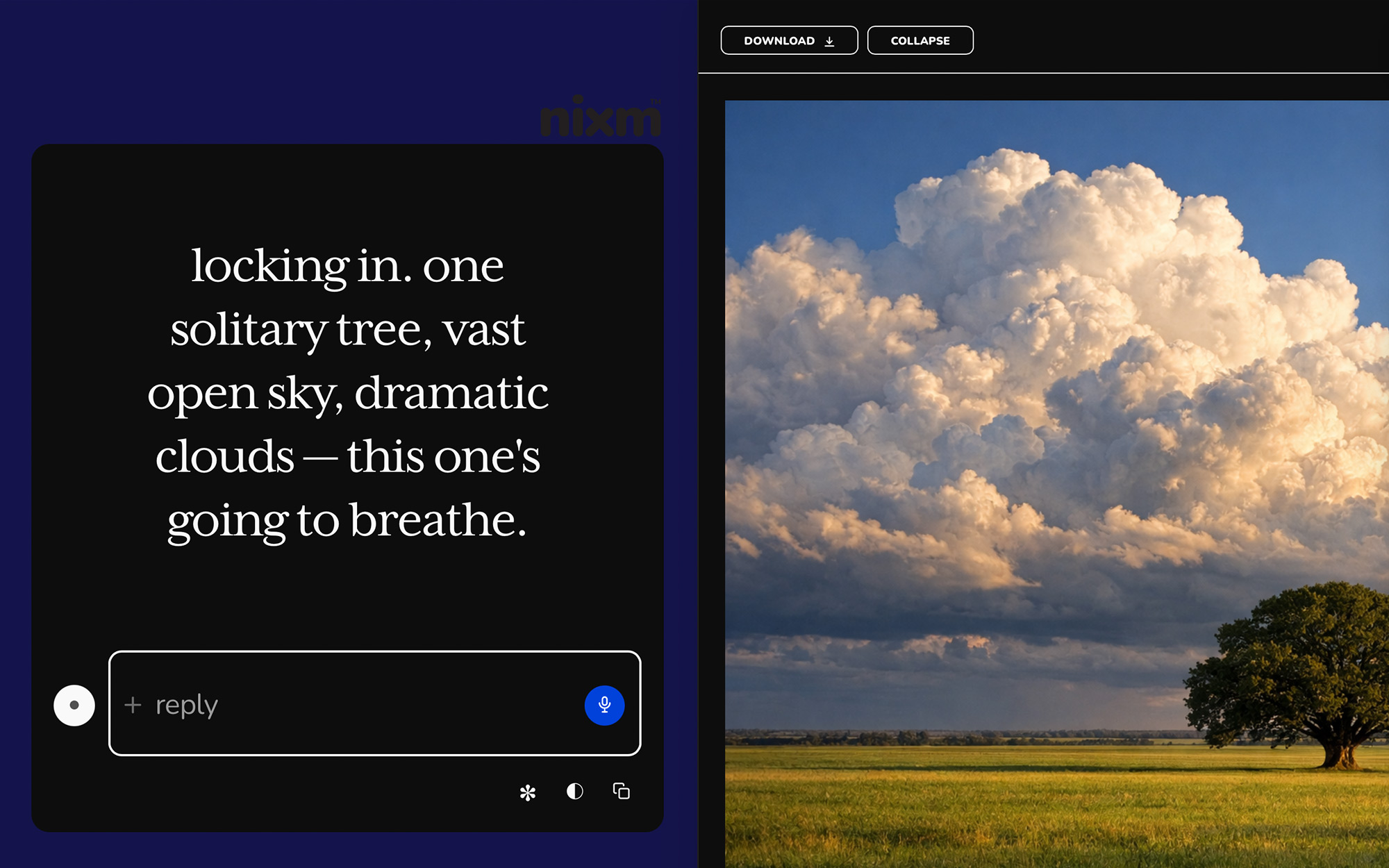
ask for an image, get an image. inline on mobile, side panel on desktop — expand, scroll, download. square, landscape, or portrait, detected from how you ask. 2 chat credits each. any image you make here can be set in motion as a clip.
templates
pre-tuned signals for common modes. start a session already focused.
nixm-live
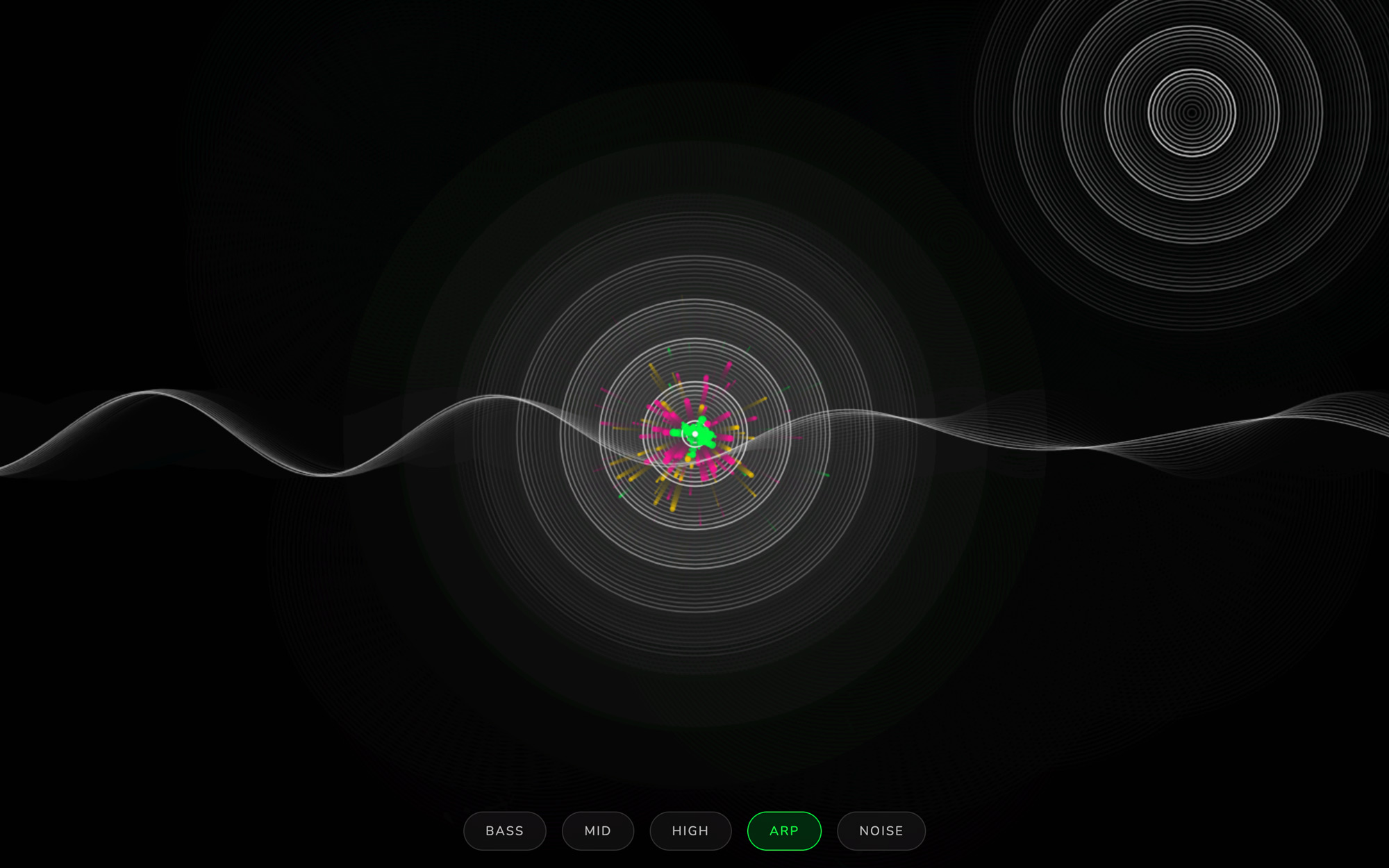
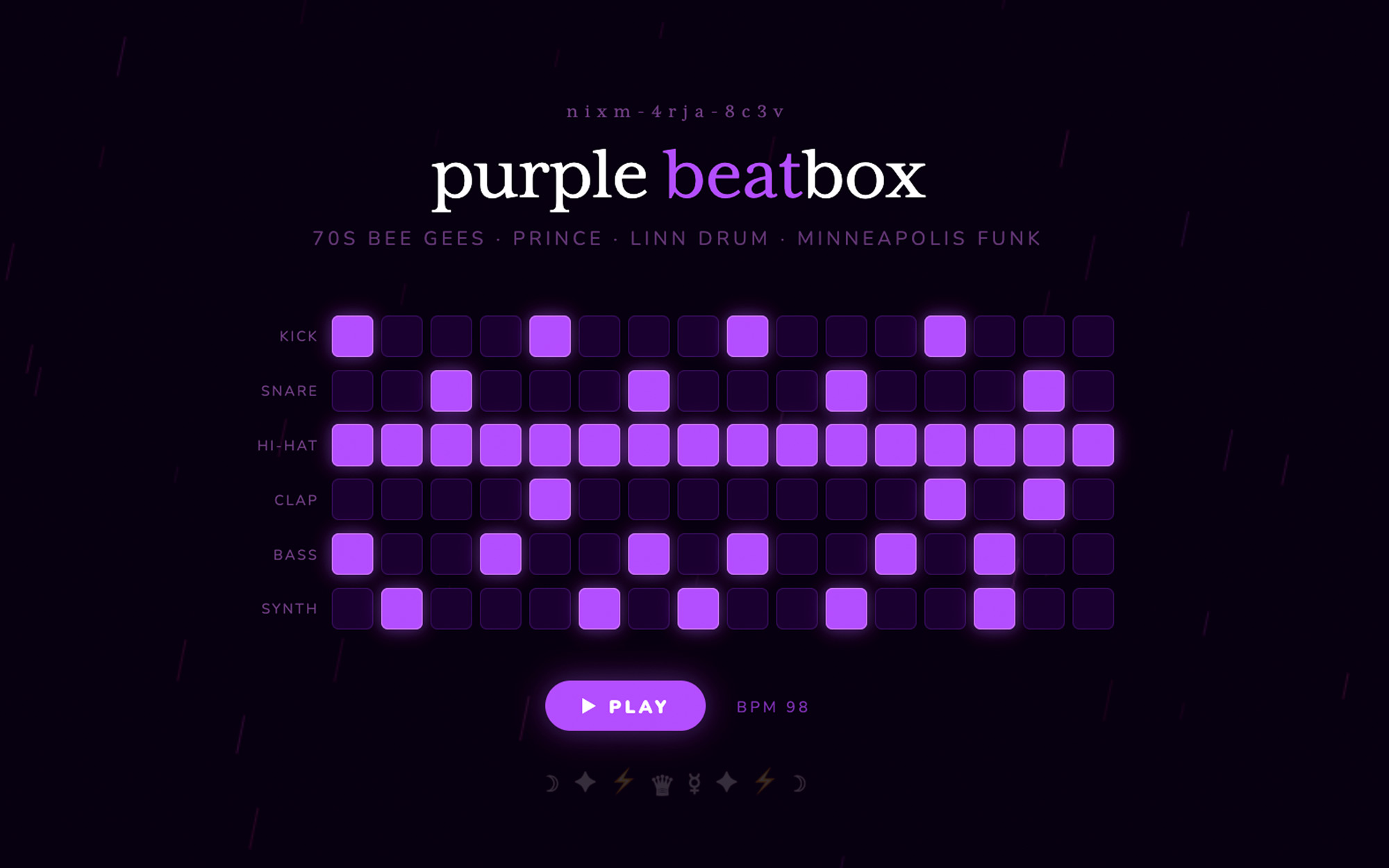
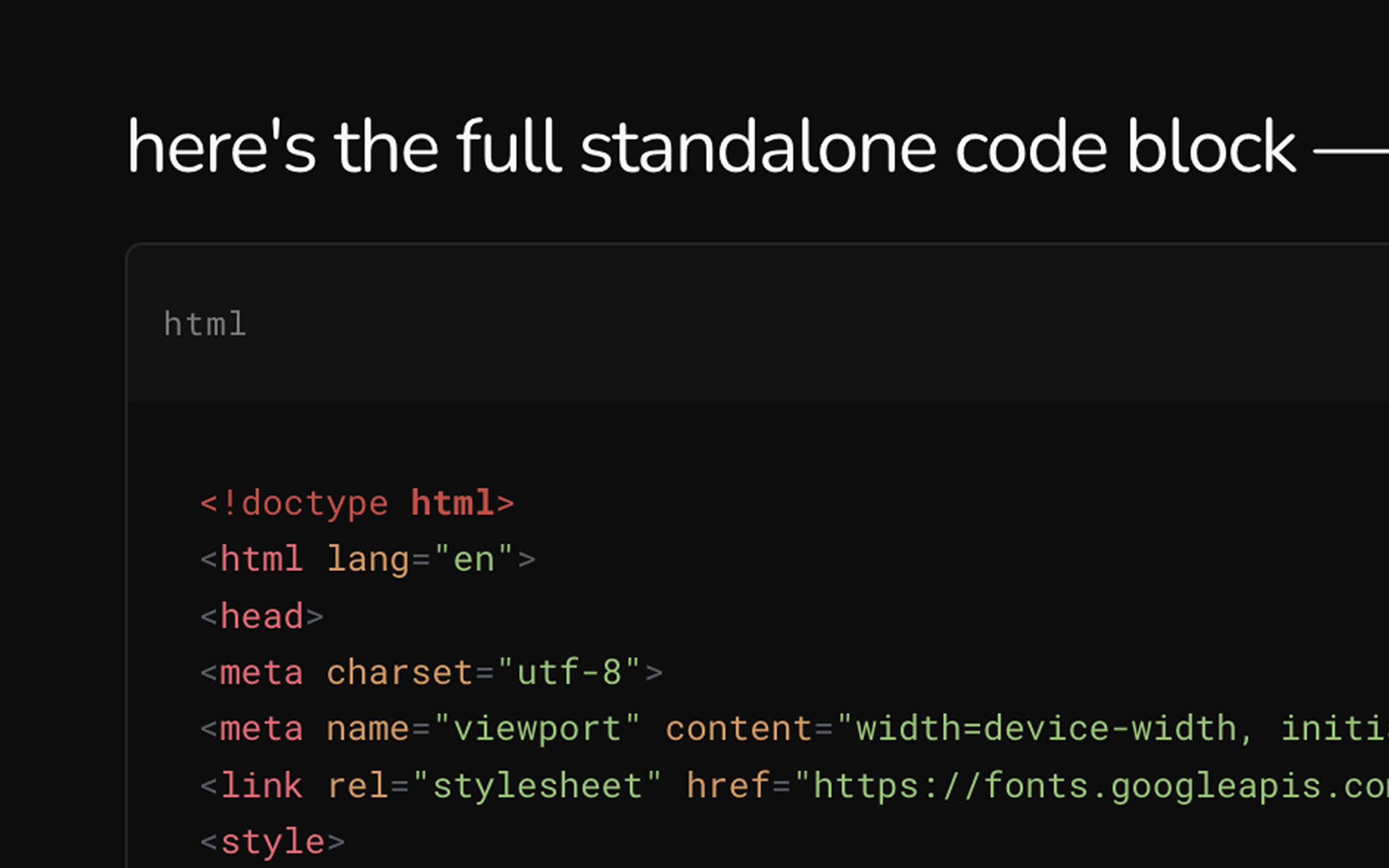
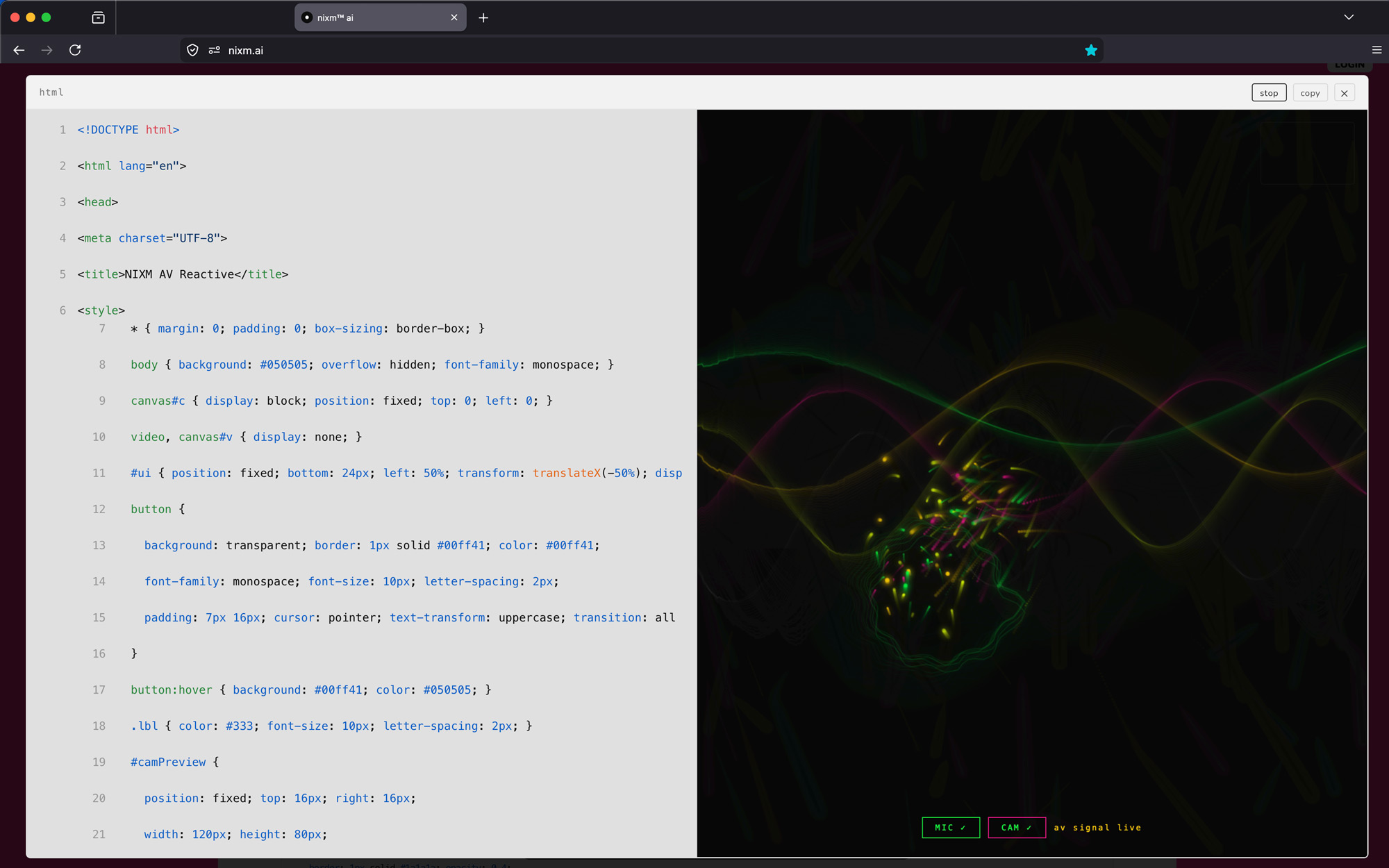
code that runs as it appears. ask nixm™ to show something visual and it renders live in the chat — no buttons, no waiting.
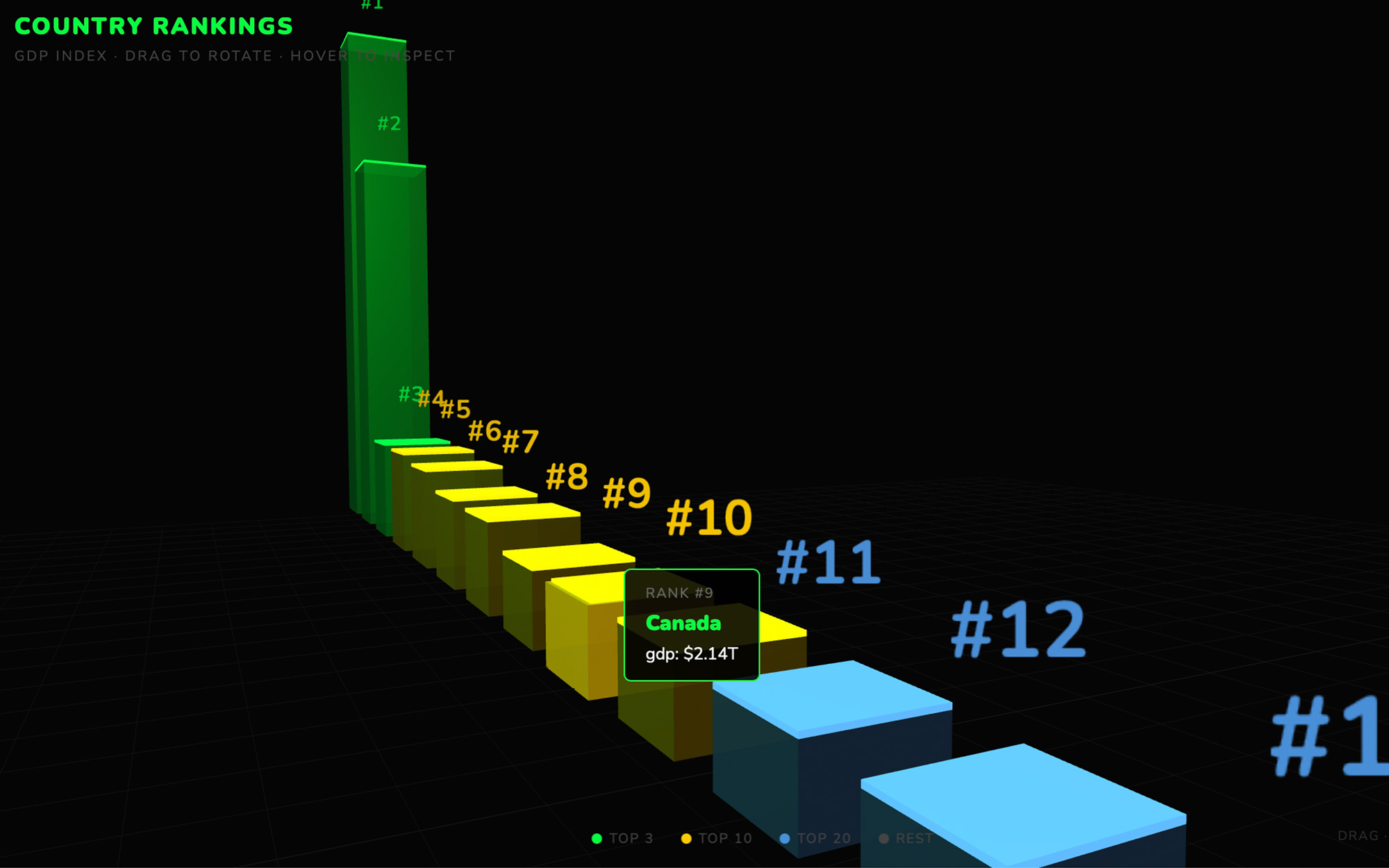
the runner
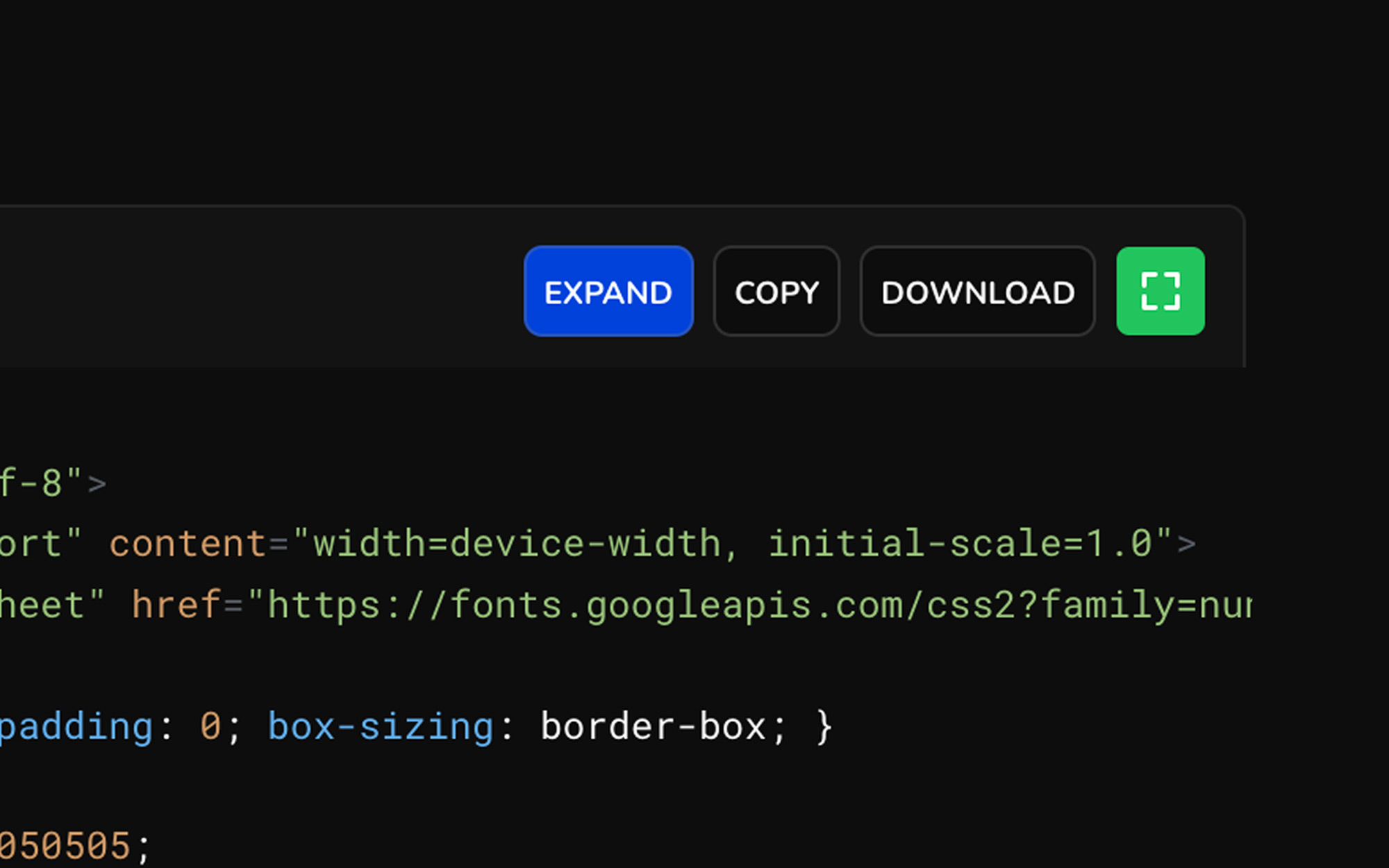
every code block is executable. expand any block to a full surface, run it, and watch the output. iterate without leaving the conversation.
every nixm is shareable.
seed a nixm. share the link. anyone who opens it enters the same focused intelligence you created — no setup, no re-explaining. the frequency holds for everyone.
signup free — 20 credits, plus a free video on us. drop your email to claim.
enter your email, then login to generate image or video.
next: nixms that act. not just a thread you share — a session that moves, drafts, and does. nixm™ is learning to reach.