

How to make an AI video — the whole workflow, honestly
Describe one moment in plain words, compose the still frame until it looks right, then render it as a clip with sound. That is one shot. To go longer, extend the shot or cut several together; to keep a person the same across shots, cast them once from a photo. On nixm an HD clip takes about two minutes and costs one credit, credits never expire, and your first video is free.
What does "making an AI video" actually mean in 2026?
It means describing a scene and getting back a short filmed clip: motion, light and, on the better models, sound generated in the same pass. What it does not mean yet is typing "make me a movie." Current models render seconds, not minutes. Most engines produce somewhere between five and thirty seconds per generation; a nixm clip is eight, and a scene with cast characters up to thirty. Why the limits exist.
So the unit of work is the shot, and anything longer is built the way films always were: shot by shot, then cut together. Once you think in shots, the rest of the workflow follows. If you used to do this in Sora, see Sora alternatives.
Step one — describe the moment, not the plot
The mistake almost every beginner makes is prompting a story. Models film moments. "A detective solves the case" gives the model nothing to point a camera at. "A detective under a flickering streetlight, rain starting, holding a photograph up to the light" is a shot.
Three things carry almost all of it: a subject, a light, and one motion. Add a lens or a camera move if you care about it — "slow push in", "handheld", "wide, low angle" — and stop there. Long paragraphs of adjectives mostly give the model more ways to disagree with you. Twelve fragments that render well show the anatomy working.
Twelve prompt fragments to steal
Not the word cinematic: a subject with specificity (not "a woman" but "a courier in a rain-heavy coat"), a light (dawn, sodium streetlight, one candle) and a decisive instant, the single moment the shot exists to hold. Camera-jargon stacks ("35mm, anamorphic, f/1.8, volumetric…") mostly add noise. Use these as seeds, not scripts, and swap the nouns for yours:
1. dawn, an empty diner, steam off a single cup · 2. a neon koi drifting through a flooded arcade · 3. the last streetlight on a dirt road, moths orbiting · 4. a chess piece toppling in a room of dust and sun · 5. an astronaut's visor reflecting a birthday party · 6. rain hitting a payphone that starts to ring · 7. a lighthouse beam sweeping across a wheat field · 8. two paper boats racing a storm drain current · 9. a violinist on a rooftop as the city power fails · 10. frost crawling across a window, a candle on the far side · 11. an elevator opening onto open ocean · 12. a dog waiting at a train platform, snow starting
Describe motion as one continuous change ("the steam thickens as headlights cross the window") rather than a shot list, because short clips hold one move well. The same anatomy works for a style. For an anime look, name the marks of the style rather than only the word anime: flat cel shading or painterly light, thick linework or soft gradients, a composition that holds on a still moment. "Cel-shaded girl on a train platform, wind lifting cherry blossoms, late afternoon painted sky" gives the model a scene to build. Anime motion is spare by design, which suits short clips: one drift of petals, one passing train.
Step two — compose the frame before you spend a render
This is the biggest cost saver in the whole workflow. A video render is the expensive step, so gambling it on a frame you have not seen is how credits disappear. Compose the still first and judge it the way a photographer would: is the framing right, is the light right, does the character look like the character? Only animate a frame you have already approved.
On nixm a still costs two chat credits and a video costs a video credit, so iterating on the frame is the cheap loop and the render is the one decision you make once. People who skip this step are the ones whose first renders look wrong. If you already have a photo, you can start there instead: image to video. If you want to generate the reference still first without an account, AI image generator, no sign-up lists the options.
Step three — render it, with the sound built in
Veo-class models generate audio natively: ambience, effects and even short lines of dialogue arrive with the motion. That matters more than it sounds. A silent clip reads as unfinished wherever it is posted, and music laid over it afterwards rarely lands on the action. How native audio works.
On nixm an HD clip renders in about two minutes and 4K in five to seven. Landscape, portrait or square is picked up from how you ask — say "vertical" or "for TikTok" and you get 9:16. When the render lands, watch it twice before deciding anything — once for the picture, once for the sound.
When 4K is worth it
Some tools render at 4K; others render lower and upscale, which sharpens pixels without adding detail. Native 4K costs real compute, so it runs about twice HD everywhere: on nixm, two credits instead of one, and five to seven minutes instead of about two. Tools that promise 4K at HD speeds are usually upscaling.
4K earns its double cost when the clip will be shown large (a screen at an event, a landing-page hero, footage you will crop into) or graded seriously in an edit. For social feeds, HD is what anyone sees anyway: platforms compress aggressively, and a phone screen was never going to show the difference. So never render 4K first. Compose the still, render HD, judge the motion, and only then spend the second credit re-rendering the take that landed in 4K. On subscription tools, watch the multiplier: a monthly pool advertised as dozens of videos assumes base resolution, and at 4K the same pool covers a fraction of that.
Step four — make it longer
There are two honest ways to get past eight seconds.
Extend the shot. Every finished nixm clip has an EXTEND button: about seven more seconds of the same unbroken shot, one video credit per pass. It works best when you give it a direction — "keep going, but she turns toward the window" — rather than a neutral "continue". Each pass is a new generation, so over several passes the shot can start to drift — which is what extending a clip really does.
Cut several shots together. For anything past twenty or thirty seconds, this is the real method. Plan three to six shots — a wide, a closer, a detail, a reaction — render each one, and cut them in any editor, or keep them as takes on one signal and STITCH them: 2 to 8 takes joined in the order you pick, hard cuts, up to 120 seconds, 1 video credit per 30 seconds. How long pieces get made.
Step five — keep the same person across shots
This is where most multi-shot AI video falls apart. Describe a character again in the next prompt and a stranger comes back: similar hair, different face. Text alone does not hold identity.
What holds it is a reference. On nixm that is CAST: upload a photo, or use a frame nixm already rendered, give the character a name, and they stay. Then direct them into a new scene in plain words. A scene runs 3 to 30 seconds at 1 video credit per 5 seconds (10 seconds is 2, 30 is 6), landscape or vertical, with sound, and takes about five to ten minutes to render. A longer scene can be cut into several shots inside the one render, one per beat, and the characters can talk: put the line in quotes and the lips move with it. It holds up to four references at once, characters and props together. One limit worth knowing before you start: a character arrives in the clothes from their reference, so text will not change their outfit. Why AI video drops references covers the rest, and a short film across shots covers holding light and grade as well as faces.
The mistakes that waste the most credits
Five, roughly in order of how often they happen. Prompting a plot instead of a moment. Animating a frame you never looked at. Re-describing the picture in the motion prompt, when the model can already see it — describe what happens next, not what is there. Asking one shot to hold three camera positions; give each camera position its own shot, and a scene can carry several, one per beat. And expecting a line of text to change what a referenced character is wearing, when the reference decides that.
What does a finished piece cost?
Less than the subscription pages suggest, and the arithmetic is easy to do yourself. On nixm one HD clip is one video credit, 4K is two, an extension is one, and a CAST scene is one per 5 seconds. A thirty-second piece built from four HD shots with one extension is five credits. Three 10-second scenes with the same two characters is six. Video credits are sold outright — five for CA$19.99, fifteen for CA$54.99 — and they never expire, so an occasional project is not paying for idle months. What a credit really buys, and how that compares on Runway and Kling.
Where do you go from here?
Depends what you are making. Posting it: AI video for TikTok and Shorts. Waiting on renders: how long each one really takes. Comparing tools first: the honest map of the field.
Make your first AI video free
The fastest way to understand all of this is to render one clip. Your first HD video with sound is free on a new nixm account — open the cinematic studio, describe a moment you can see, and watch it come back filmed.
frequently asked
How do I make an AI video for the first time?
Describe one moment — a subject, a light, one motion — compose the still frame, then render it as a clip with sound. On nixm the whole loop takes a few minutes and the first video is free.
Do I need editing software to make an AI video?
Not for a single clip or an extended shot — both render finished, with sound. You only need an editor when cutting several separate shots into a longer piece.
How long can an AI video be?
One generation is seconds: most engines produce five to thirty, and a nixm clip is eight. On nixm you can extend a shot by about seven seconds per pass, or render scenes of 3 to 30 seconds, and STITCH joins takes into one video up to 120 seconds; anything longer is cut together from several shots.
How do I keep the same character across AI video clips?
Use a reference rather than a description. On nixm you cast a character once from a photo or a rendered frame, name them, and direct them into new scenes of 3 to 30 seconds, at 1 video credit per 5 seconds.
Does AI video come with sound?
On Veo-class models, yes — ambience, effects and short dialogue generate with the motion. nixm clips and scenes arrive with sound in one pass.
How long does an AI video take to render?
On nixm about two minutes for an HD clip, five to seven for 4K, and five to ten for a scene with cast characters.
How much does it cost to make an AI video?
On nixm, one non-expiring video credit per HD clip, two for 4K, one per extension, and one per 5 seconds for a cast scene, with no subscription. Composing the still first keeps the cost to renders you have already approved.
Can I try it free?
Yes — a new nixm account includes one free HD video with sound, no card required.
Is 4K AI video worth it?
Usually not for social media, where platforms compress to HD-class delivery on phones. 4K earns its cost on large displays, hero placements and clips headed into an edit. On nixm it costs 2 credits instead of 1 and takes five to seven minutes, so iterate at HD and re-render only the approved take in 4K.
What should a cinematic AI video prompt include?
A specific subject, a defined light source and one decisive instant. Scene fragments outperform stacks of camera jargon, and motion works best described as one continuous change.

try it now · cinematic studio
cast one character. put it anywhere.
cinematic ai video, with sound. nixm proposes every scene before a credit is spent.

Enter your email and receive a link to sign in. No passwords, just a secure signal to connect.
why connect
- 20 free credits to start
- your signals, remembered
- buy more credits anytime
- image & video generation features
defaults for new renders on this signal. collaborators see them read-only.
existing takes don't change
two signals. one mind.
most AI starts every conversation from zero. you arrive, explain yourself, refine, re-refine, watch the model drift back to defaults. five messages to reach one good answer. ten more to keep it on track.
nixm™ flips that. every nixm has two signals primed before you ever arrive — an intent signal that holds the mission, and a collab signal that holds the settings.
intent is what you're trying to make. build a beatbox. write a brand brief in editorial tone. visualize photosynthesis in 3d. that signal is locked from the moment the URL loads.
collab is everything else — constraints, voice, references, what to avoid, what to lean into. it's the producer's notes. the model isn't reading them when you arrive. they were already in the room.
you say one thing. nixm™ answers refined.
this is the difference. not the model — the model is interchangeable. the difference is that nixm™ hands the model a primed signal, not a blank room.
recent unlocks.
capabilities that surfaced from the lab. fresh frequencies, freshly tuned.
CAST
the same face, a new scene. most AI video forgets your character between clips — you describe her again and a stranger comes back. cast a character once, from a photo or a frame you rendered, name it, and it holds. then direct it anywhere: an alley at 3am, a desert at golden hour, two characters in one frame. 3 to 30 seconds, one shot or several, landscape or vertical — 1 video credit per 5 seconds, sound in the same pass. nixm shows you the shot and the price before it spends anything. holding a character across a whole sequence is its own craft — what continuity actually takes.
lip sync
a cast character that speaks. give her a line and the voice and the mouth come back together, in one pass. nothing recorded, nothing dubbed. lip sync works: a line you write is spoken on the character's lips. short lines fit an 8-second shot. two takes, and what seems to make the difference: what a spoken line does on nixm, from two clips.
cinematic studio
direct a single unforgettable frame. tell nixm a fragment — a character, a mood, a moment you half-see — and it casts the scene with you: lens, light, motion, the decisive instant. when the frame lands, set it in motion as a short clip. you bring the spark. nixm directs. if you have never done this before, the route from idea to finished clip is the place to start. if you came from sora, here is where to make video now.
remix
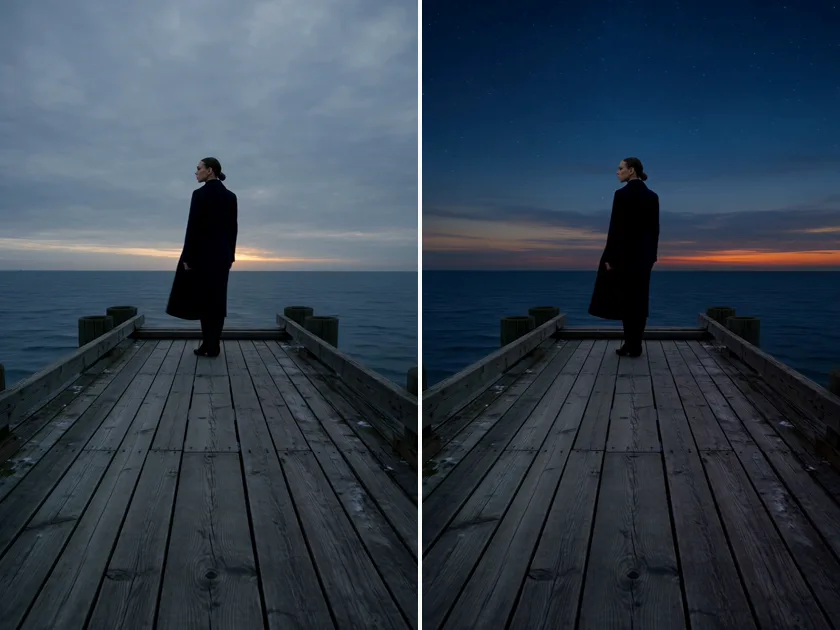
one take, changed by a sentence. open a take of 30 seconds or less and tap REMIX — beside DOWNLOAD, and under the newest take — then finish the sentence: what should change. "make it night." "add rain." the camera move, the framing, the timing and the sound stay; only what you named changes. it lands as a new take, and the original stays. or just ask: "remix take 4 so it's night". lettering on screen may not come out exact.
1 video credit per 5 seconds, plus 1 — a 5s take is 2, 8s is 3, 15s is 4, 30s is 7. a 4K take comes back in 1080p. charged only when it lands.
stitch
your takes, one video. on a signal with two or more takes, tap STITCH and pick 2 to 8 of them in the order you want — nixm™ joins them with hard cuts, each take keeping its own sound, everything framed to the first one, in HD. you see the length and the price before anything is spent: 1 video credit per 30s, up to 120s (4 credits). or just ask: "stitch take 3, 5 and 7". the originals stay; the stitch is a new take. + SCORE puts an instrumental score under it, cut to the length, dialogue kept clear — one more credit.
live
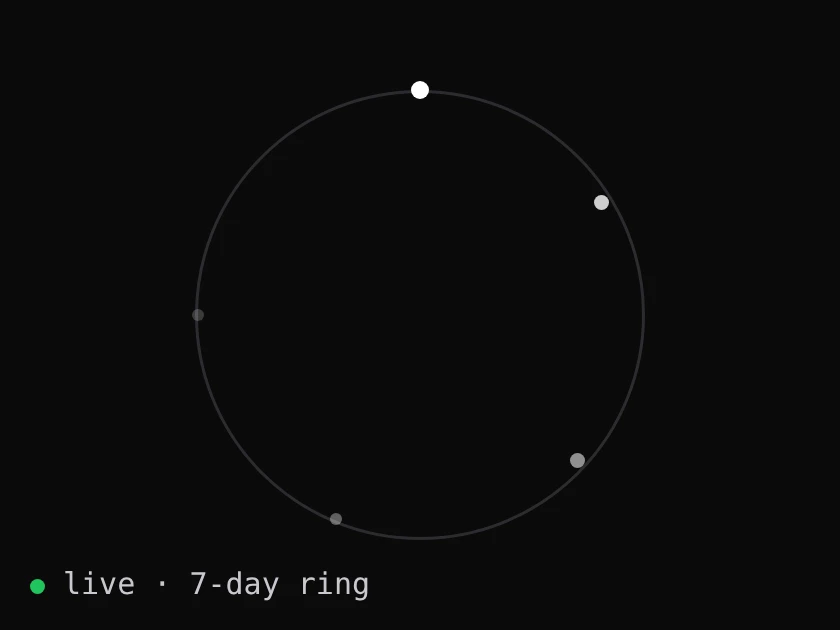
every signal, alive. each signal on nixm™ right now, as a point of light on a seven-day ring: born at the top, dissolving where it began. no names, no words, no owners. only how long each one has left.
web research
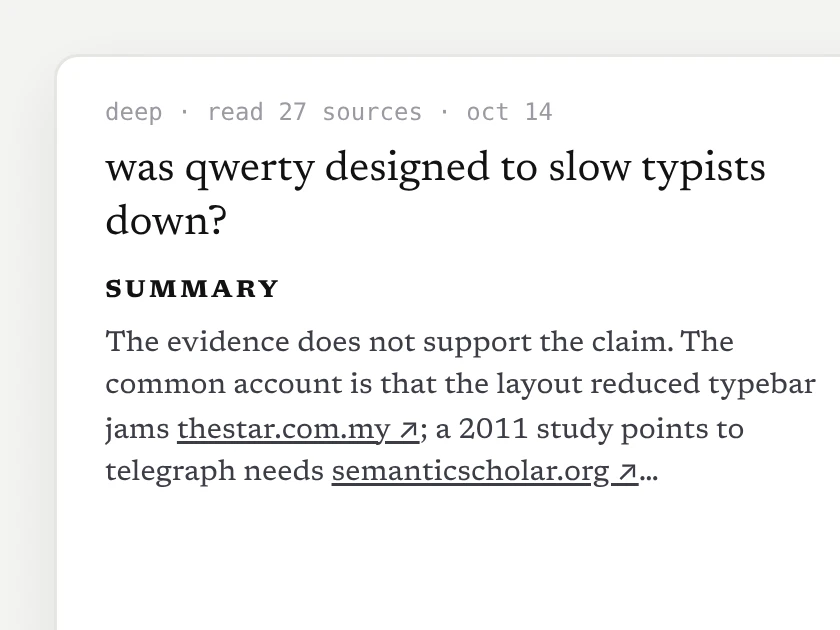
a researched doc, not a guess. ask nixm™ to look something up — or tap search the web when it's offered — and in about 10–15 seconds a short doc opens beside the chat: a direct answer, the findings, every source linked. it lands in the signal's research row, and nixm™ remembers what it found.
2 chat credits, charged only when the doc arrives. go deeper: a longer, sectioned report — 6 credits.
extend
eight seconds is where the shot starts, not where it ends. every finished clip now carries an EXTEND button — one press and the same shot carries on for about seven more seconds, one credit, no plan to join. press it again if it's still going somewhere. we cut the join down to about two tenths of a second by telling the model what it must not change; the writeup is in what extending a clip really does.
video gen
ask for a video, get a video. eight seconds, with its sound (a spoken line, ambience) in one pass. inline on mobile, side panel on desktop — expand, play, download. landscape, portrait, or square, detected from how you ask. HD or 4K — 1 video credit for HD, 2 for 4K. the sound is generated with the picture rather than added after — why that changes the result. how it compares with the rest of the field is in the best ai video generators of 2026.
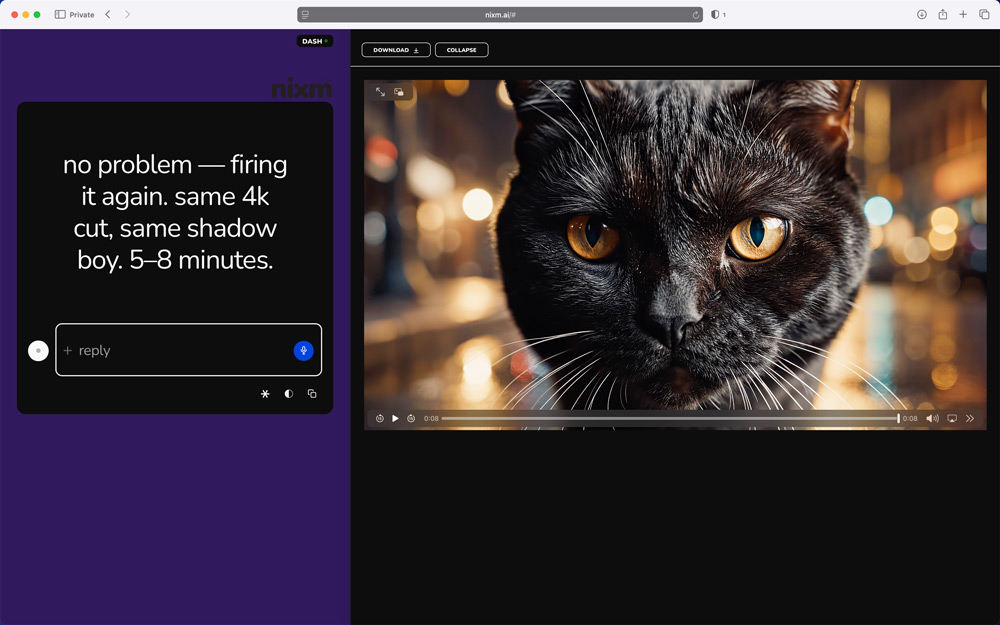
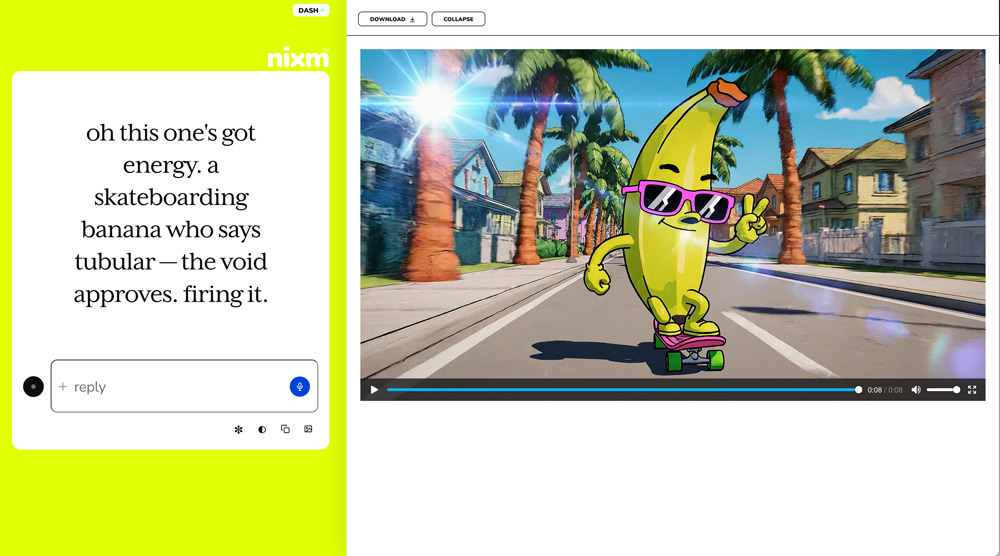
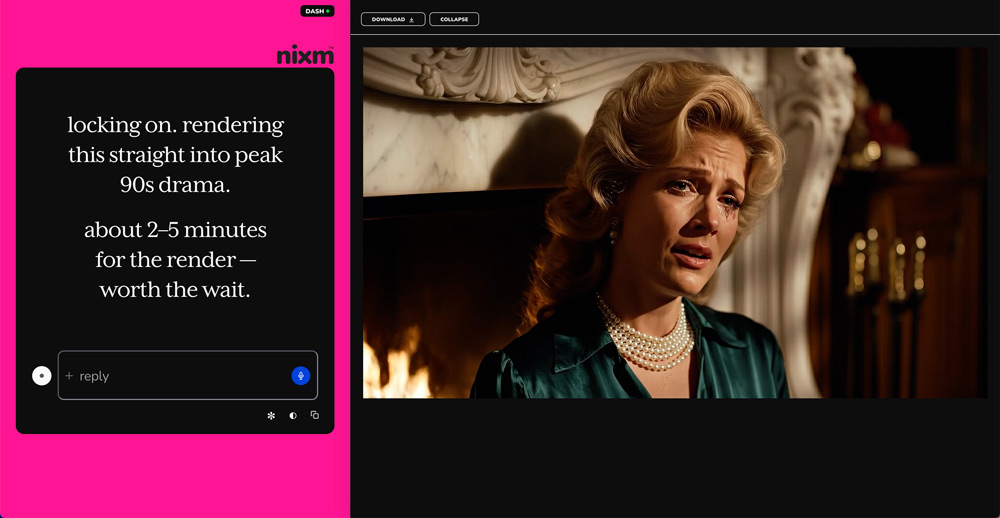
image gen
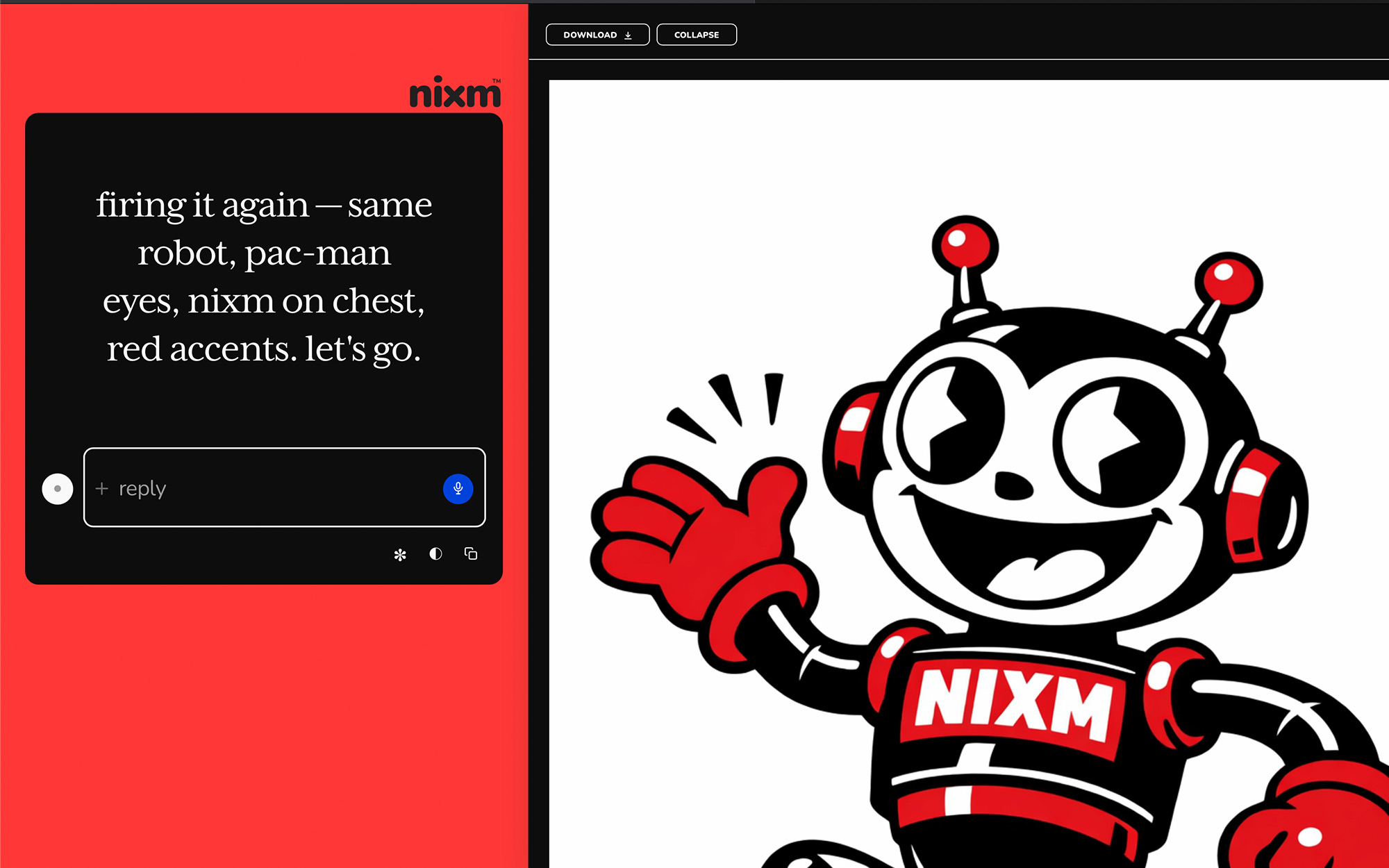
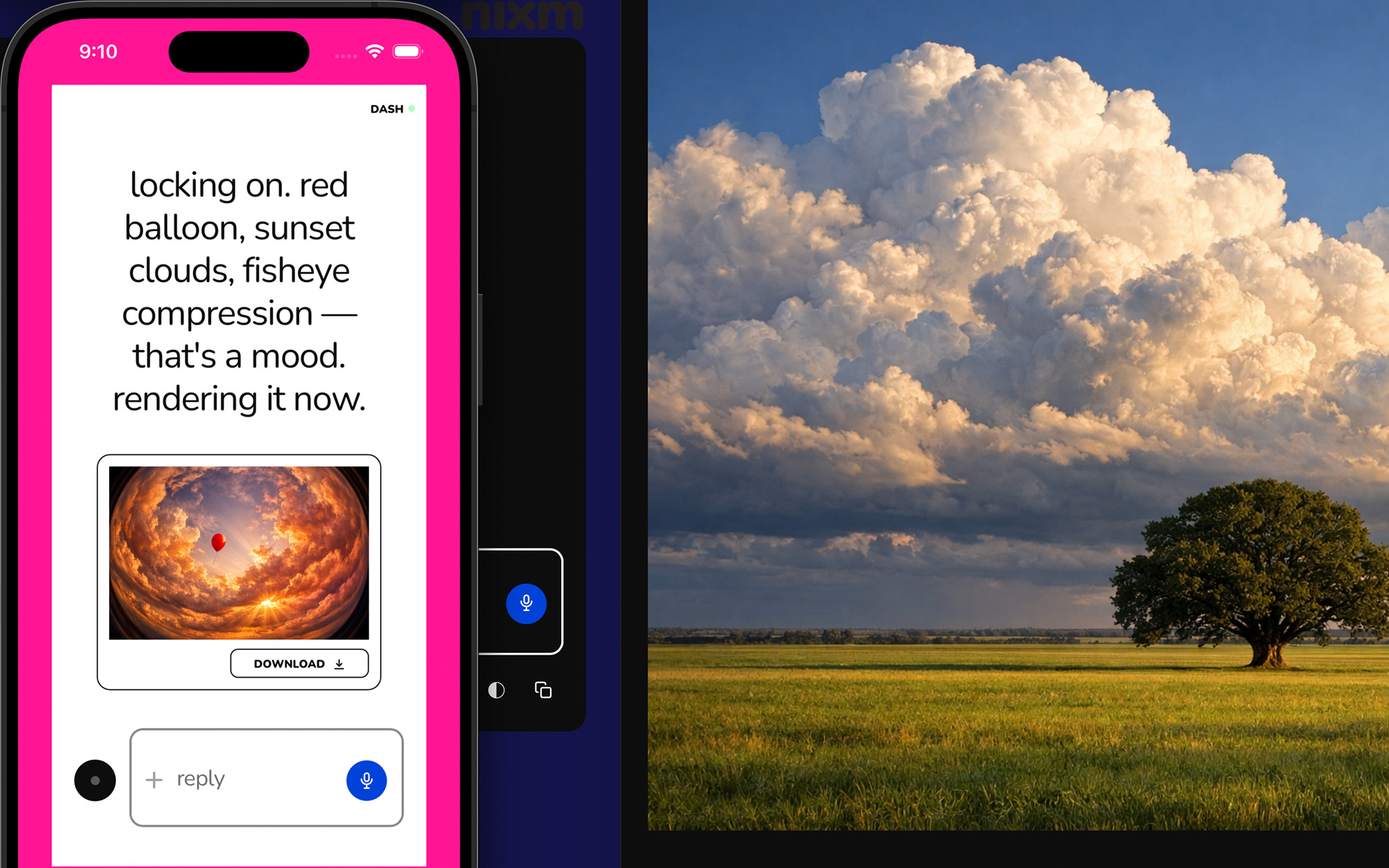
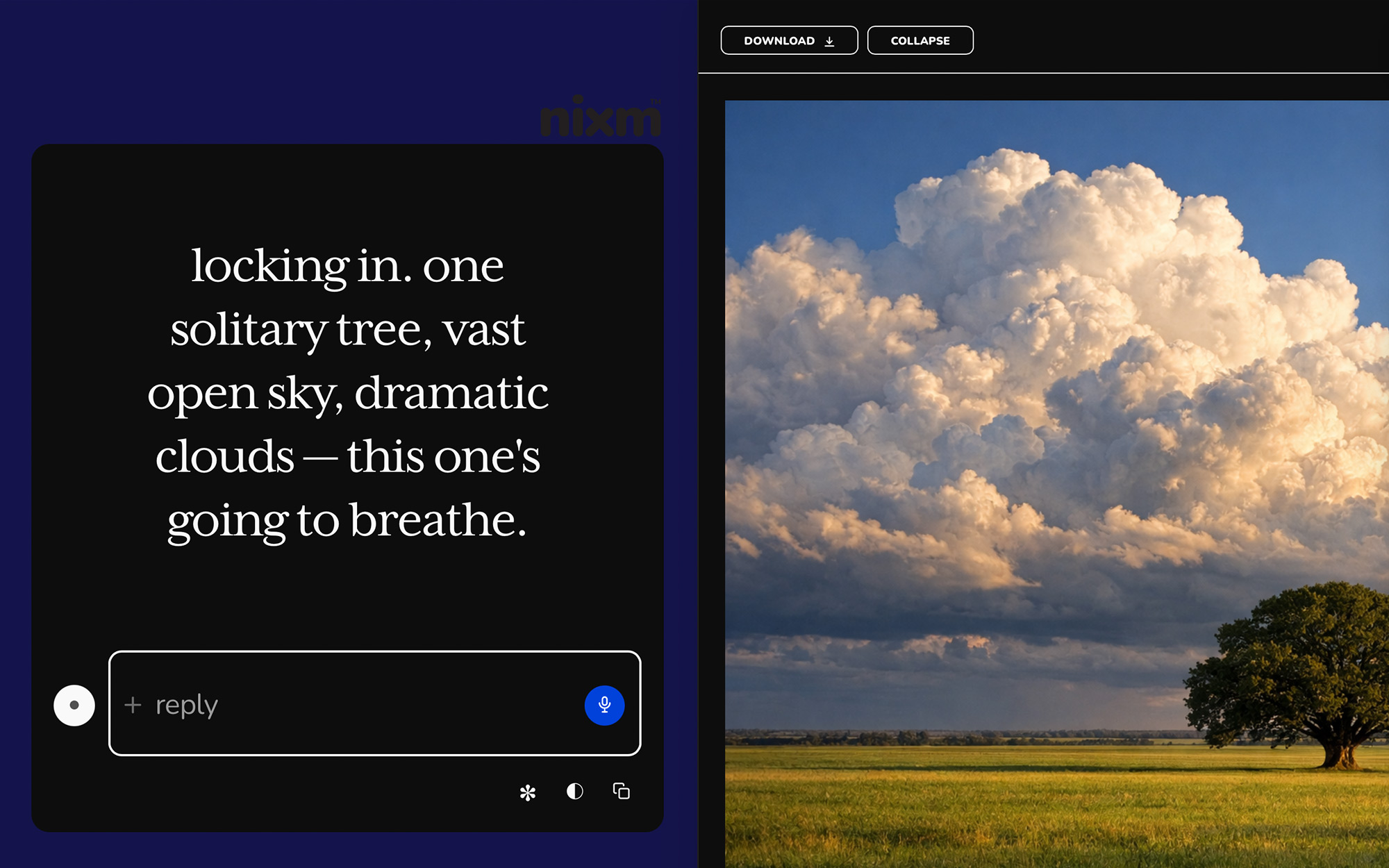
ask for an image, get an image. inline on mobile, side panel on desktop — expand, scroll, download. square, landscape, or portrait, detected from how you ask. 2 chat credits each. any image you make here can be set in motion as a clip. you can make the still without an account; what no sign-up actually gets you.
templates
pre-tuned signals for common modes. start a session already focused.
nixm-live
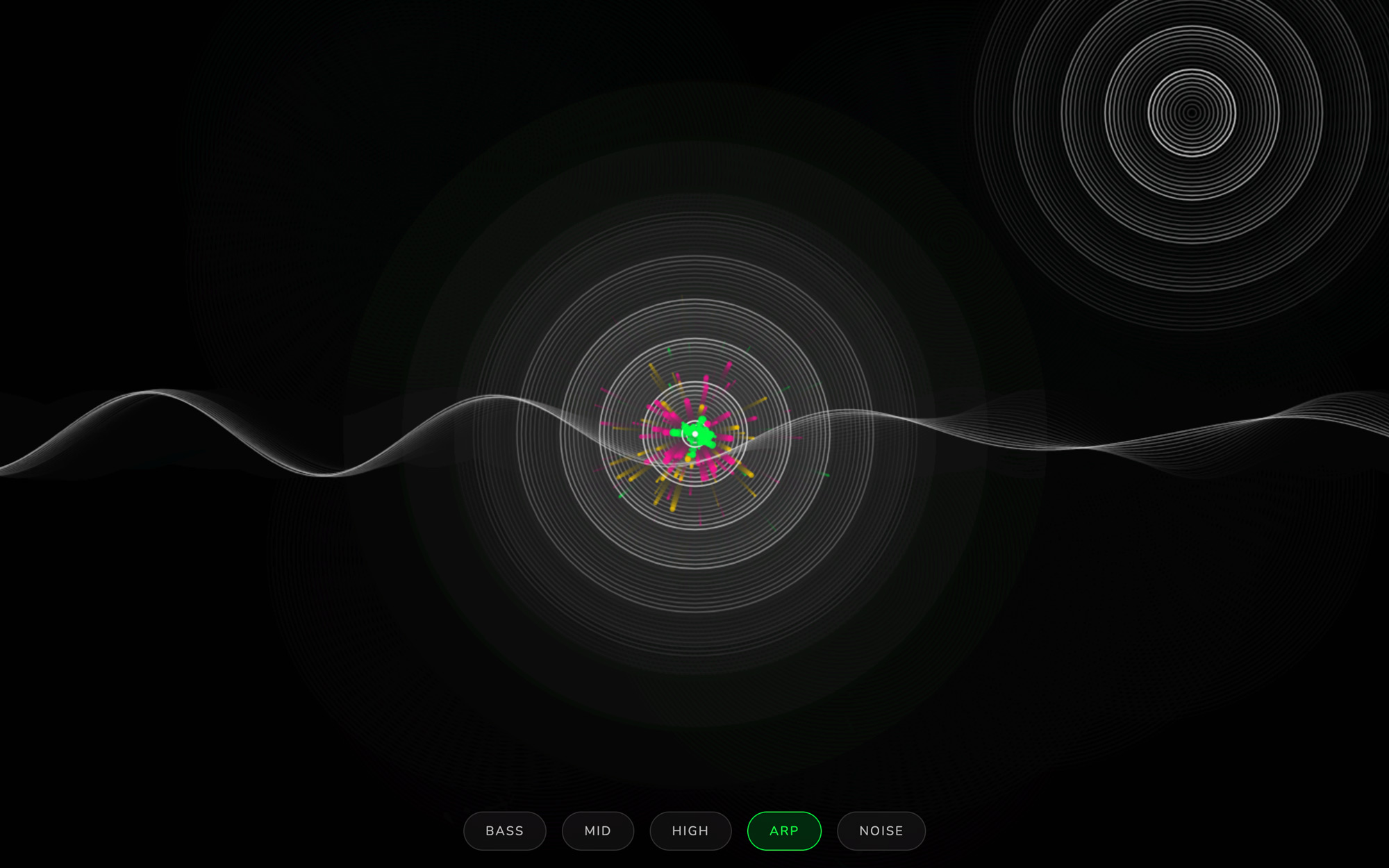
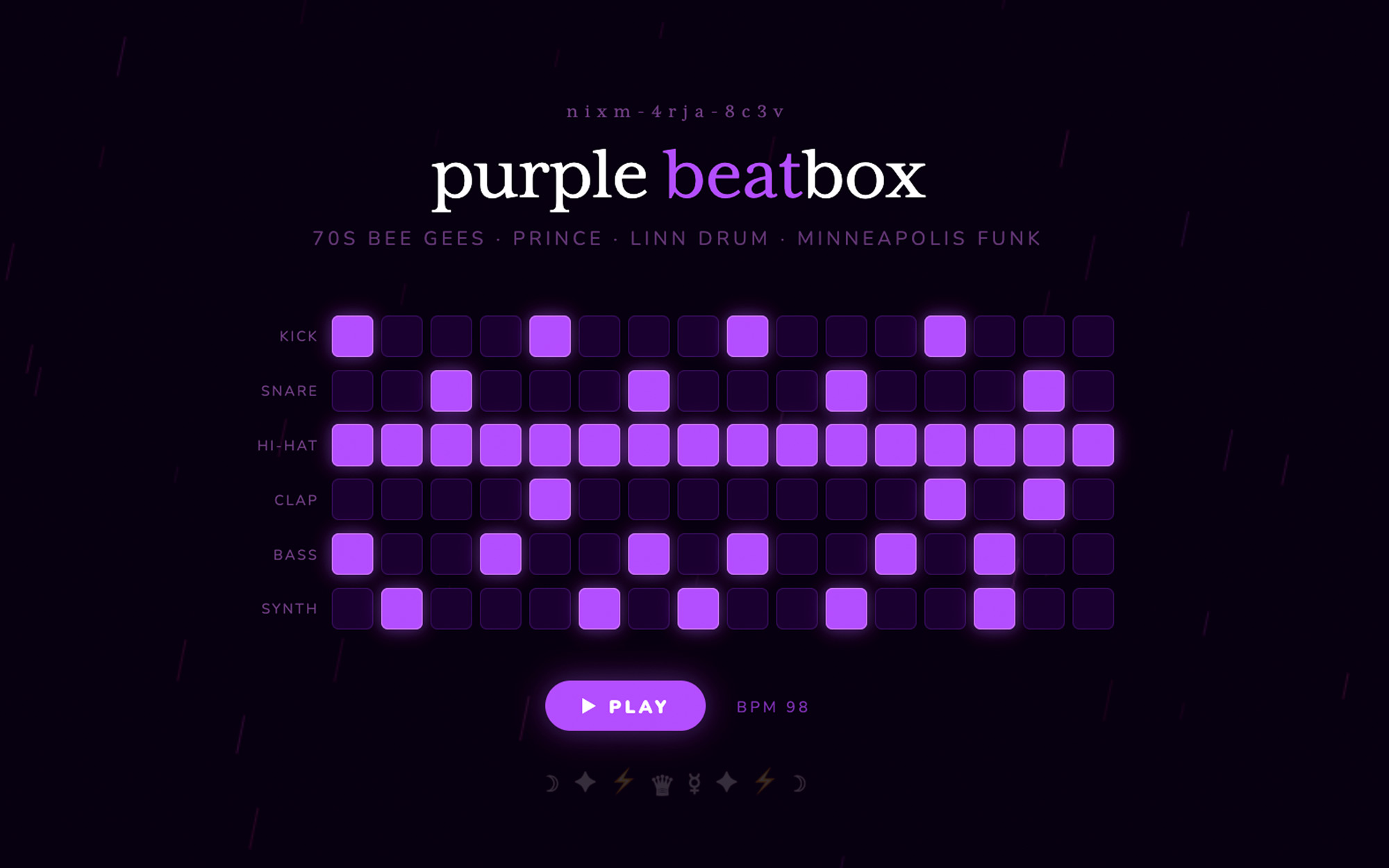
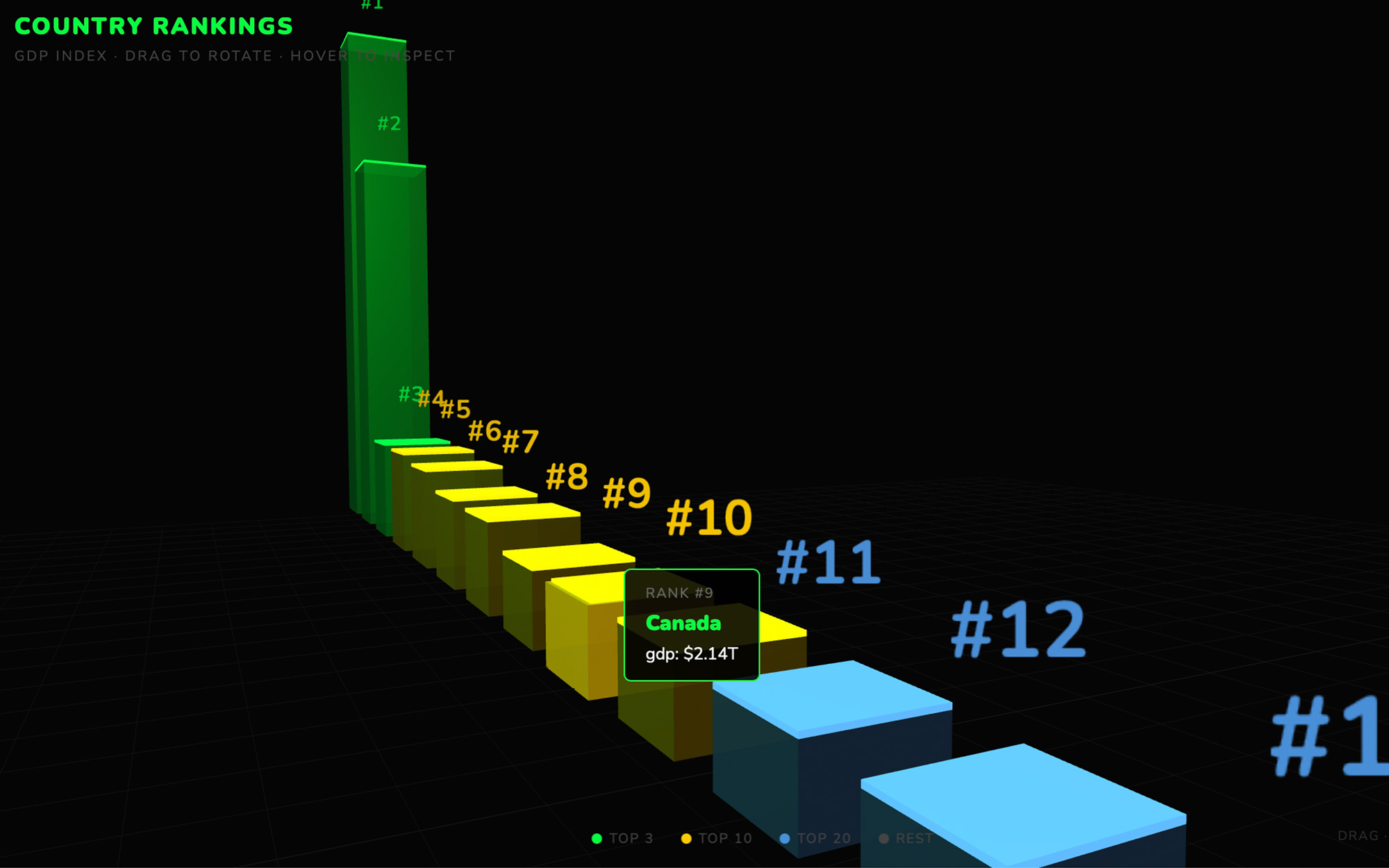
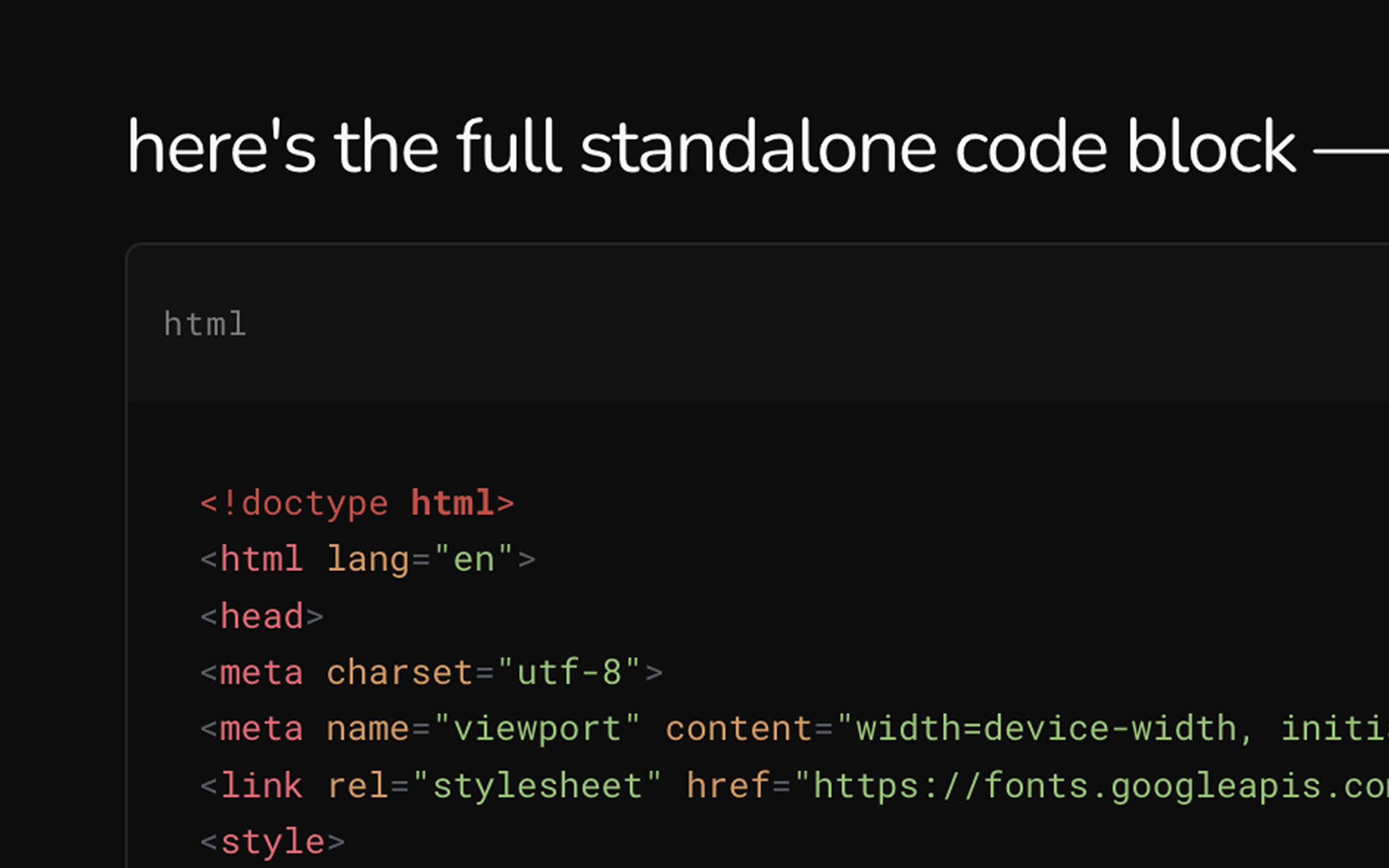
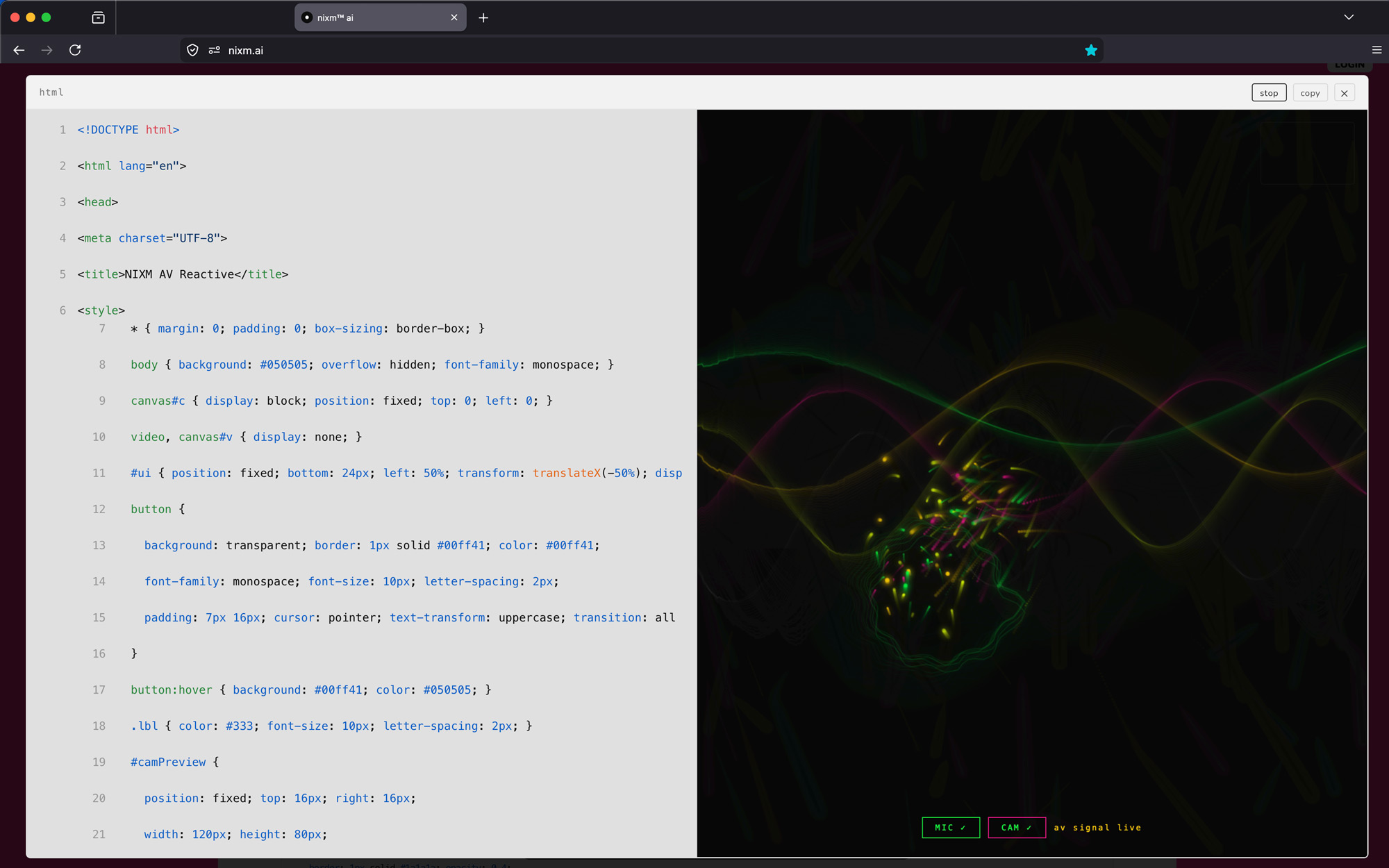
code that runs as it appears. ask nixm™ to show something visual and it renders live in the chat — no buttons, no waiting.
the runner
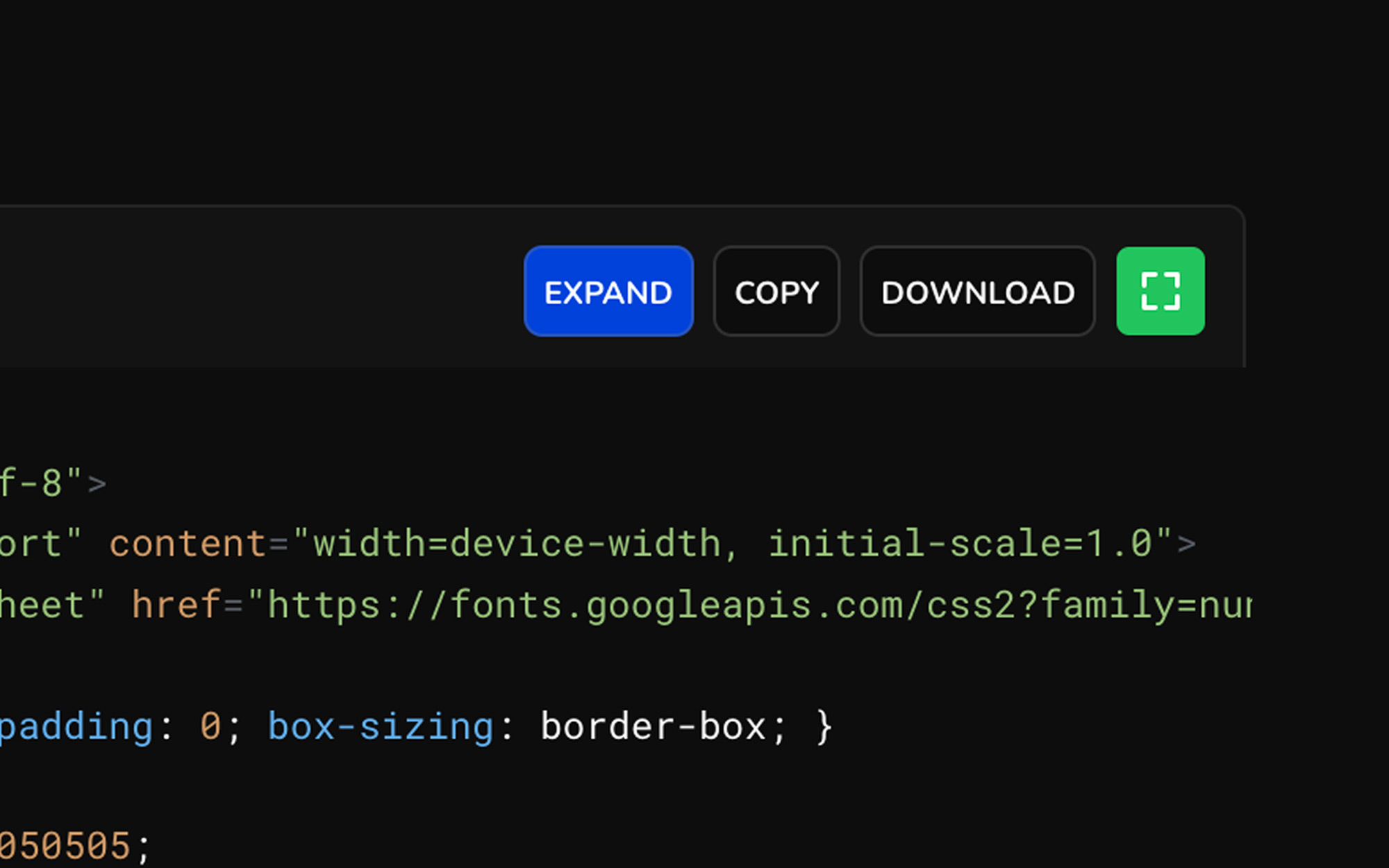
every code block is executable. expand any block to a full surface, run it, and watch the output. iterate without leaving the conversation.
every nixm is shareable.
seed a nixm. share the link. anyone who opens it enters the same focused intelligence you created — no setup, no re-explaining. the frequency holds for everyone.
signup free — 20 credits, plus a free video on us. drop your email to claim.
enter your email, then login to generate image or video.
next: nixms that act. not just a thread you share — a session that moves, drafts, and does. nixm™ is learning to reach.