

Image to video AI — turn a photo into a clip, and what it costs
Every image-to-video tool charges per render, because every render is real GPU time. What differs is where the login sits. On nixm you can upload a frame and work out the motion signed out; rendering needs an account — a free email sign-in, no card. A clip is eight seconds: HD costs one video credit, 4K costs two, and credits start at CA$19.99 for five and never expire.
You have a picture. You want it to move — a few seconds of it, with the camera drifting or the subject turning. Every tool that does this charges for it, and almost all of them want an account before they'll show you whether it works.
Here's what image-to-video actually costs, what drives the price, and where the account requirement is real versus where it's just a signup wall.
What does image-to-video actually do?
Your still becomes the first frame. The model generates the frames after it, guided by a short prompt describing the motion. That one detail explains most of what follows.
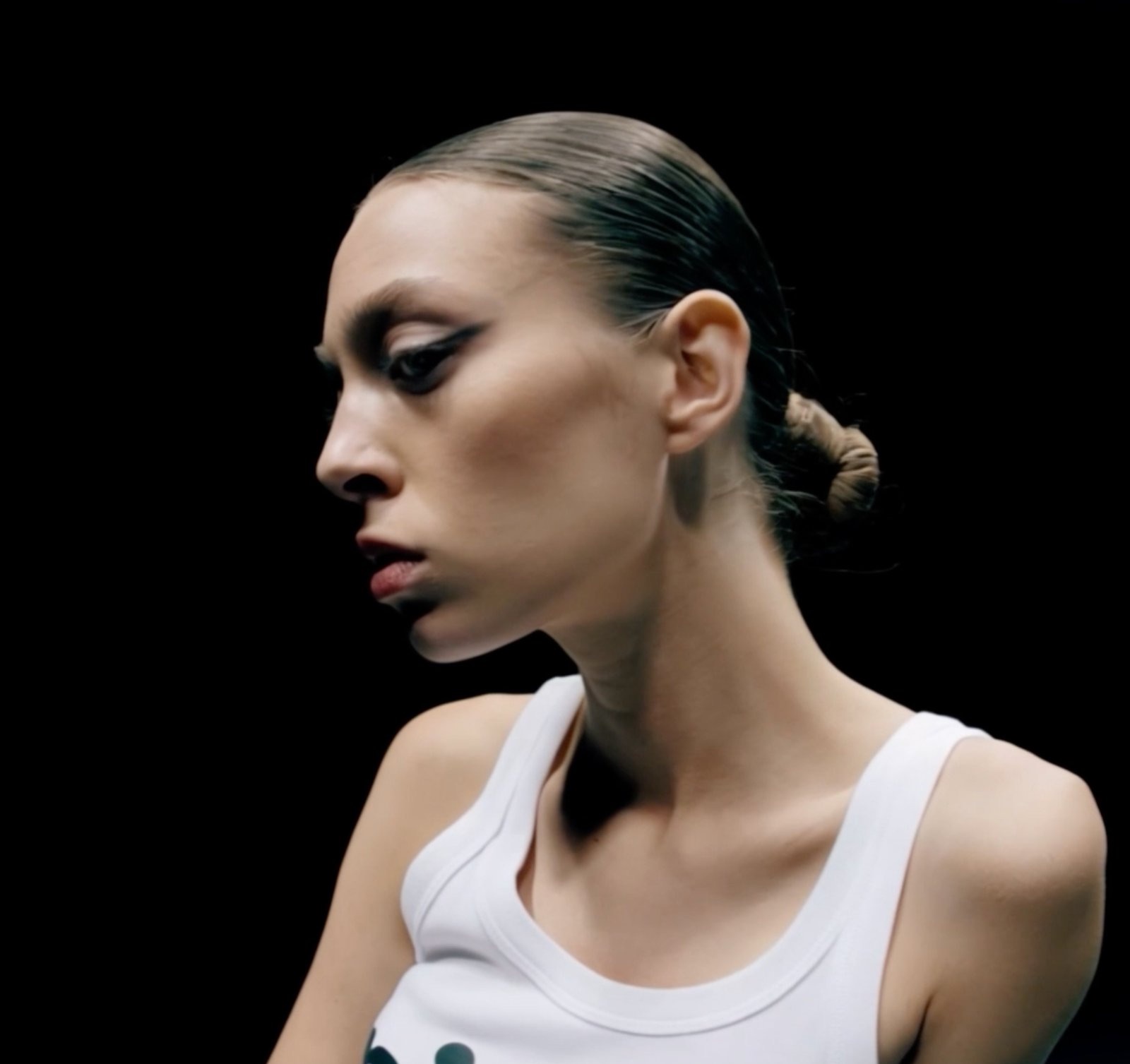
The source image constrains everything downstream — composition, lighting, wardrobe, the subject's face. You are not describing a scene from scratch; you are directing what happens next. A frame that is already well composed gives the model far less room to drift, which is why the frame is worth more attention than the prompt.
Clips are short by design. Most engines top out somewhere around five to fifteen seconds per render, because cost scales with the number of frames generated. On nixm a clip is eight seconds.
Motion prompts are about camera and subject movement, not about the scene. "Slow push in, the subject turns toward the light" does more work than a careful re-description of the photograph the model is already looking at. If you find yourself describing what's in the picture, you're spending words the model doesn't need. This is also the difference between animating a still and restyling footage you already have — two different jobs, covered in video-to-video versus image-to-video.
Why is it priced per clip and not per month?
Because every render is real GPU time. Text generation has a marginal cost close enough to zero that platforms can bundle it into a flat monthly fee and stop thinking about it. Video does not work that way — each clip is minutes of expensive compute that someone pays for, and how long a render takes is a fair proxy for what it costs to produce.
That is why subscription plans in this category almost always come with a credit allowance rather than unlimited use. When a plan does advertise unlimited generation, the limit has moved somewhere less visible — resolution caps, queue priority behind paying tiers, a watermark, or a monthly ceiling described in a footnote. The compute bill exists either way; the pricing page decides whether you see it. The same arithmetic is what makes Runway's monthly credits worth comparing against buying renders outright.
Three levers move the price on any engine: duration, resolution, and whether audio is generated. Compare like for like on all three or the comparison means nothing — a cheap-looking per-clip price for silent 480p is not the same product as one that includes native sound.
What does a clip cost on nixm?
One video credit renders an eight-second HD clip with native sound, in roughly two minutes. 4K costs two credits and takes about five to seven minutes. Audio is included at both resolutions — it isn't a separate charge.
Video credits are sold outright: CA$19.99 for five, CA$54.99 for fifteen, or CA$99.00 for thirty, with the per-clip cost falling as the pack gets larger. They never expire, so an occasional creator isn't paying for idle months. If you want chat and video together, the mixed bundles start at CA$4.99 for thirty chat messages and one video, and run up to CA$24.99 for one hundred messages and five videos. What a credit buys elsewhere, and which kinds expire, is broken down in what an AI video credit really costs.
Where does the account wall actually sit?
Start with the part nobody advertises: generating is not free anywhere. A tool that renders for you without an account is either absorbing the cost or capping you hard, and usually both. "No sign up" describes the door, not the economics.
When a tool does advertise free image-to-video, it is usually one of three shapes: a trial that converts to a monthly plan, a free tier carrying a watermark and a queue, or a daily cap built to upsell. None of them is free-forever at cinematic quality, because the compute bill does not go away when the pricing page stops mentioning it. The question worth asking is what you pay after the first clip.
What genuinely differs between tools is when the wall arrives. Some want a login before you can see the interface at all. Some let you explore and then stop you at your first render. Some only ask when there is money involved. The reason so many ask up front is that an account is what makes a render attributable — and on most platforms, what makes your prompts, uploads and outputs part of a profile that persists after you leave.
nixm's wall is at the render, not the door. Signed out, you can open the studio, upload your frame, talk through the motion and see what it proposes — enough to find out whether the thing understands your image before you hand over anything. Rendering requires an account, because a render costs real money and has to belong to someone. That account is an email magic link: no password, no card. There is usually a welcome offer for a first free video, claimed with a code shown in the app at checkout; because that code rotates, the app is the place to read it rather than this page.
One thing worth being straight about, since this article is otherwise about what tools keep: on nixm an image you upload is kept for exactly as long as the signal it belongs to — seven days, then it dissolves with everything else. Inside that window it is a real reference: name it, direct it, bring it back in a later scene. Outside it there is nothing to delete, because there is nothing left. That is not a different promise from the ephemeral chat. It is the same promise, applied to the file. If per-render pricing is the part you're weighing, that's the subject of AI video with no subscription.
What should you check before paying for a clip?
Six questions worth answering before any purchase, on any platform:
- Does the quoted price include generated audio, or is sound a separate charge?
- What resolution does the base price get you, and what does 4K cost on top?
- Do the credits expire — and do unused ones roll over, or reset monthly?
- Is there a watermark on the free or entry tier?
- Can you download the file, or only share a link to it?
- What happens to your uploaded image after the render — is it discarded, kept as a reference, or used for training?
The last one has the widest range of answers and the least prominent documentation. Tools differ enormously here, and "stored" is not automatically worse than "deleted" — a stored reference is what lets you reuse a character across clips. It only becomes a problem when you assumed the opposite.
Making something for the holidays? A Christmas video greeting from one photo walks through the prompts that work.
So is a subscription or per-render cheaper?
The useful question isn't which engine is best. It's whether you are going to make one video or fifty.
That single number decides the answer, and it's the number pricing pages are built to keep you from doing the arithmetic on. Make fifty clips a month and a plan with a generous allowance will beat buying renders one at a time. Make three, and a monthly fee is mostly paying for the weeks you didn't open the tab. Work out which you are before you read anyone's pricing page — including this one.
frequently asked
Can I turn an image into a video without an account?
You can upload the frame and work out the motion on nixm signed out. Composing a still and rendering require an account, a free email sign-in with no card. No platform renders for free without limits, because every clip is real GPU time.
How much does one AI image-to-video clip cost?
On nixm, one video credit renders an eight-second HD clip with sound; 4K costs two credits. Credits are CA$19.99 for five, CA$54.99 for fifteen, or CA$99.00 for thirty, and they never expire.
Is sound included or charged separately?
On nixm, native audio is included at both HD and 4K with no extra charge. On other platforms it varies, which is why per-clip prices are only comparable once you know whether audio is in them.
How long is an AI-generated clip from an image?
Eight seconds on nixm. Most engines land somewhere between five and fifteen seconds per render, because cost scales with the number of frames generated.
Do AI video credits expire?
On nixm they do not — they are a one-time purchase. Subscription credits commonly reset each month, which is the detail worth checking before comparing a plan against buying renders outright.
What happens to an image I upload?
On nixm it is a reusable reference for the life of the signal it belongs to — name it and direct it across later scenes — and it dissolves with that signal after seven days. Other platforms differ widely, so it is worth checking rather than assuming either answer.
Why do most image-to-video tools require a login first?
An account makes a render attributable to someone who can be charged for it, and on most platforms it also ties your prompts and outputs to a persistent profile.

try it now · cinematic studio
cast one character. put it anywhere.
cinematic ai video, with sound. nixm proposes every scene before a credit is spent.

Enter your email and receive a link to sign in. No passwords, just a secure signal to connect.
why connect
- 20 free credits to start
- your signals, remembered
- buy more credits anytime
- image & video generation features
defaults for new renders on this signal. collaborators see them read-only.
existing takes don't change
two signals. one mind.
most AI starts every conversation from zero. you arrive, explain yourself, refine, re-refine, watch the model drift back to defaults. five messages to reach one good answer. ten more to keep it on track.
nixm™ flips that. every nixm has two signals primed before you ever arrive — an intent signal that holds the mission, and a collab signal that holds the settings.
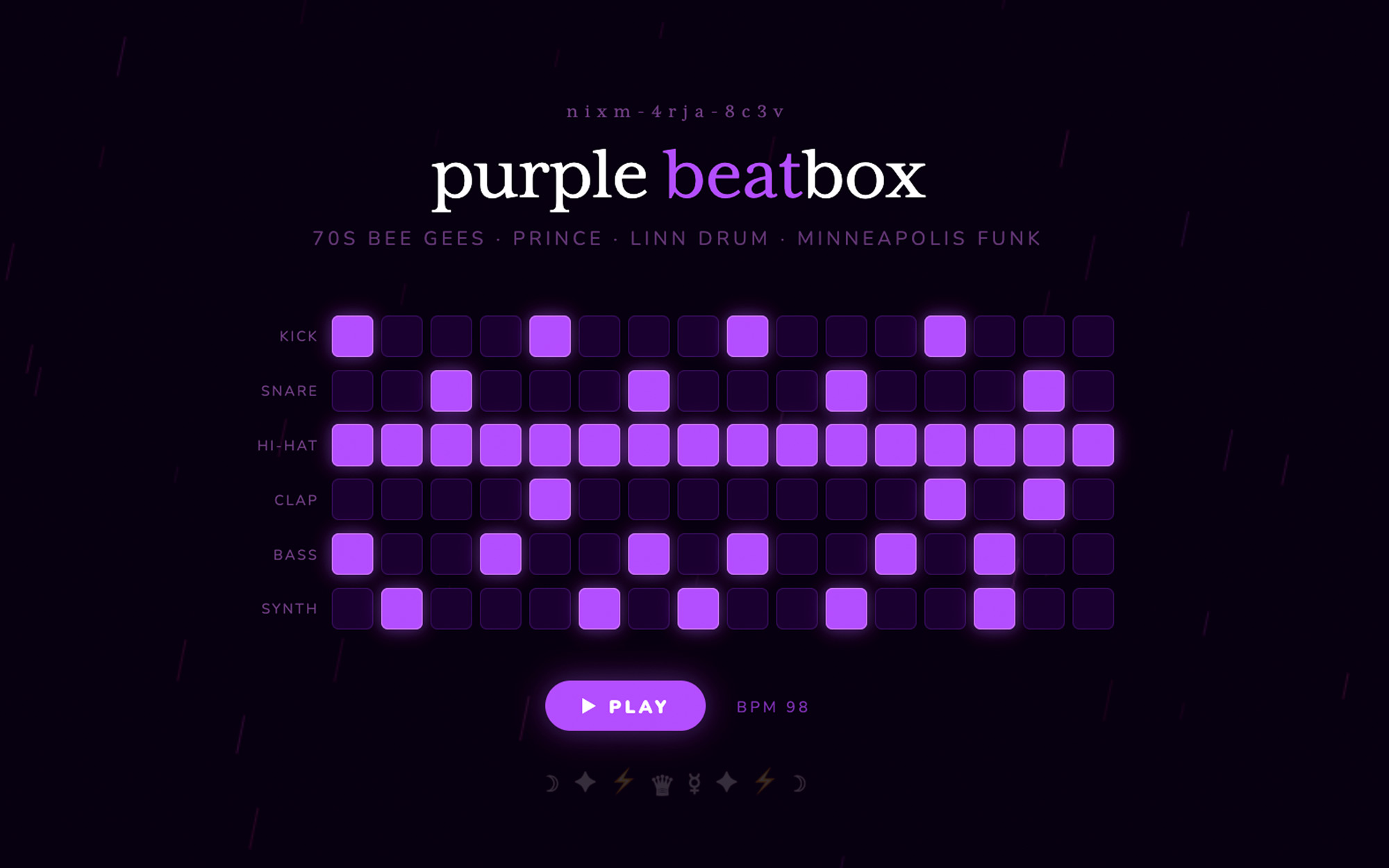
intent is what you're trying to make. build a beatbox. write a brand brief in editorial tone. visualize photosynthesis in 3d. that signal is locked from the moment the URL loads.
collab is everything else — constraints, voice, references, what to avoid, what to lean into. it's the producer's notes. the model isn't reading them when you arrive. they were already in the room.
you say one thing. nixm™ answers refined.
this is the difference. not the model — the model is interchangeable. the difference is that nixm™ hands the model a primed signal, not a blank room.
recent unlocks.
capabilities that surfaced from the lab. fresh frequencies, freshly tuned.
CAST
the same face, a new scene. most AI video forgets your character between clips — you describe her again and a stranger comes back. cast a character once, from a photo or a frame you rendered, name it, and it holds. then direct it anywhere: an alley at 3am, a desert at golden hour, two characters in one frame. 3 to 30 seconds, one shot or several, landscape or vertical — 1 video credit per 5 seconds, sound in the same pass. nixm shows you the shot and the price before it spends anything. holding a character across a whole sequence is its own craft — what continuity actually takes.
lip sync
a cast character that speaks. give her a line and the voice and the mouth come back together, in one pass. nothing recorded, nothing dubbed. lip sync works: a line you write is spoken on the character's lips. short lines fit an 8-second shot. two takes, and what seems to make the difference: what a spoken line does on nixm, from two clips.
cinematic studio
direct a single unforgettable frame. tell nixm a fragment — a character, a mood, a moment you half-see — and it casts the scene with you: lens, light, motion, the decisive instant. when the frame lands, set it in motion as a short clip. you bring the spark. nixm directs. if you have never done this before, the route from idea to finished clip is the place to start. if you came from sora, here is where to make video now.
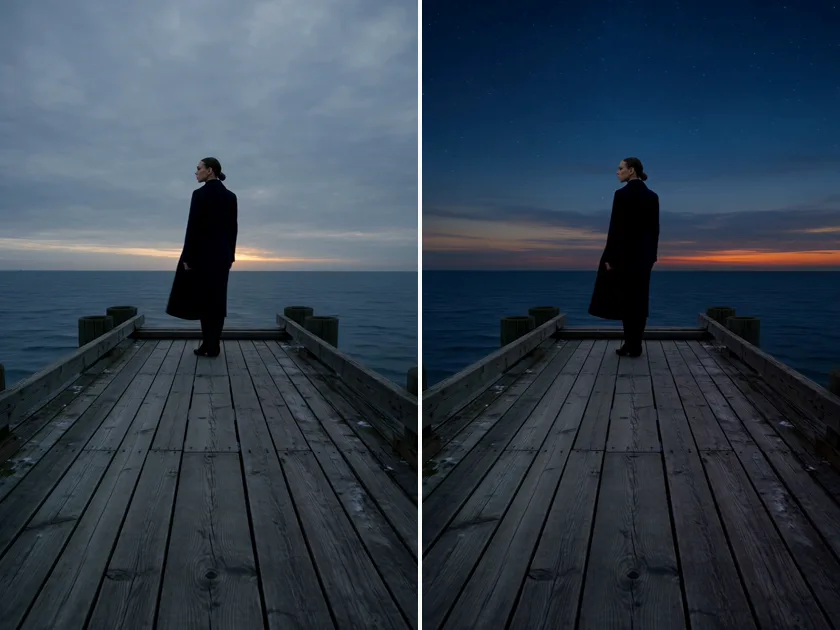
remix
one take, changed by a sentence. open a take of 30 seconds or less and tap REMIX — beside DOWNLOAD, and under the newest take — then finish the sentence: what should change. "make it night." "add rain." the camera move, the framing, the timing and the sound stay; only what you named changes. it lands as a new take, and the original stays. or just ask: "remix take 4 so it's night". lettering on screen may not come out exact.
1 video credit per 5 seconds, plus 1 — a 5s take is 2, 8s is 3, 15s is 4, 30s is 7. a 4K take comes back in 1080p. charged only when it lands.
stitch
your takes, one video. on a signal with two or more takes, tap STITCH and pick 2 to 8 of them in the order you want — nixm™ joins them with hard cuts, each take keeping its own sound, everything framed to the first one, in HD. you see the length and the price before anything is spent: 1 video credit per 30s, up to 120s (4 credits). or just ask: "stitch take 3, 5 and 7". the originals stay; the stitch is a new take. + SCORE puts an instrumental score under it, cut to the length, dialogue kept clear — one more credit.
live
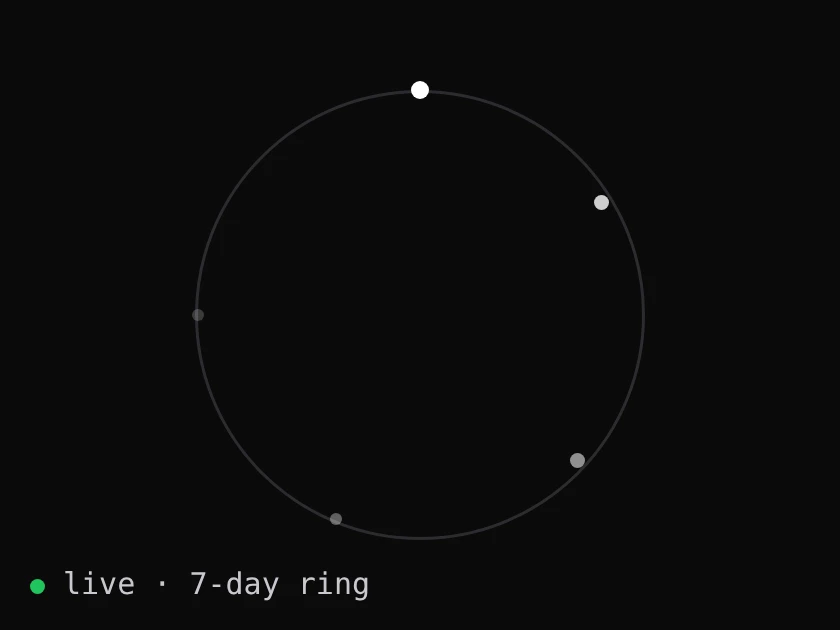
every signal, alive. each signal on nixm™ right now, as a point of light on a seven-day ring: born at the top, dissolving where it began. no names, no words, no owners. only how long each one has left.
web research
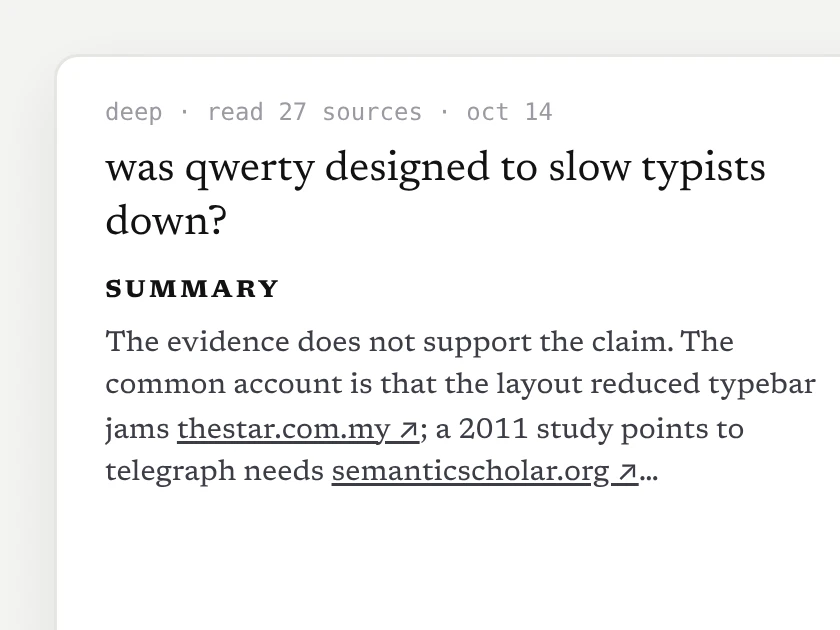
a researched doc, not a guess. ask nixm™ to look something up — or tap search the web when it's offered — and in about 10–15 seconds a short doc opens beside the chat: a direct answer, the findings, every source linked. it lands in the signal's research row, and nixm™ remembers what it found.
2 chat credits, charged only when the doc arrives. go deeper: a longer, sectioned report — 6 credits.
extend
eight seconds is where the shot starts, not where it ends. every finished clip now carries an EXTEND button — one press and the same shot carries on for about seven more seconds, one credit, no plan to join. press it again if it's still going somewhere. we cut the join down to about two tenths of a second by telling the model what it must not change; the writeup is in what extending a clip really does.
video gen
ask for a video, get a video. eight seconds, with its sound (a spoken line, ambience) in one pass. inline on mobile, side panel on desktop — expand, play, download. landscape, portrait, or square, detected from how you ask. HD or 4K — 1 video credit for HD, 2 for 4K. the sound is generated with the picture rather than added after — why that changes the result. how it compares with the rest of the field is in the best ai video generators of 2026.
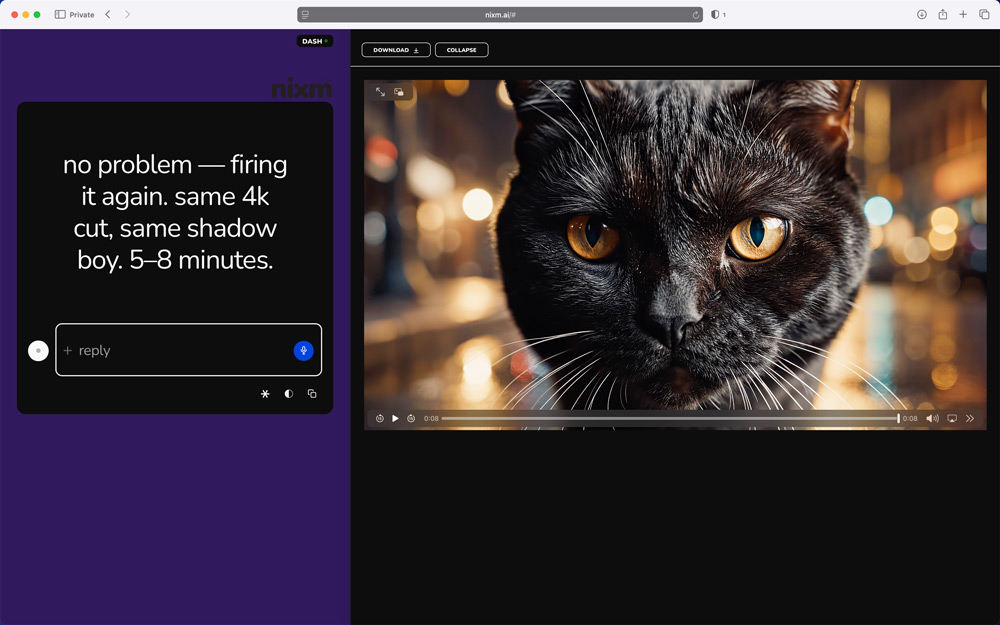
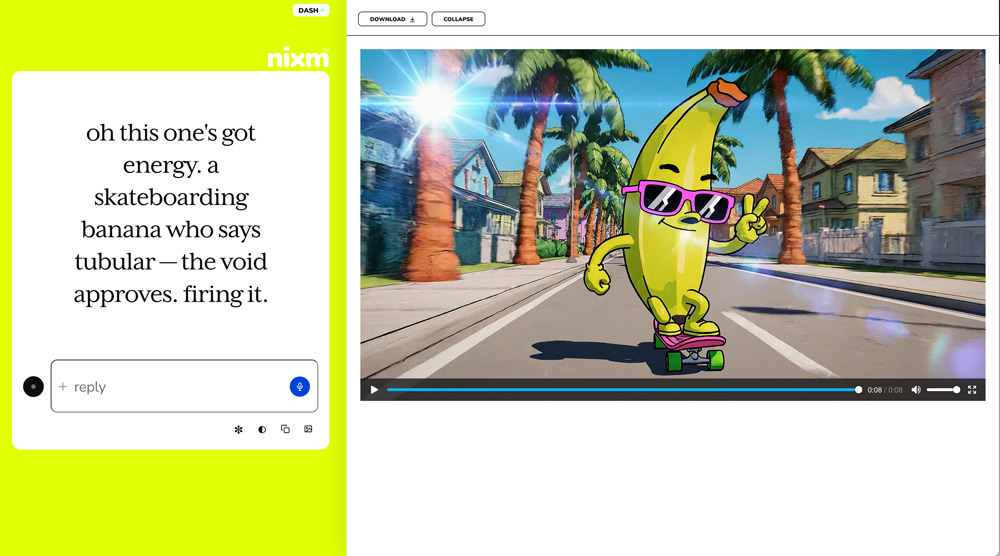
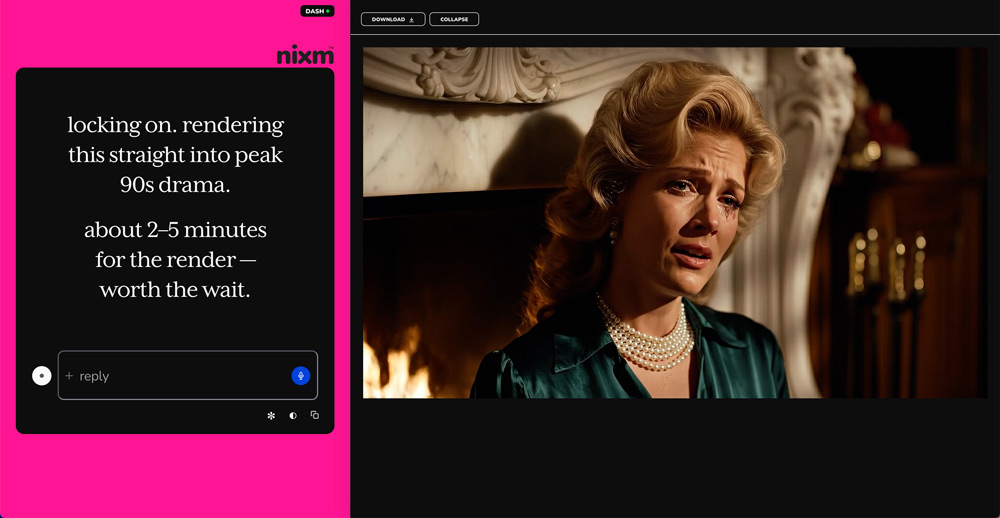
image gen
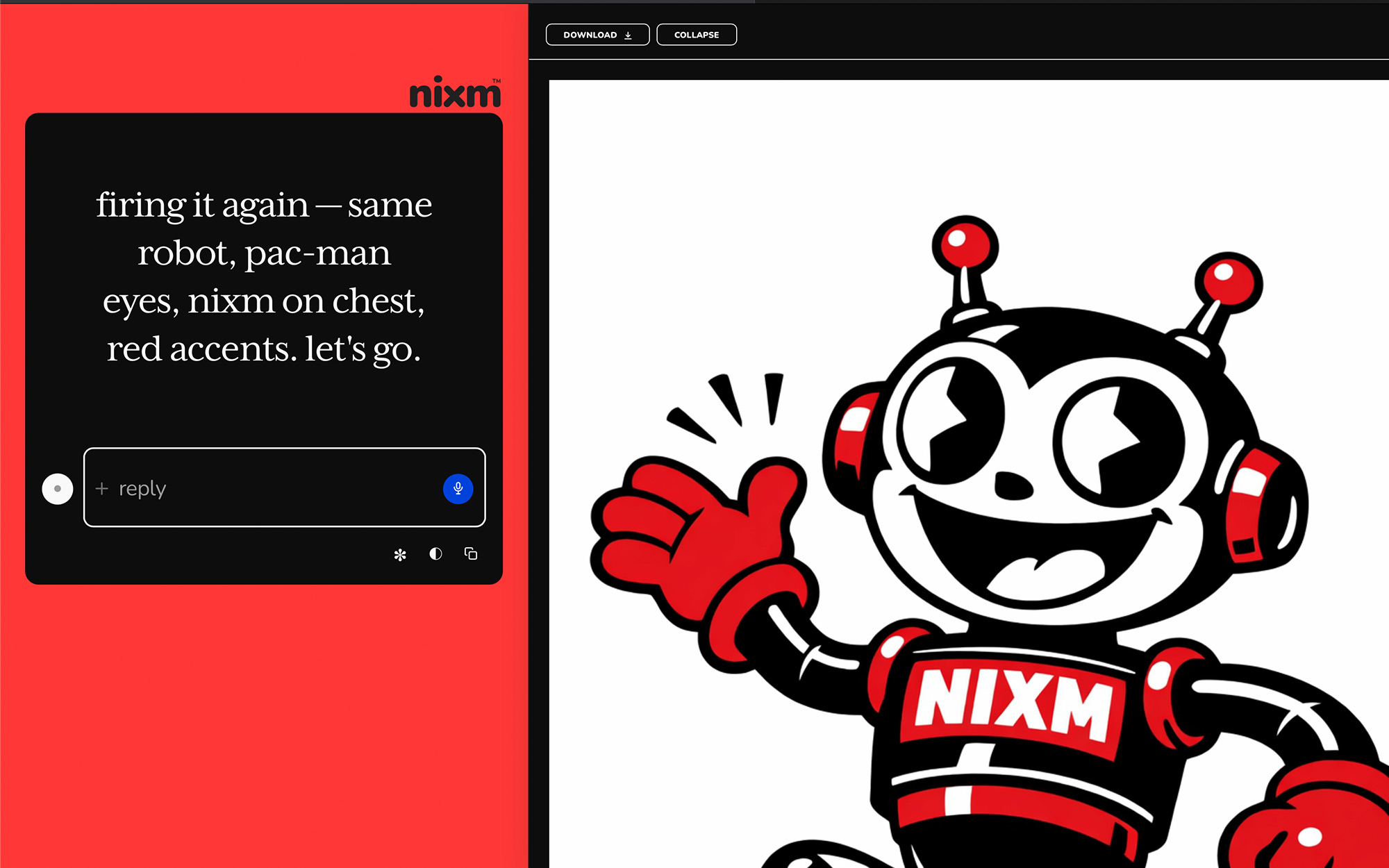
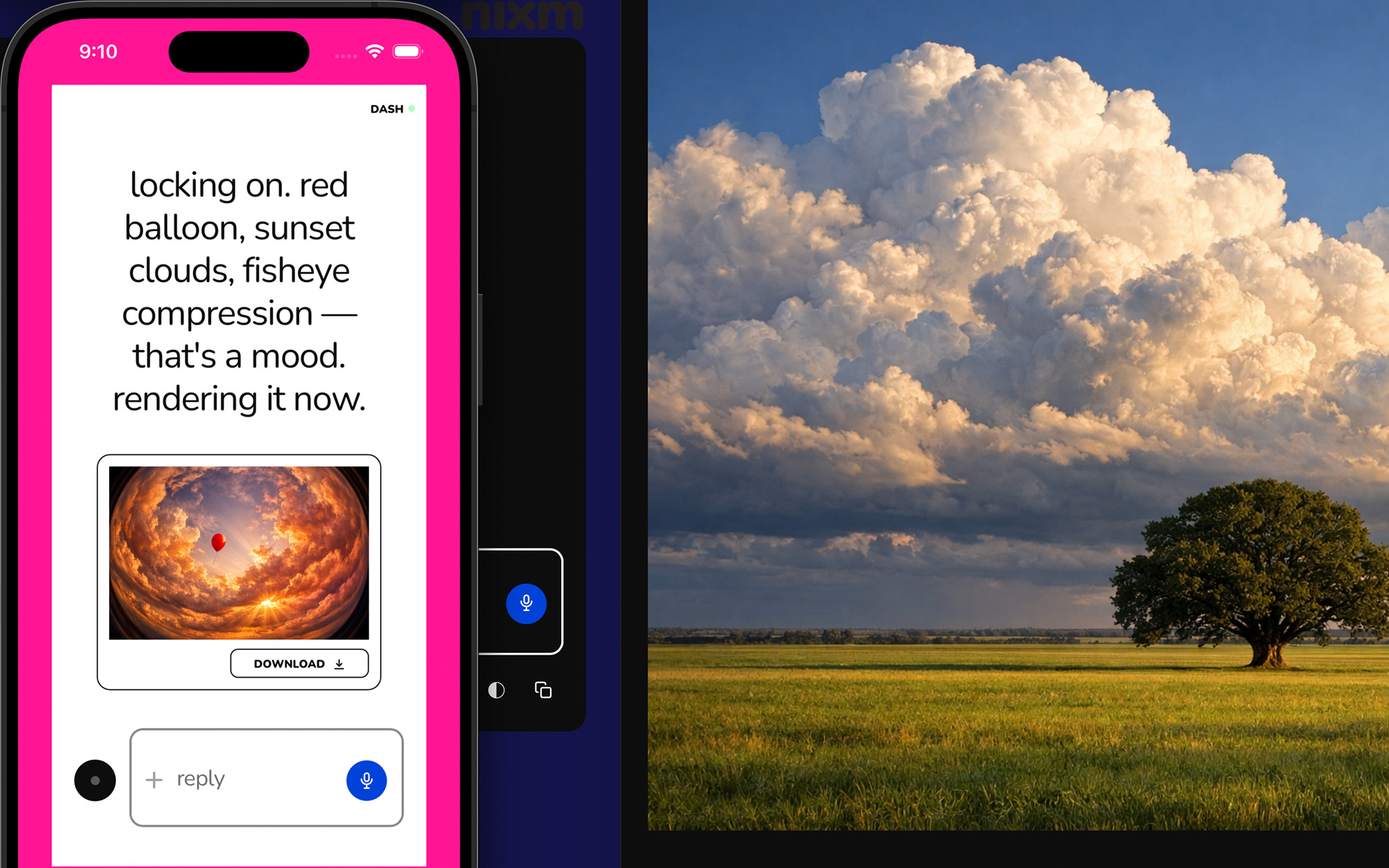
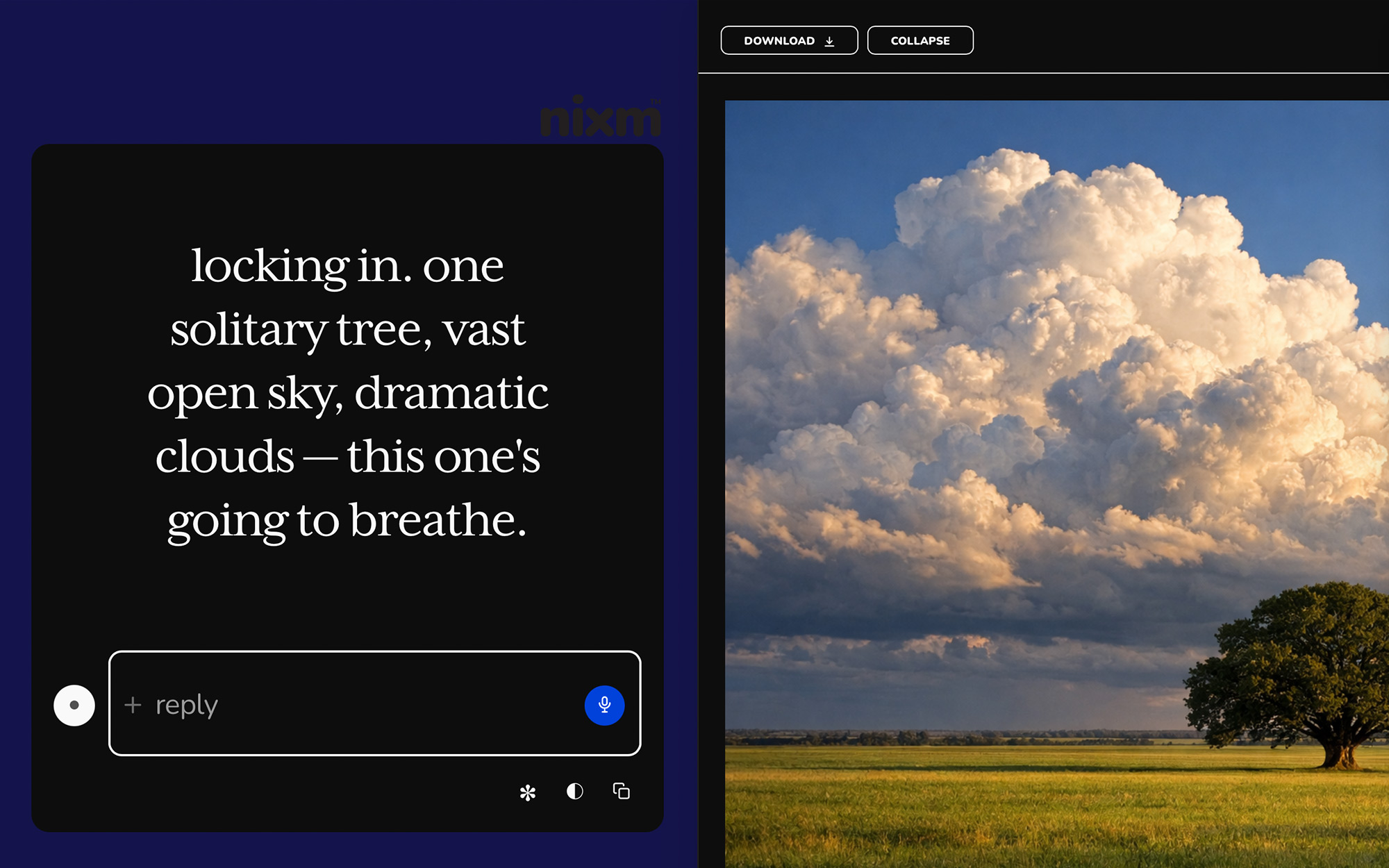
ask for an image, get an image. inline on mobile, side panel on desktop — expand, scroll, download. square, landscape, or portrait, detected from how you ask. 2 chat credits each. any image you make here can be set in motion as a clip. you can make the still without an account; what no sign-up actually gets you.
templates
pre-tuned signals for common modes. start a session already focused.
nixm-live
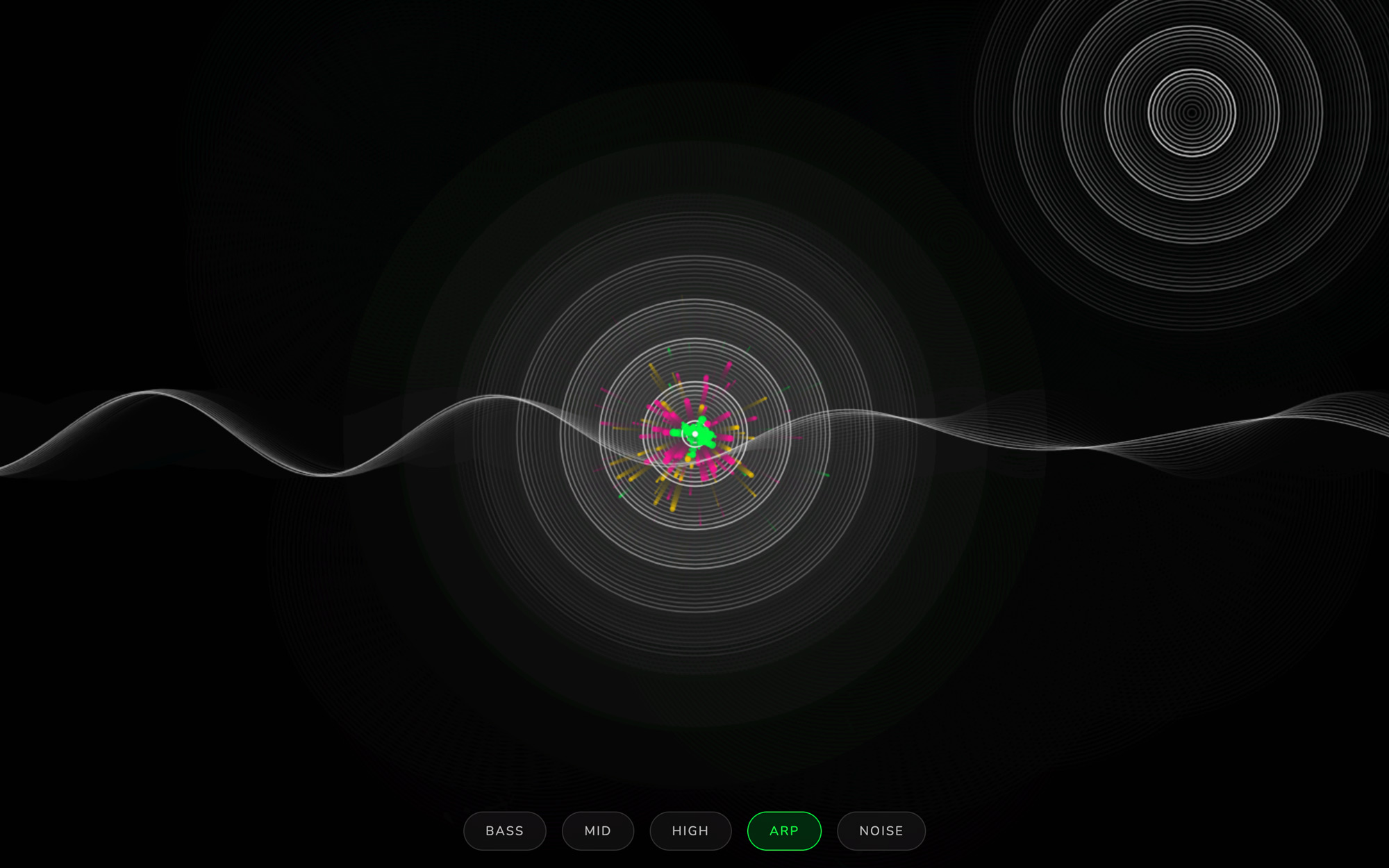
code that runs as it appears. ask nixm™ to show something visual and it renders live in the chat — no buttons, no waiting.
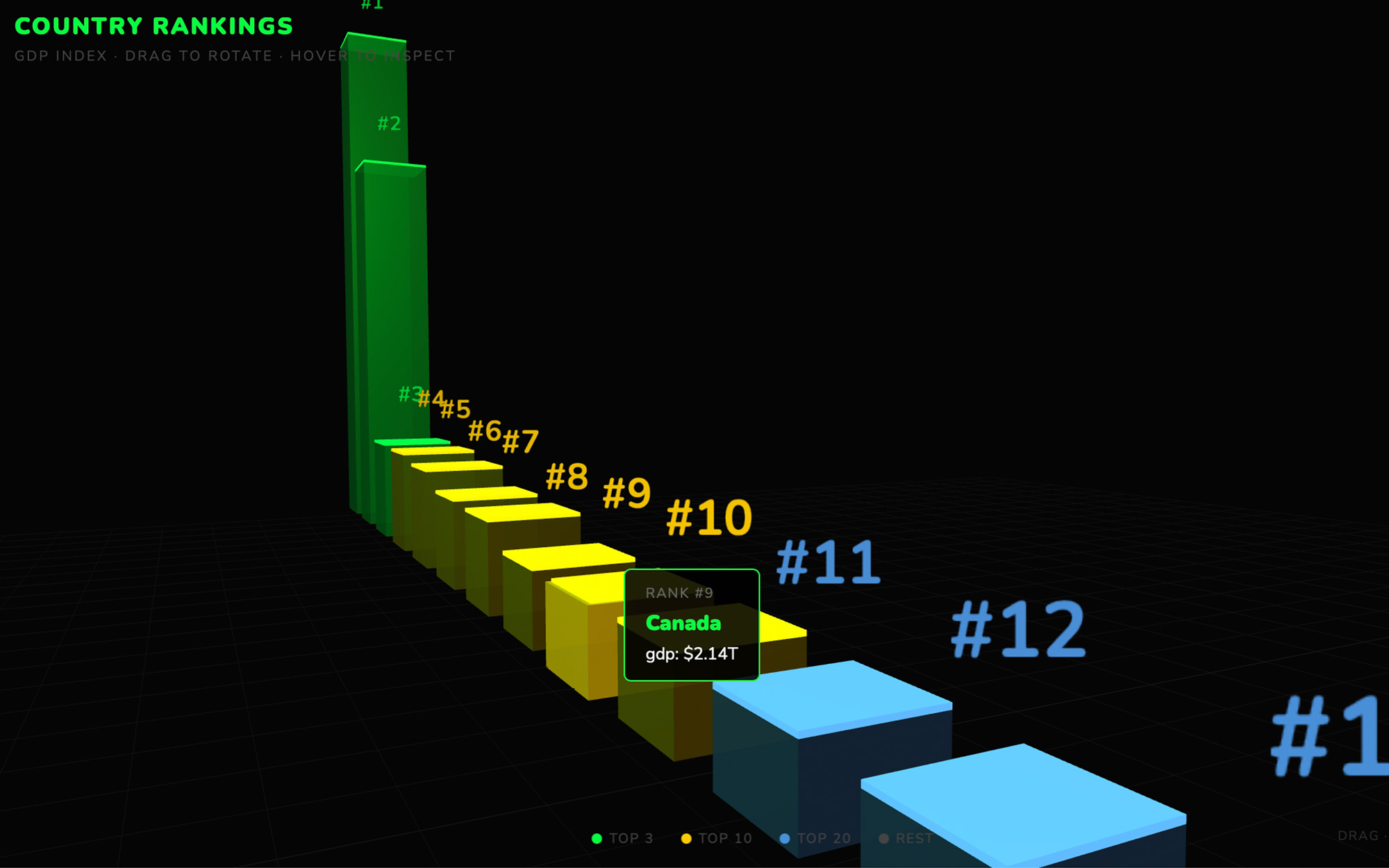
the runner
every code block is executable. expand any block to a full surface, run it, and watch the output. iterate without leaving the conversation.
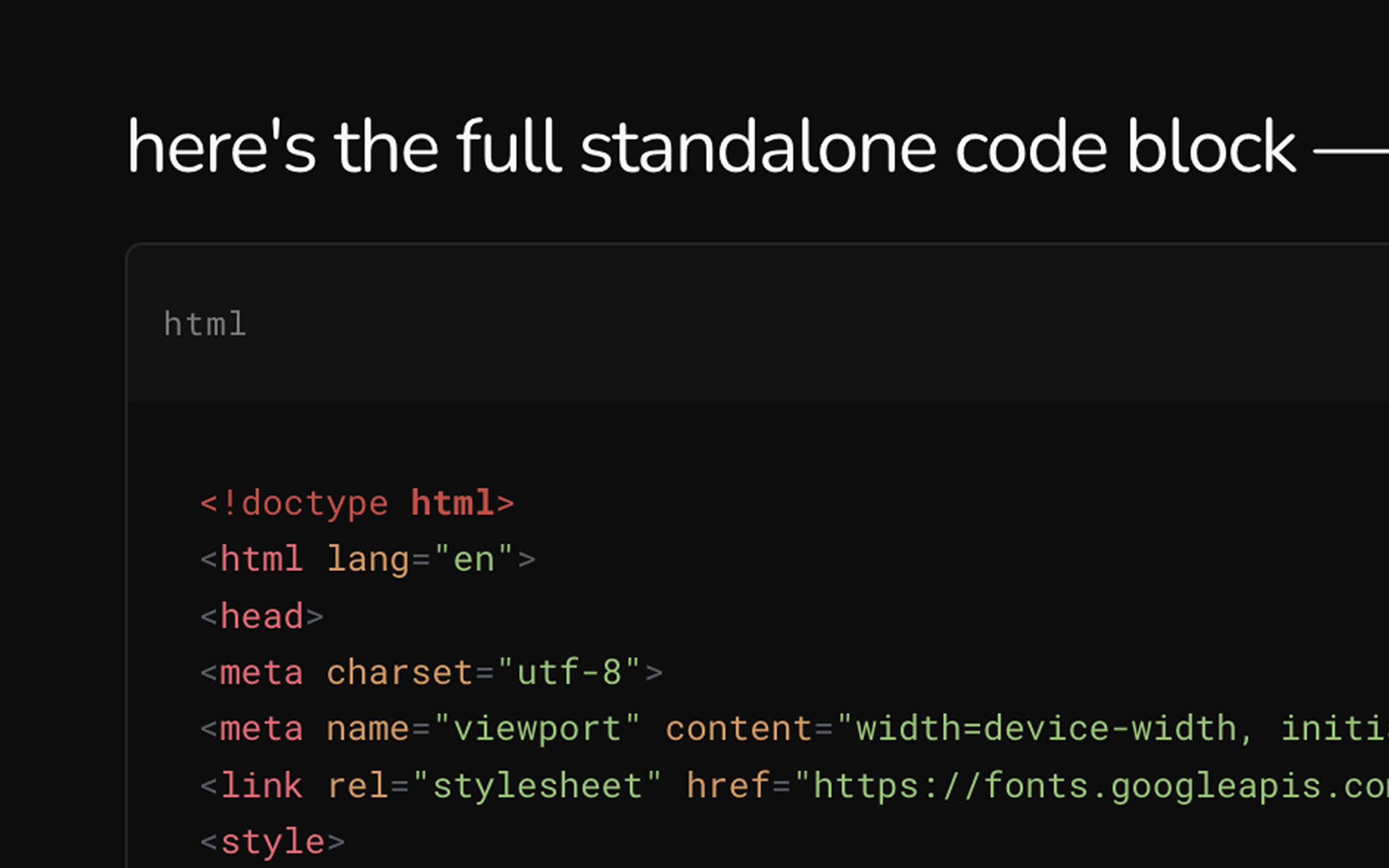
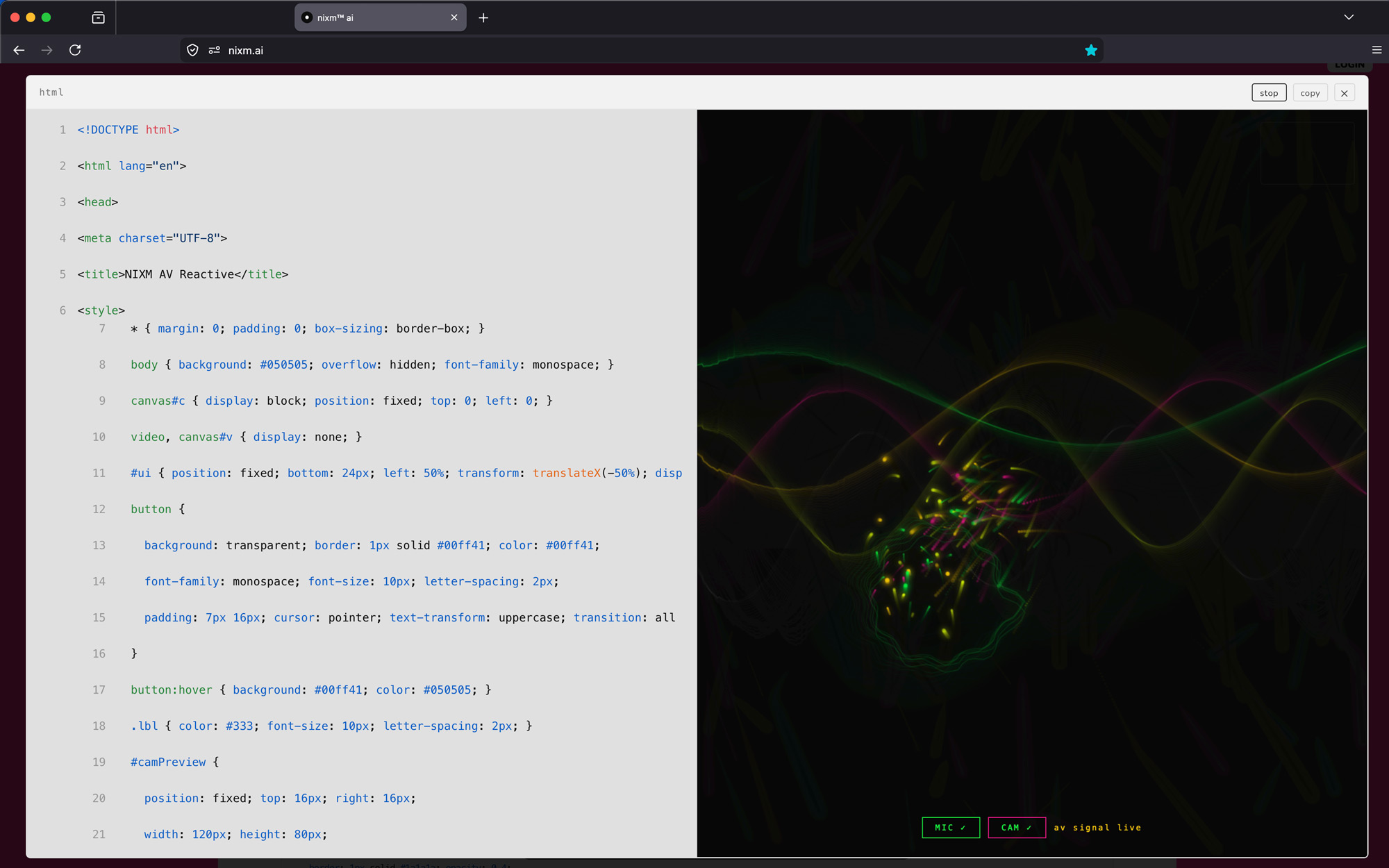
every nixm is shareable.
seed a nixm. share the link. anyone who opens it enters the same focused intelligence you created — no setup, no re-explaining. the frequency holds for everyone.
signup free — 20 credits, plus a free video on us. drop your email to claim.
enter your email, then login to generate image or video.
next: nixms that act. not just a thread you share — a session that moves, drafts, and does. nixm™ is learning to reach.