The best AI video generator in 2026 — an honest map
There is no single best AI video generator, only a best one for what you are making. Veo-class models lead on cinematic clips with native sound. Kling, Hailuo and Seedance are known for motion and multi-shot work. Runway suits editing, Meta AI suits casual free video, and open-source models like Wan and Hunyuan suit people who want to own the pipeline. For directed cinematic clips with sound, paid per clip with no plan and no watermark, nixm charges one non-expiring credit per HD clip, and the first one is free.
Why "best" is the wrong question
Every serious model in 2026 can produce a clip that stops you scrolling. What separates them is fit: what you are making, how often, whether you need sound, whether the same character has to appear twice, and how you would rather pay. So this is a map, not a podium. Each entry links to a deeper page on that tool's real pricing. The field also moves fast: Sora, Bing Video Creator and Copilot's video feature all disappeared in 2026. Whether you will still have access to a model next quarter is part of choosing it.
How to read this map
Each entry is weighed on four things, because they decide what a tool is like to work with rather than how one clip looks. Native sound: does audio render in the same pass as the picture, or does the clip arrive silent? Consistency: does the same character survive into the next shot? Extend: can a shot run past its native length without the join showing? Pricing shape: a subscription with a monthly allowance that resets, or credits bought once and spent per clip. A tool can lead on one and trail on the others, so read each entry for the one you care about.
Best for cinematic clips with native sound
The Veo family. Google's models generate audio with the picture, including ambience, effects and short dialogue, so a clip arrives finished rather than silent. Google gates Veo behind Gemini plans and Flow, as covered in can Gemini make videos. Inside the Gemini app, Google has since moved to the newer Gemini Omni, covered in Gemini Omni without a Google account. nixm runs Google's Gemini Omni Flash with no Google account and no plan, pay per clip, sound included. How native audio works, with a real clip to hear, is in text to video with sound. Sora used to share this category until OpenAI discontinued it; where Sora users went.
Best for motion and multi-shot work
The Chinese heavyweights.
- Kling, now at 3.0, built its name on physical plausibility: weight, momentum and bodies that move like bodies.
- Hailuo is known for fast renders.
- Seedance, now at 2.5, is known for multi-shot sequences and reference-driven consistency. Version 2.5 launched inside ByteDance's own apps first, so check where you can actually use it.
All three are strong models, mostly sold through subscription credit systems, and the model and the pricing deserve separate verdicts. What a plan really costs per clip for Runway and Kling is in Runway vs Kling vs nixm.
Best for editing and effects
These are different jobs, so they need different tools.
- Runway is a professional editing suite with generation inside it, the pick when your work needs frame-level control.
- Pika leans into playful effects.
- Luma is quick for atmospheric shots, but its clips render without native audio, so the sound is left to you.
- InVideo is not a generator so much as an assembler of narrated videos from stock, which is right for faceless publishing at volume.
Best for trying many models at once
Aggregators. Higgsfield bundles more than 30 video and image models behind one subscription. Every model spends credits at its own rate, which is worth understanding before you subscribe. Mobile apps like Flashloop do a lighter version of the same thing. An aggregator makes sense if you really do switch models every week.
Best free option
It depends which kind of free you mean. Meta AI makes casual video free inside its apps. Kling's daily credits are good for experimenting. Most free tiers watermark clips and restrict commercial use. The full picture of what is actually free, and the catch on each, is in free AI video generators.
Why free clips carry a watermark
The free tier exists to put branded output into feeds, and the removal fee, almost always a monthly plan, is where the model converts. So "how do I remove the watermark" really means "what does clean output cost". Cropping and inpainting tools can scrub the stamp, but free-tier output usually comes with license terms that do not permit commercial use regardless of the logo. Scrubbing the stamp does not scrub the terms, and monetized content is exactly where that bites.
The corner logo is also not the same thing as a provenance mark. Most serious models now embed invisible content-credential metadata that identifies output as AI-generated. That is not a branding tax: platforms increasingly read it, and disclosure toggles at upload cover the rest. Clean footage means no billboard in your frame, not no provenance. And a tool that charges nothing and stamps nothing is monetizing somewhere less visible: data terms, queues measured in hours, or the output quality itself. On nixm every paid render is clean, at one credit for HD with native sound and two for 4K.
Best for ownership
Open-weight models. Wan and Hunyuan can be downloaded and run on your own hardware. That means no watermark, no queue and no one else's terms. The honest asterisk is that free weights are not free video: production quality takes serious GPUs and setup time, covered in what open-source AI video really costs.
Best for the same character across shots
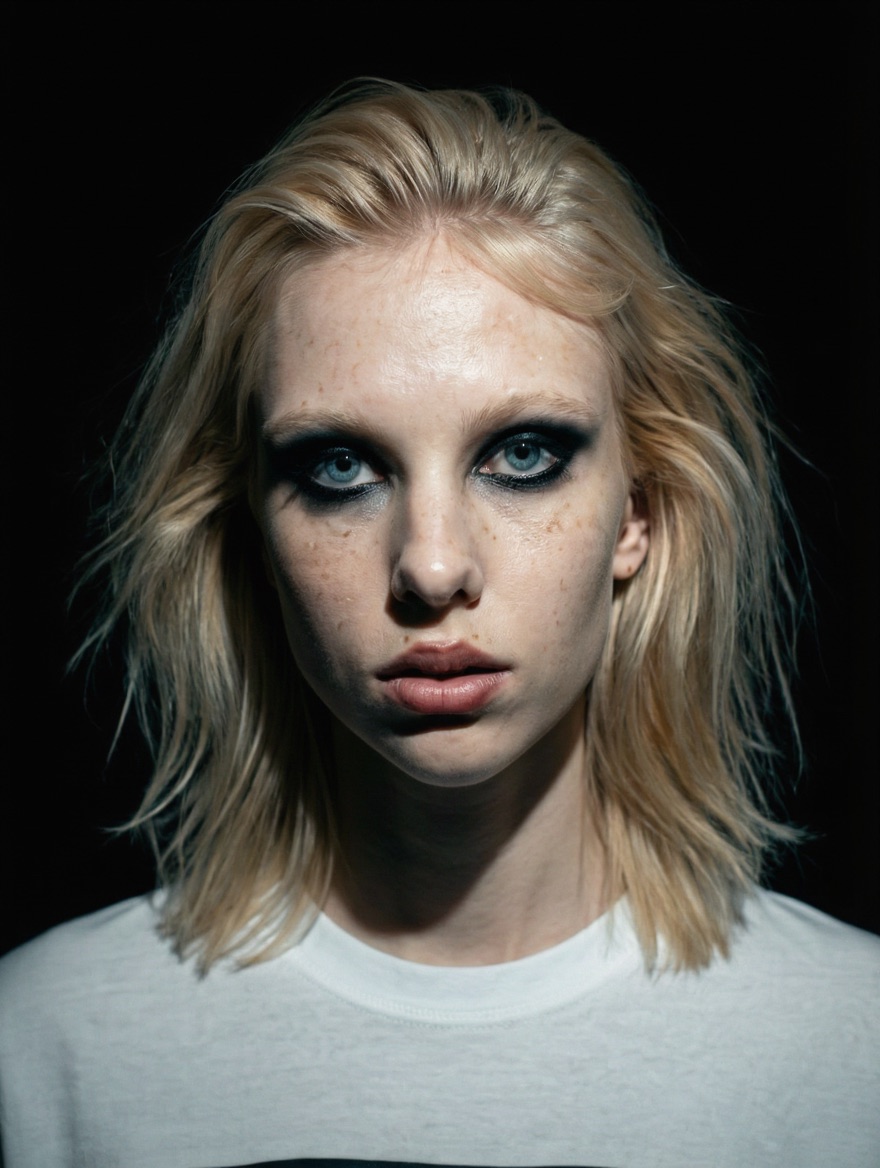
This is where most tools still fall down. Describe a person twice and you get two different people. Reference features help, but only if you use them properly: why AI video drops your references. On nixm, CAST lets you cast a character once, from a photo or a rendered frame, and direct them into scene after scene, with up to four references per scene.

The other tools, briefly
Hailuo
Hailuo is MiniMax's video generator, often searched as "hilo ai". It is known for speed, with clips rendering in well under two minutes, and for motion simulation that ranks at the top of the field: bodies with weight, objects that fall correctly. It is sold through monthly credit pools that expire, with steep multipliers for higher resolutions and credits consumed even when a render fails.
Hunyuan
Hunyuan is Tencent's open-source video model: the full 13-billion-parameter weights are free to download under a permissive license that allows commercial use. Output sits in the same band as the top hosted models, with clips around five seconds at up to 720p. The catch is running it, since real quality takes serious GPU hardware or a developer API, and clips render without sound.
InVideo
InVideo is a subscription agent that assembles narrated videos: give it a brief and it writes a script, narrates it, pulls stock footage and edits the result, long-form if you want. Most of what appears on screen is licensed stock and templates, orchestrated by AI rather than synthesized by it. Monthly credit allowances reset and don't roll over.
Flashloop
Flashloop is an aggregator app. It doesn't build a video model; it packages access to other companies' models (Veo, Kling, Seedance and more) inside a mobile app, adds viral-content templates and characters, and charges an app subscription with credits for the generation underneath. The models aren't exclusive, so the real question is what you are paying for the wrapper.
PixVerse
PixVerse is fast and cheap per attempt, but every generation consumes credits whether the result is usable or not, and real clips routinely take several tries. Plans run from a free allowance of daily credits to paid tiers from around US$10 a month up to about US$199. Divide the credit pool by your real retry rate: a plan advertised as ten videos is, in practice, closer to three to six finished ones.
Copilot and Bing Video Creator
As of September 2026, Copilot does not make video. For about a year it did, through someone else's model. In June 2025 Microsoft launched Bing Video Creator, a free tool in the Bing app that generated five-second vertical Sora clips, ten fast generations per user, later folded into Copilot. At Ignite in November 2025, Sora 2 came to Microsoft 365 Copilot Create for commercial customers in Microsoft's Frontier program.
Then the model underneath went away. OpenAI discontinued Sora's app and web experience on April 26, 2026, and its API on September 24. Per Microsoft's own Microsoft 365 admin notices, the Sora video experience in Copilot Create was retired between mid and late June 2026: existing videos remain accessible, new ones cannot be made, and "a new video experience is in development." Upgrading to Copilot Pro or Microsoft 365 Copilot does not bring it back, and image-to-video went with the same Sora path. Bing Video Creator itself shut down on July 31, 2026. Creations stay downloadable in Creations history under Microsoft's storage policy, so download anything you want to keep now rather than testing how long that lasts.
What about leaderboards?
Blind-vote arenas are useful for one thing: raw prompt-to-pixel quality, model against model. They cannot see the rest of what you are buying:
- whether the audio is native,
- whether credits expire,
- whether failed renders are charged,
- whether you can check the frame before paying for it.
Two models a point apart on a leaderboard can be a hundred dollars a year apart in what they cost you. Rankings start the shortlist; the fine print finishes it, as AI video credits explained shows.
Where nixm sits on this map, honestly
nixm is for directed cinematic shots with their sound already in them, paid per clip.
- You compose the still frame in conversation before anything renders.
- An eight-second HD clip costs one non-expiring credit, and 4K costs two.
- Clips carry no watermark, and there is no plan.
- EXTEND carries a shot on, and CAST keeps characters consistent across scenes.
It is not an editing suite, an effects toy or a menu of thirty models. It is for people who want a striking finished shot without a subscription running in the background. Your first HD video with sound is free in the cinematic studio, which is the fastest way to place it on your own map.
Which one for which job
- A cinematic clip with dialogue and sound: the Veo family, or Gemini Omni Flash pay per clip on nixm.
- Action and physical motion: Kling.
- Multi-shot sequences: Seedance, where you can get it.
- Editing real footage at frame level: Runway.
- Playful effects: Pika.
- Many models under one bill: an aggregator such as Higgsfield.
- Free and casual: Meta AI.
- Owning the pipeline: Wan or Hunyuan on your own hardware.
- A short film with the same character in every shot: the best AI model for film, shot by shot.
- Choosing the workflow rather than the engine: AI video platform vs AI video model.
frequently asked
What is the best AI video generator in 2026?
It depends on the job: Veo-class models for cinematic clips with native sound, Kling for motion, Seedance for multi-shot work, Runway for editing, Meta AI for casual free video, and Wan or Hunyuan for open-source ownership.
What is the best free AI video generator?
Meta AI makes casual video free inside its apps, and Kling offers daily free credits. Most free tiers watermark clips and restrict commercial use. nixm gives one free HD clip with sound and no watermark on a new account.
Which AI video generators include sound?
Native-audio models generate sound with the picture, and that is what nixm runs. Many other tools render silent or add sound separately, so check before comparing prices.
Which AI video generator keeps the same character across clips?
Tools with reference or cast features do it best. On nixm, CAST lets you cast a character once from a photo or rendered frame and direct them into later scenes.
Which AI video generator has no subscription?
nixm charges one non-expiring credit per HD clip with native sound: no plan, no watermark, first video free. Most others sell monthly credit pools that reset.
Are AI video leaderboards reliable?
For raw output quality, yes. They measure nothing about pricing, native audio, failed-render policies or workflow, which decide what a model really costs you.
Can I try nixm free?
Yes. A new nixm account includes one free HD video with sound, no card required.
Can Microsoft Copilot generate videos?
Not as of September 2026. It generated video through OpenAI's Sora until Microsoft retired that experience in June 2026, per its Microsoft 365 admin notices. A replacement is described as in development.
When did Bing Video Creator shut down?
Microsoft retired it on July 31, 2026. Existing creations remain downloadable in Creations history under Microsoft's storage policy, so download anything you want to keep.
Why do free AI video generators add watermarks?
The free tier distributes branded clips as marketing, and the removal price is usually a subscription. Removing the stamp does not change the license, which often restricts commercial use.

try it now · cinematic studio
cast one character. put it anywhere.
cinematic ai video, with sound. nixm proposes every scene before a credit is spent.

Enter your email and receive a link to sign in. No passwords, just a secure signal to connect.
why connect
- 20 free credits to start
- your signals, remembered
- buy more credits anytime
- image & video generation features
defaults for new renders on this signal. collaborators see them read-only.
existing takes don't change
two signals. one mind.
most AI starts every conversation from zero. you arrive, explain yourself, refine, re-refine, watch the model drift back to defaults. five messages to reach one good answer. ten more to keep it on track.
nixm™ flips that. every nixm has two signals primed before you ever arrive — an intent signal that holds the mission, and a collab signal that holds the settings.
intent is what you're trying to make. build a beatbox. write a brand brief in editorial tone. visualize photosynthesis in 3d. that signal is locked from the moment the URL loads.
collab is everything else — constraints, voice, references, what to avoid, what to lean into. it's the producer's notes. the model isn't reading them when you arrive. they were already in the room.
you say one thing. nixm™ answers refined.
this is the difference. not the model — the model is interchangeable. the difference is that nixm™ hands the model a primed signal, not a blank room.
recent unlocks.
capabilities that surfaced from the lab. fresh frequencies, freshly tuned.
CAST
the same face, a new scene. most AI video forgets your character between clips — you describe her again and a stranger comes back. cast a character once, from a photo or a frame you rendered, name it, and it holds. then direct it anywhere: an alley at 3am, a desert at golden hour, two characters in one frame. 3 to 30 seconds, one shot or several, landscape or vertical — 1 video credit per 5 seconds, sound in the same pass. nixm shows you the shot and the price before it spends anything. holding a character across a whole sequence is its own craft — what continuity actually takes.
lip sync
a cast character that speaks. give her a line and the voice and the mouth come back together, in one pass. nothing recorded, nothing dubbed. lip sync works: a line you write is spoken on the character's lips. short lines fit an 8-second shot. two takes, and what seems to make the difference: what a spoken line does on nixm, from two clips.
cinematic studio
direct a single unforgettable frame. tell nixm a fragment — a character, a mood, a moment you half-see — and it casts the scene with you: lens, light, motion, the decisive instant. when the frame lands, set it in motion as a short clip. you bring the spark. nixm directs. if you have never done this before, the route from idea to finished clip is the place to start. if you came from sora, here is where to make video now.
remix
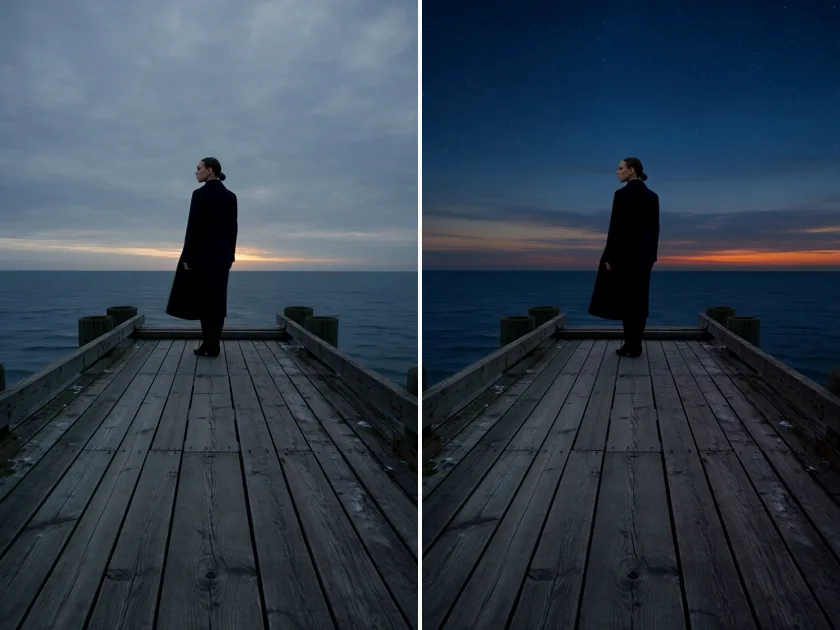
one take, changed by a sentence. open a take of 30 seconds or less and tap REMIX — beside DOWNLOAD, and under the newest take — then finish the sentence: what should change. "make it night." "add rain." the camera move, the framing, the timing and the sound stay; only what you named changes. it lands as a new take, and the original stays. or just ask: "remix take 4 so it's night". lettering on screen may not come out exact.
1 video credit per 5 seconds, plus 1 — a 5s take is 2, 8s is 3, 15s is 4, 30s is 7. a 4K take comes back in 1080p. charged only when it lands.
stitch
your takes, one video. on a signal with two or more takes, tap STITCH and pick 2 to 8 of them in the order you want — nixm™ joins them with hard cuts, each take keeping its own sound, everything framed to the first one, in HD. you see the length and the price before anything is spent: 1 video credit per 30s, up to 120s (4 credits). or just ask: "stitch take 3, 5 and 7". the originals stay; the stitch is a new take. + SCORE puts an instrumental score under it, cut to the length, dialogue kept clear — one more credit.
live
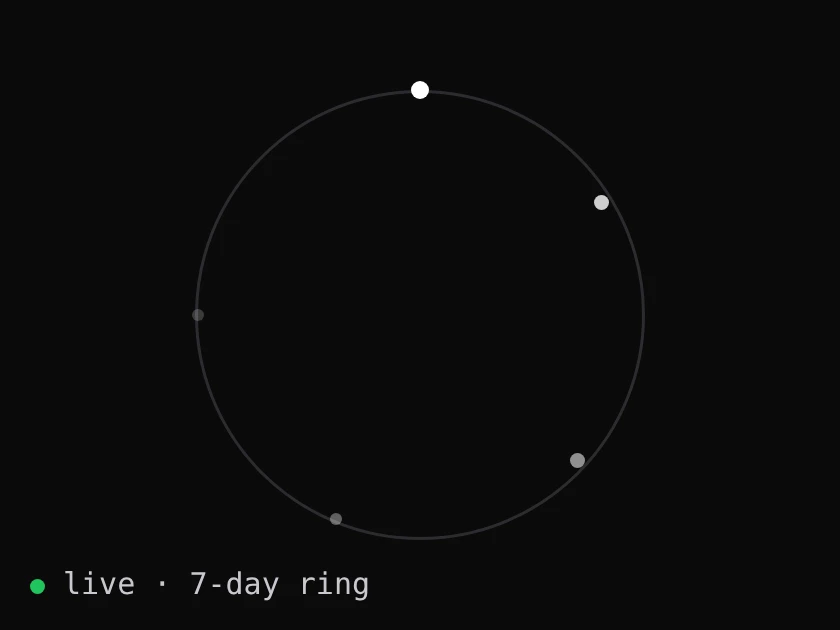
every signal, alive. each signal on nixm™ right now, as a point of light on a seven-day ring: born at the top, dissolving where it began. no names, no words, no owners. only how long each one has left.
web research
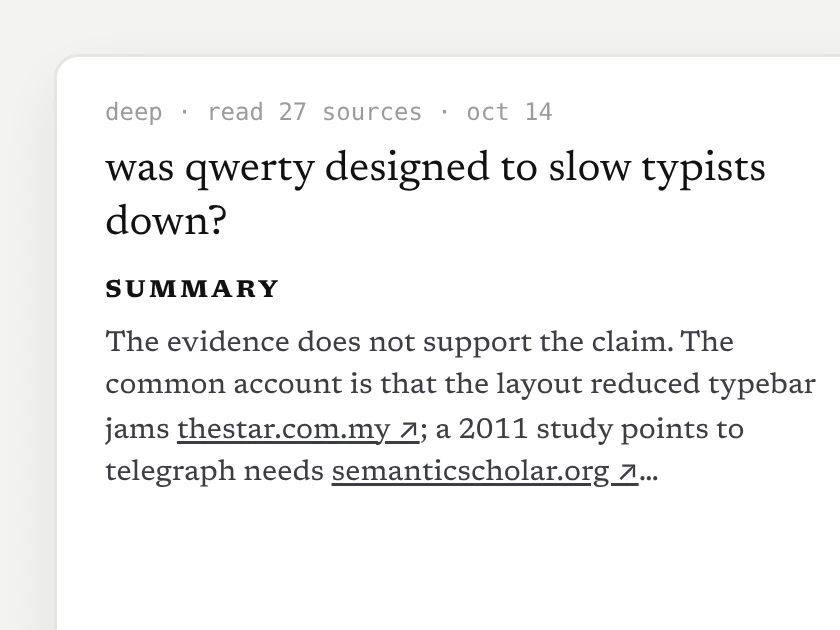
a researched doc, not a guess. ask nixm™ to look something up — or tap search the web when it's offered — and in about 10–15 seconds a short doc opens beside the chat: a direct answer, the findings, every source linked. it lands in the signal's research row, and nixm™ remembers what it found.
2 chat credits, charged only when the doc arrives. go deeper: a longer, sectioned report — 6 credits.
extend
eight seconds is where the shot starts, not where it ends. every finished clip now carries an EXTEND button — one press and the same shot carries on for about seven more seconds, one credit, no plan to join. press it again if it's still going somewhere. we cut the join down to about two tenths of a second by telling the model what it must not change; the writeup is in what extending a clip really does.
video gen
ask for a video, get a video. eight seconds, with its sound (a spoken line, ambience) in one pass. inline on mobile, side panel on desktop — expand, play, download. landscape, portrait, or square, detected from how you ask. HD or 4K — 1 video credit for HD, 2 for 4K. the sound is generated with the picture rather than added after — why that changes the result. how it compares with the rest of the field is in the best ai video generators of 2026.
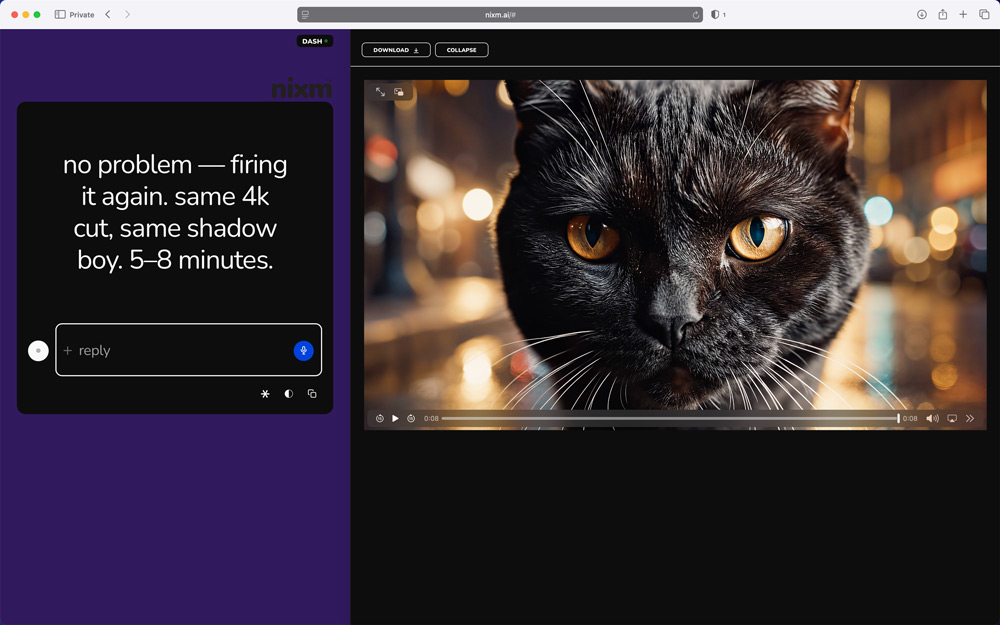
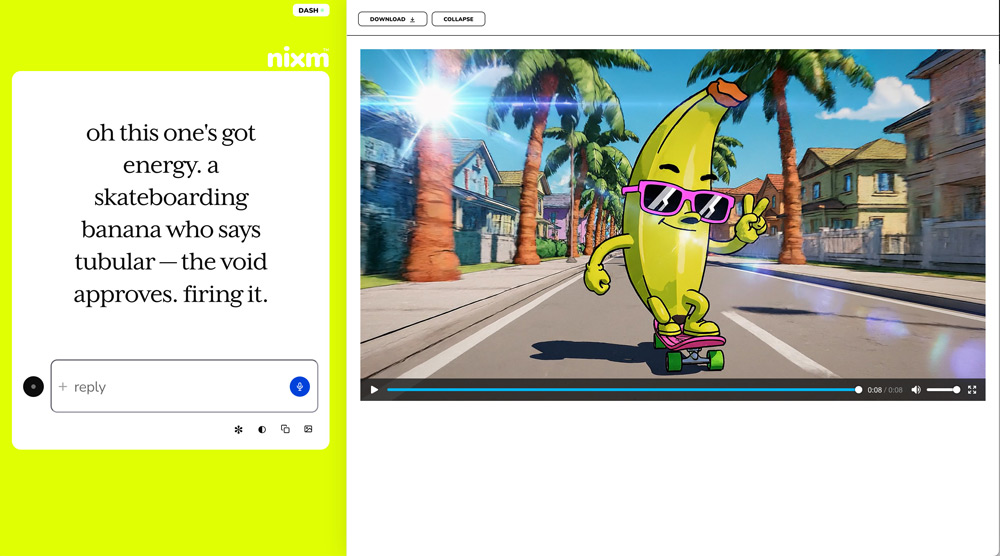
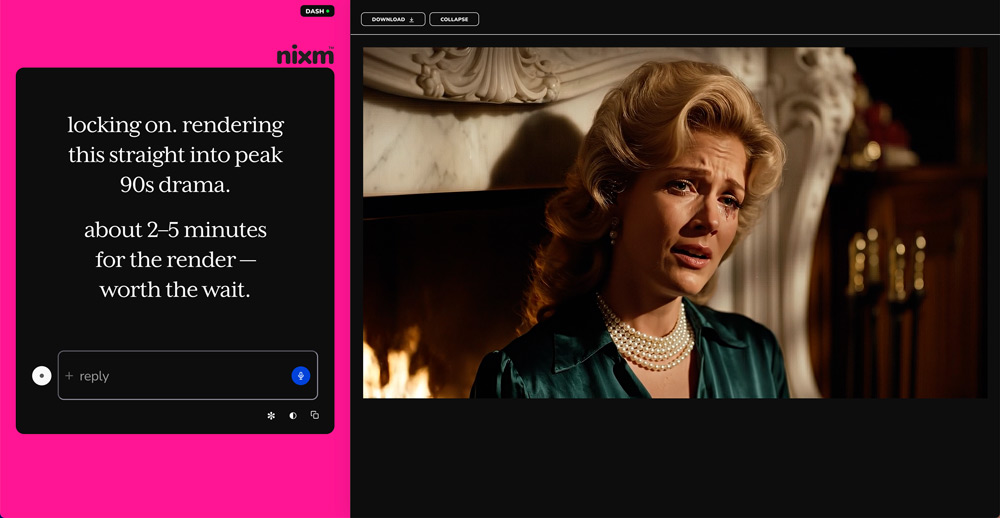
image gen
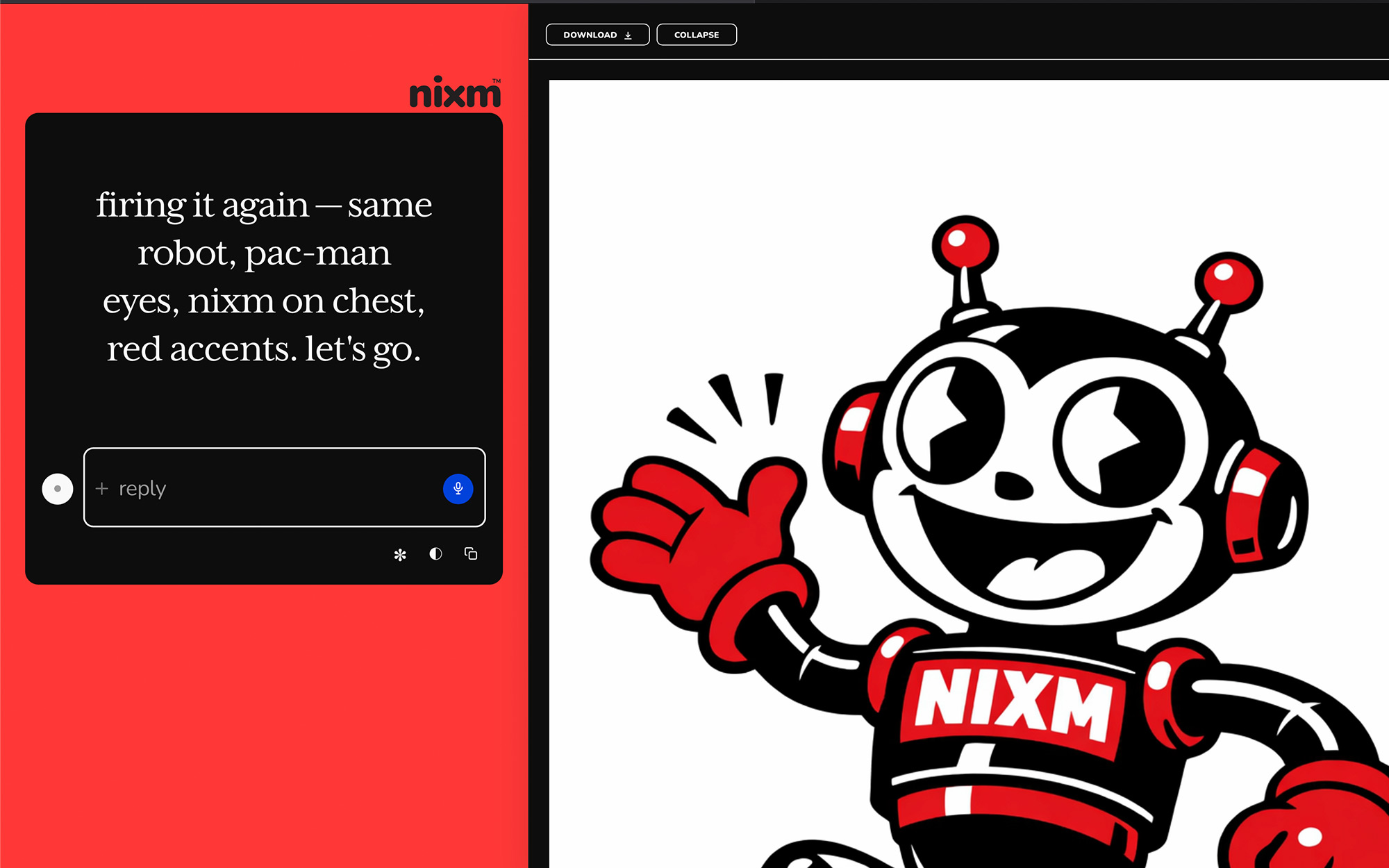
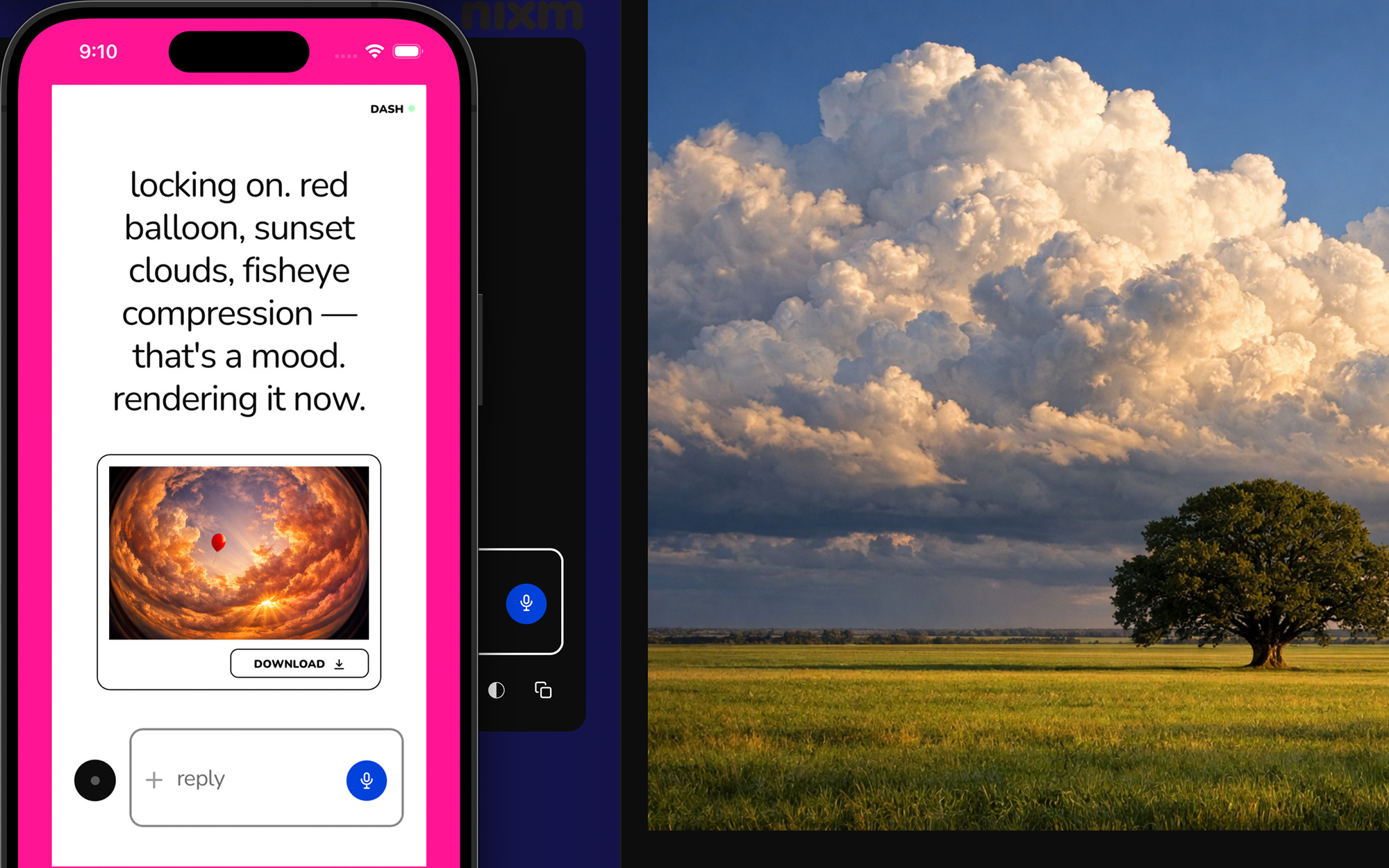
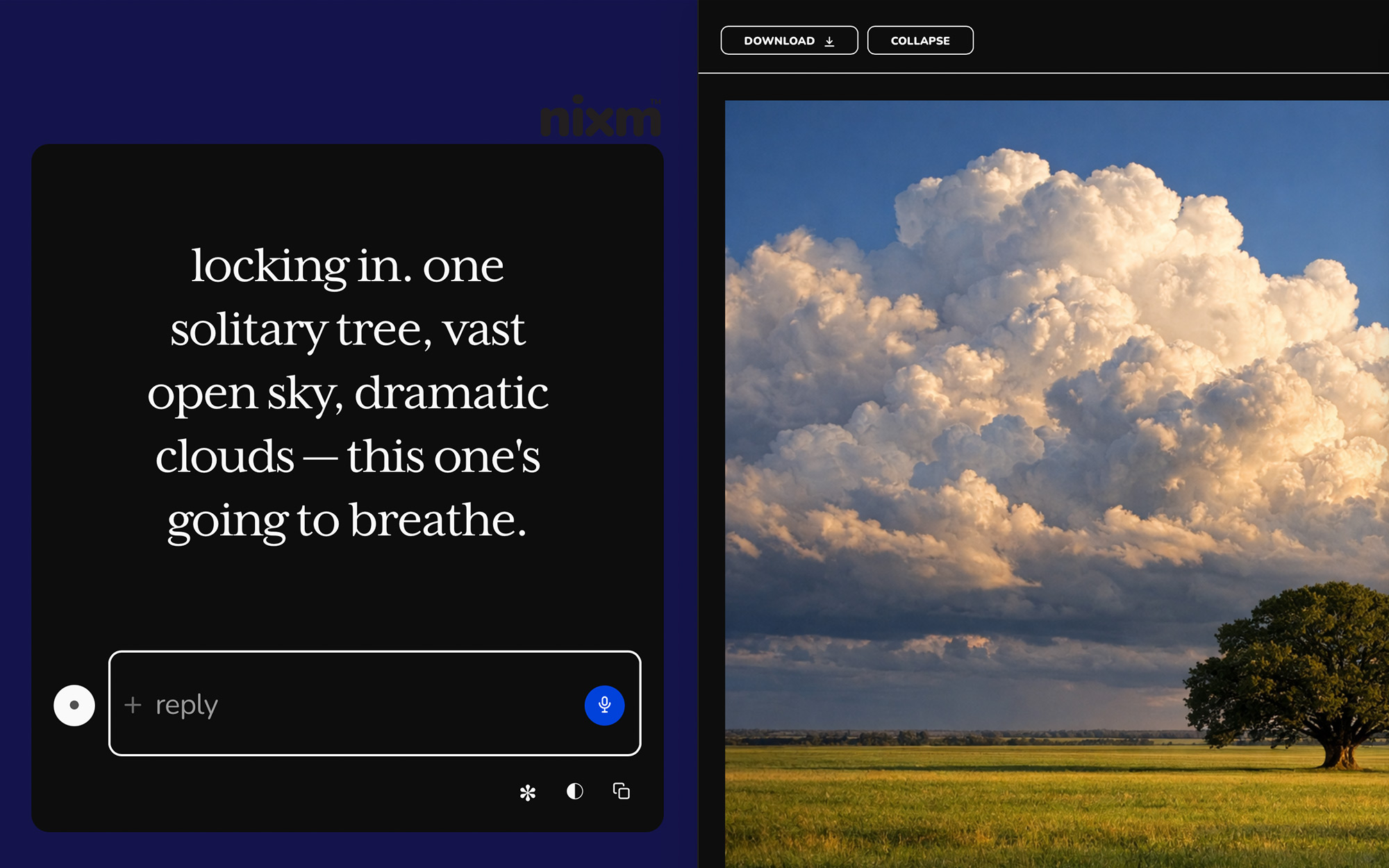
ask for an image, get an image. inline on mobile, side panel on desktop — expand, scroll, download. square, landscape, or portrait, detected from how you ask. 2 chat credits each. any image you make here can be set in motion as a clip. you can make the still without an account; what no sign-up actually gets you.
templates
pre-tuned signals for common modes. start a session already focused.
nixm-live
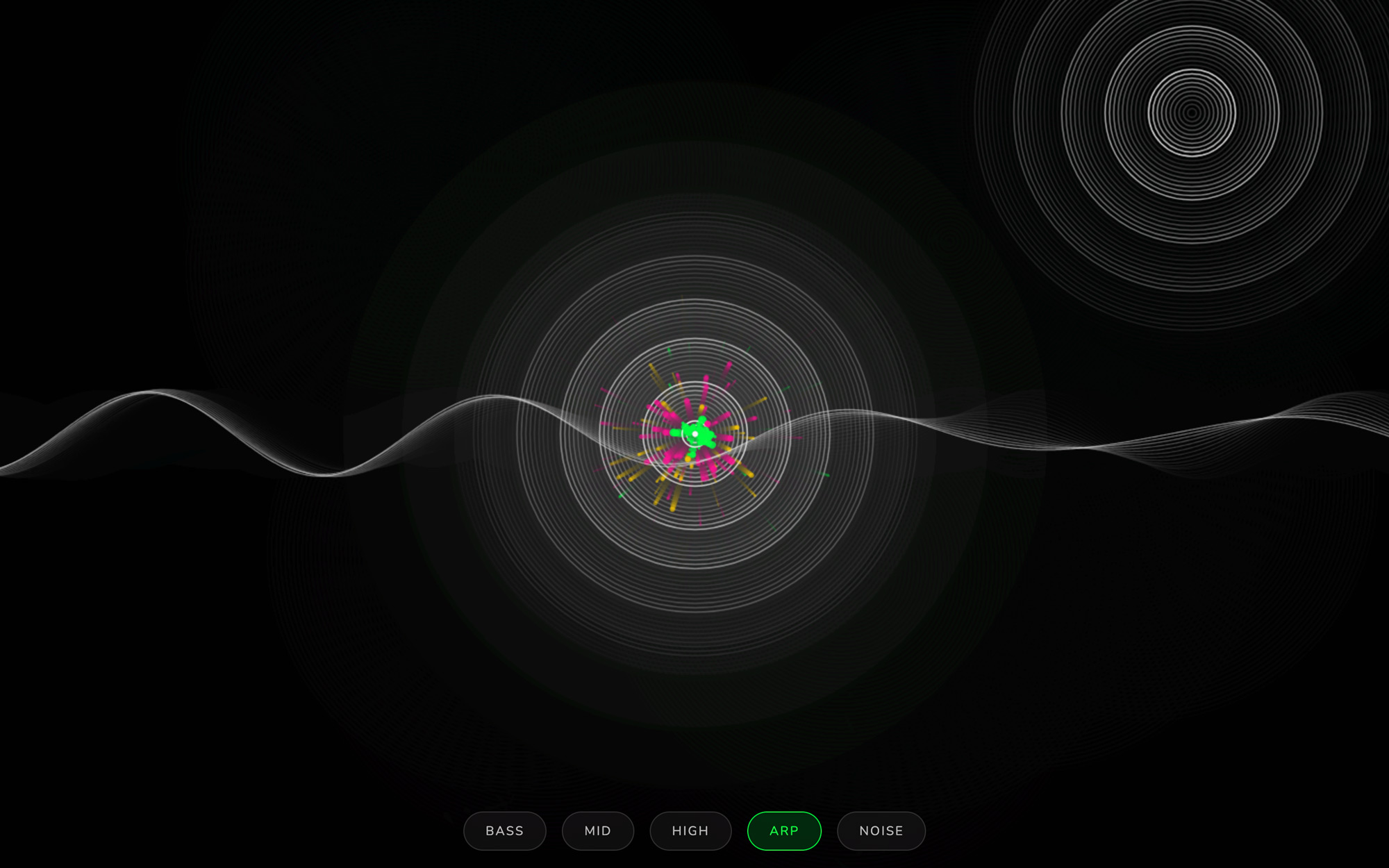
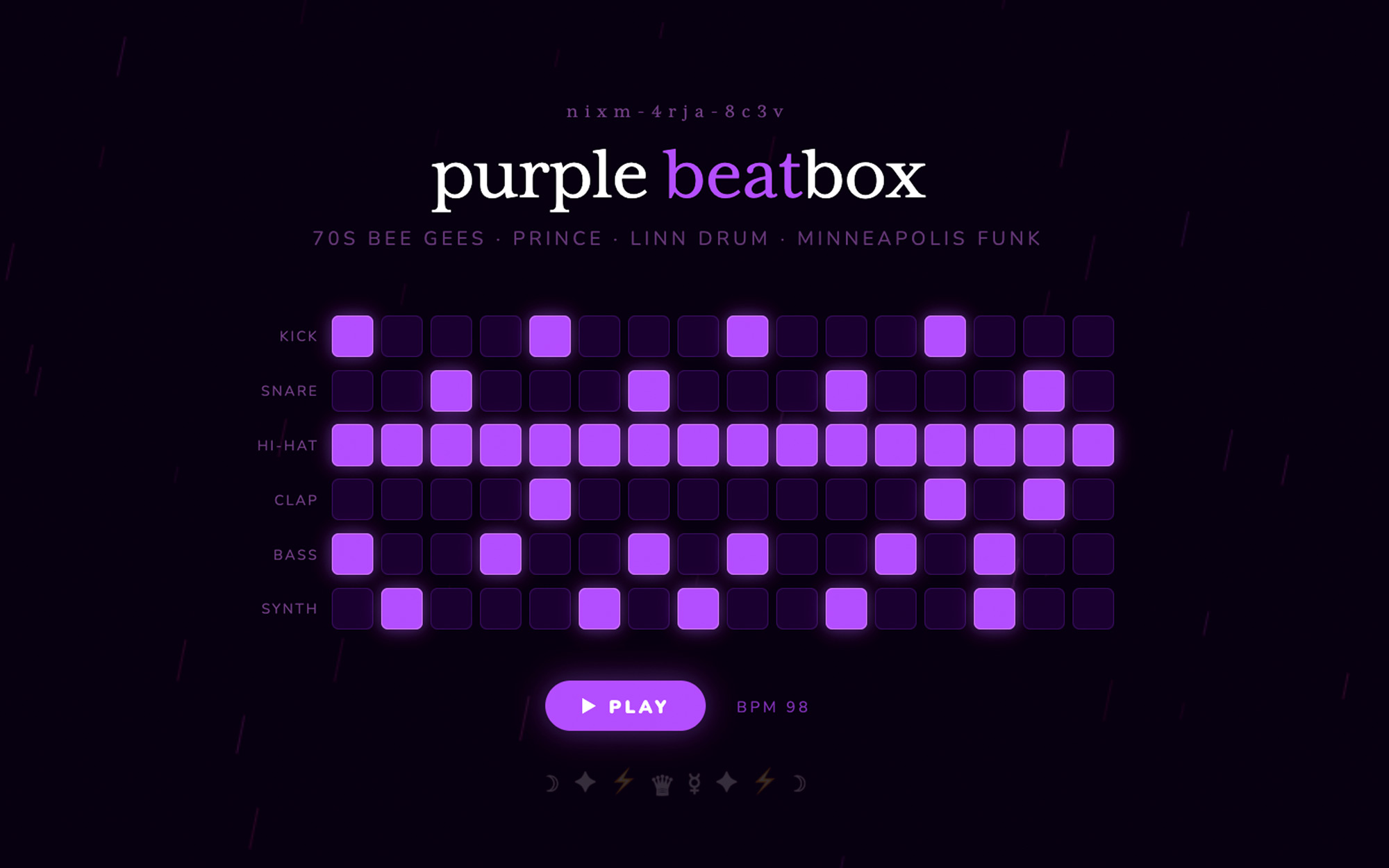
code that runs as it appears. ask nixm™ to show something visual and it renders live in the chat — no buttons, no waiting.
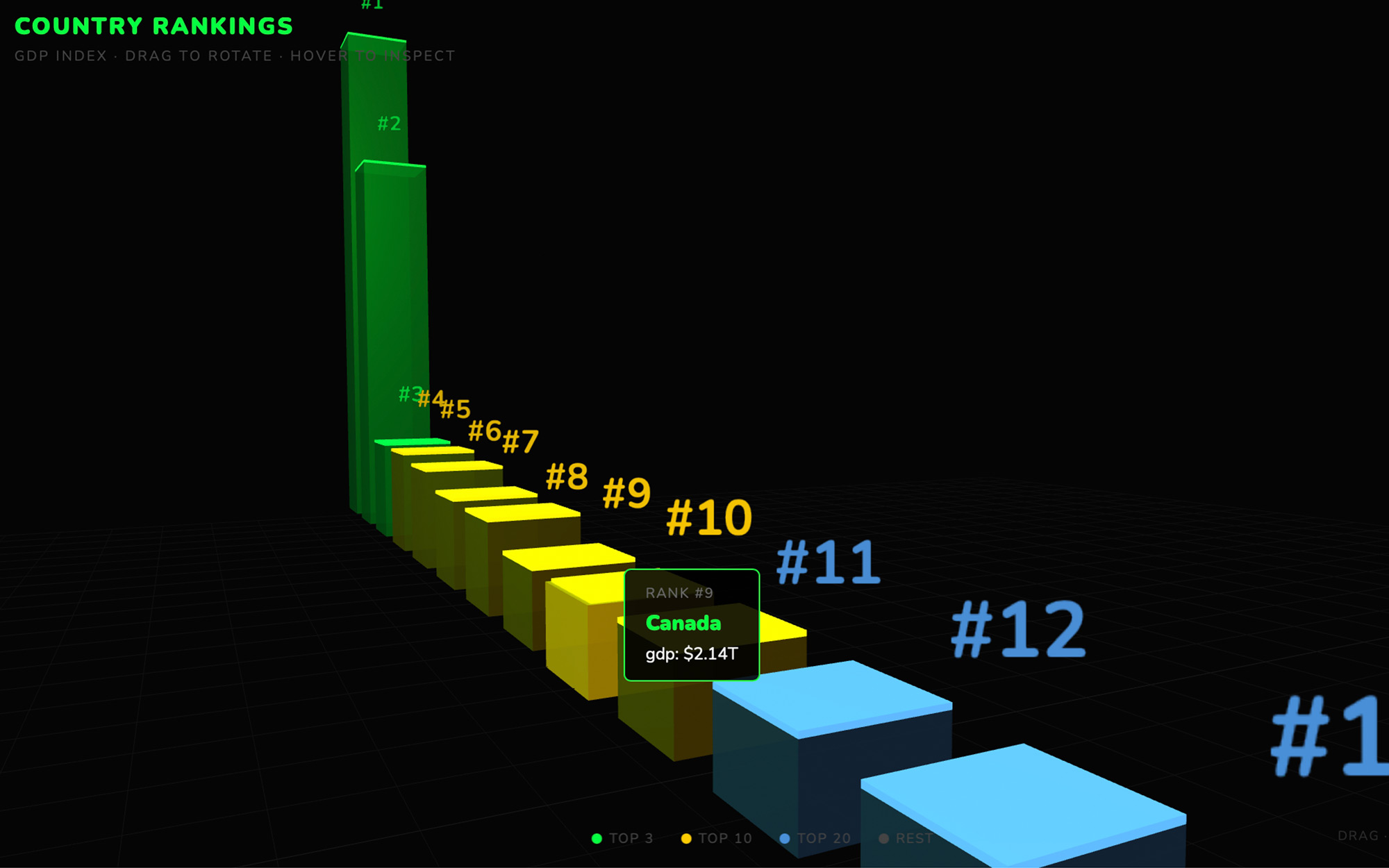
the runner
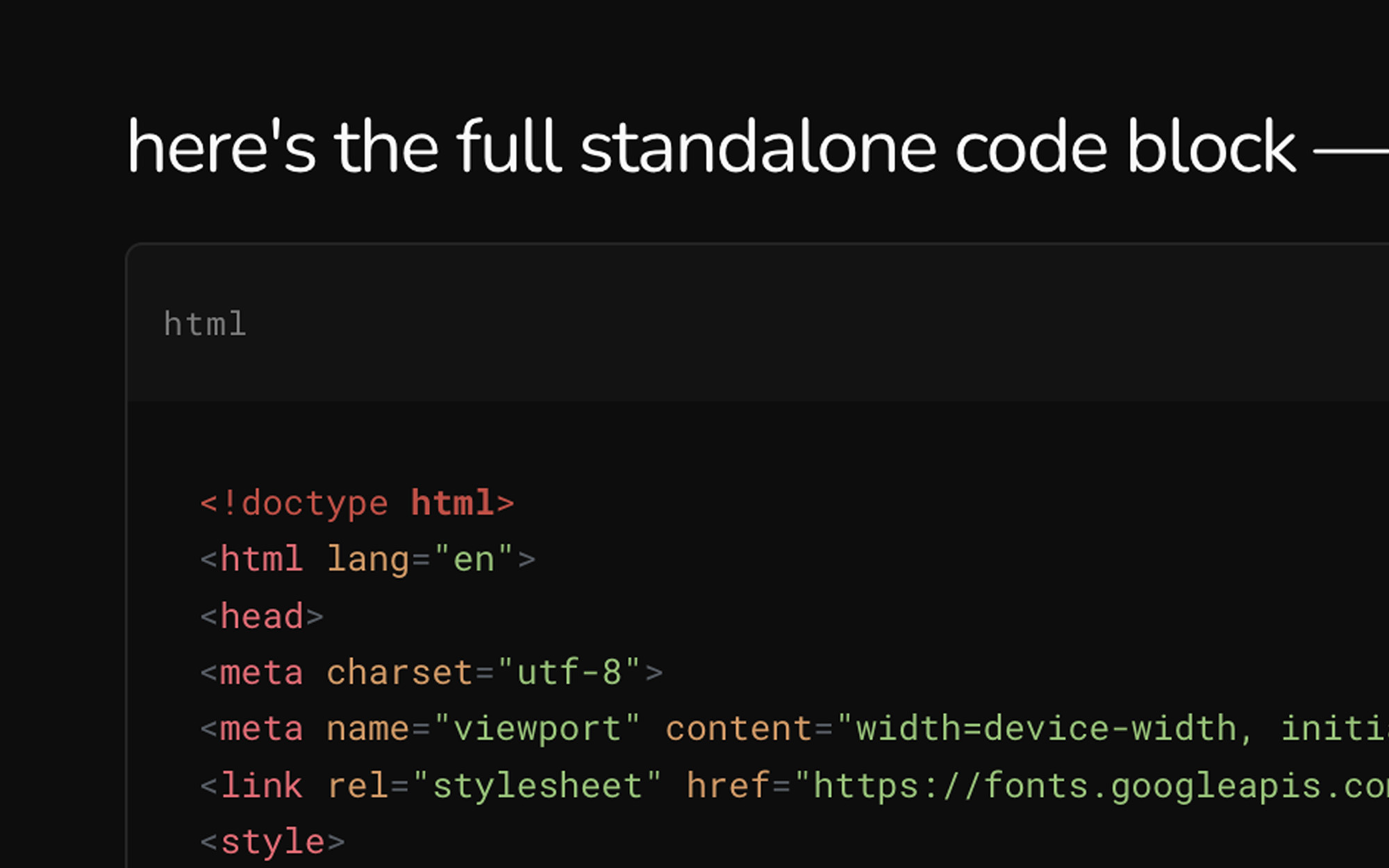
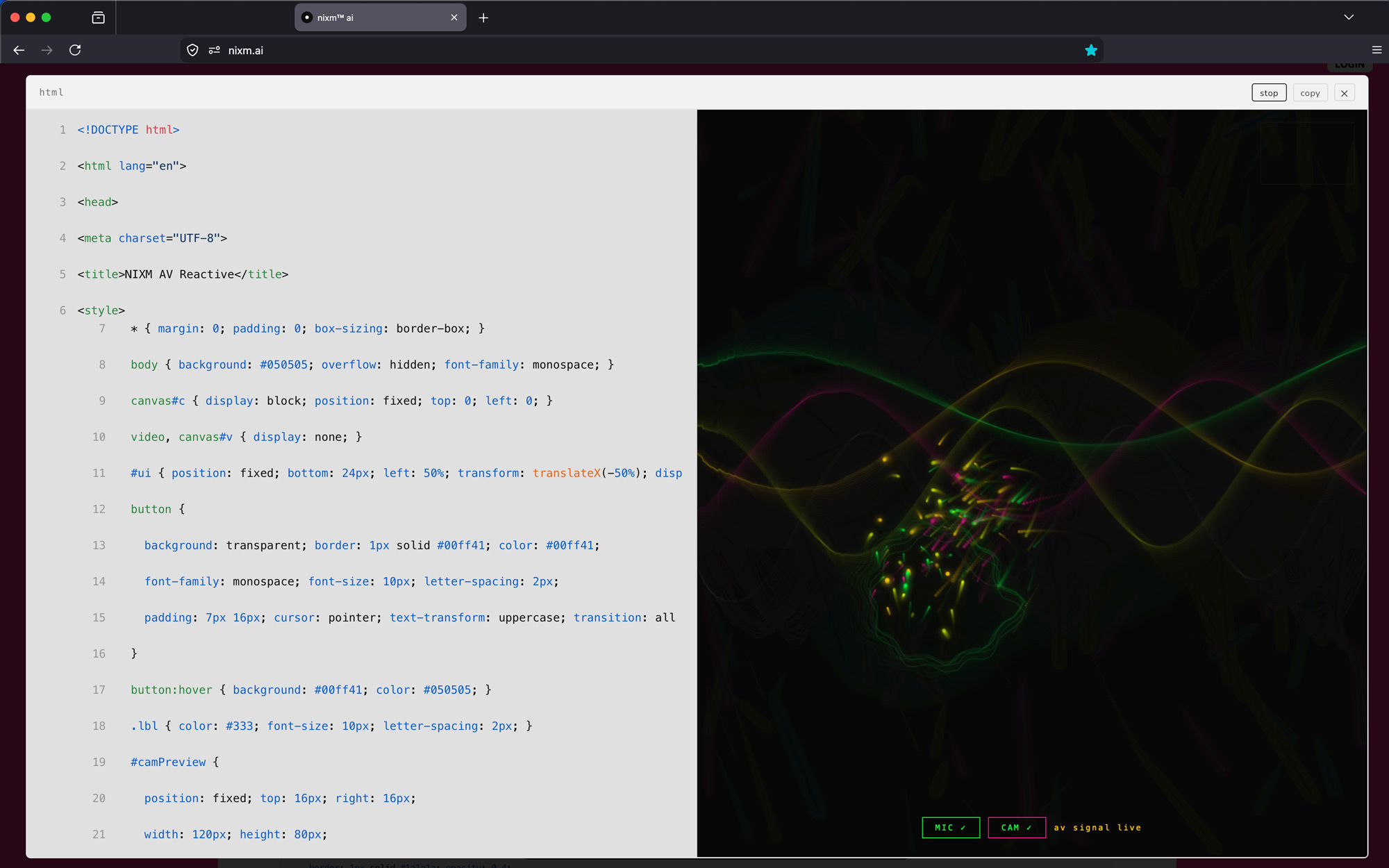
every code block is executable. expand any block to a full surface, run it, and watch the output. iterate without leaving the conversation.
every nixm is shareable.
seed a nixm. share the link. anyone who opens it enters the same focused intelligence you created — no setup, no re-explaining. the frequency holds for everyone.
signup free — 20 credits, plus a free video on us. drop your email to claim.
enter your email, then login to generate image or video.
next: nixms that act. not just a thread you share — a session that moves, drafts, and does. nixm™ is learning to reach.