common questions.
what exactly is a nixm?
a nixm is a unique URL that carries your primed AI context with it. you seed it with intent, it locks to that frequency, and anyone who opens the link enters the same focused intelligence you created. no setup, no re-explaining.
nixm™, a nixm, a signal — which is which?
three words, three things.
nixm™ is the interface — the thing you're using right now.
a nixm is what you make with it: a URL that holds your intent. seed one, share it, come back to it.
a signal is the intent itself, locked in place. every nixm carries one — that's what makes it hold. (under the hood it's primed on two: an intent signal and a collab signal. that's the machinery, not something you set.)
short version: you use nixm™ to make a nixm, and the signal is what's locked inside it.
can nixm show me things — charts, visuals, demos?
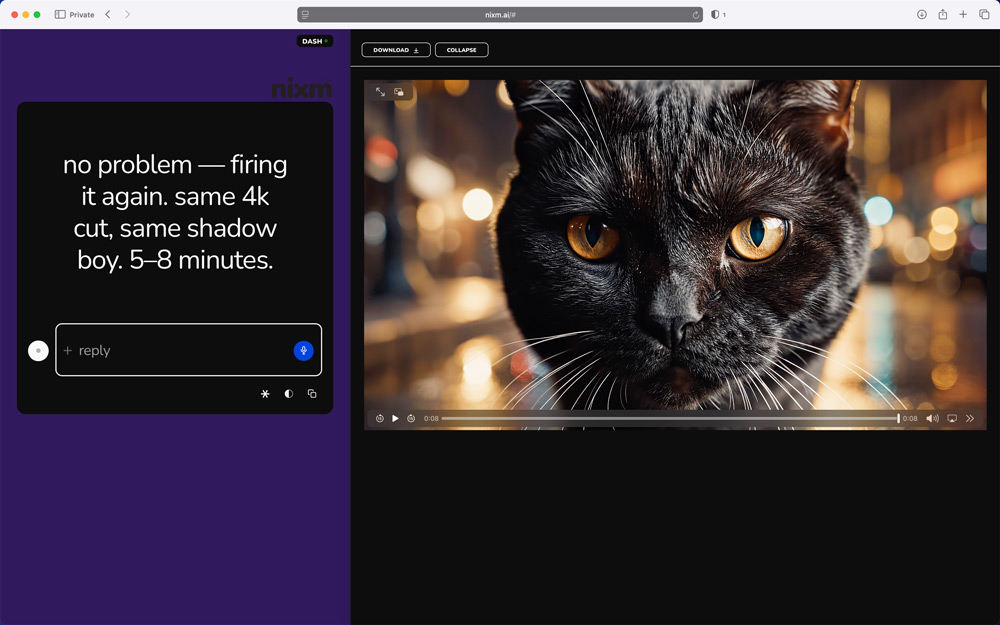
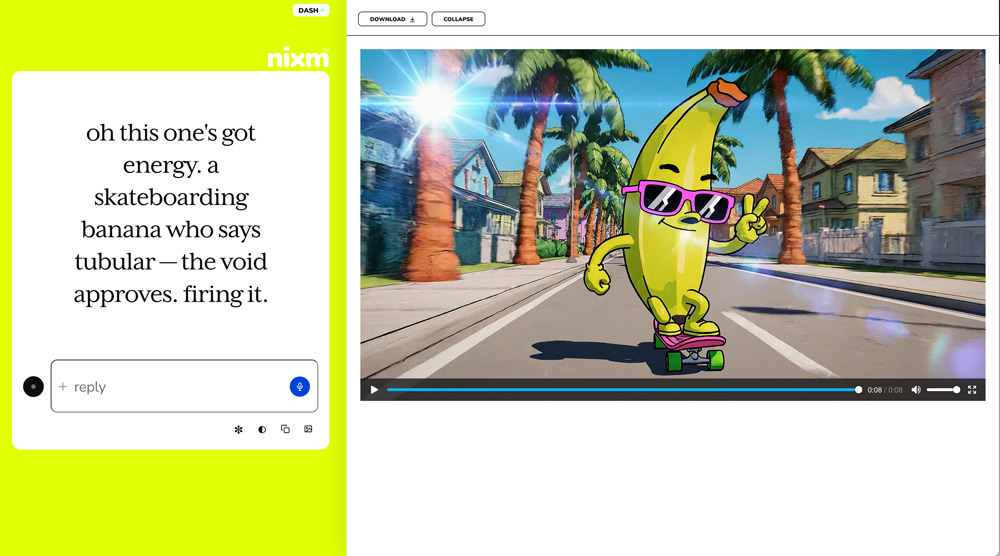
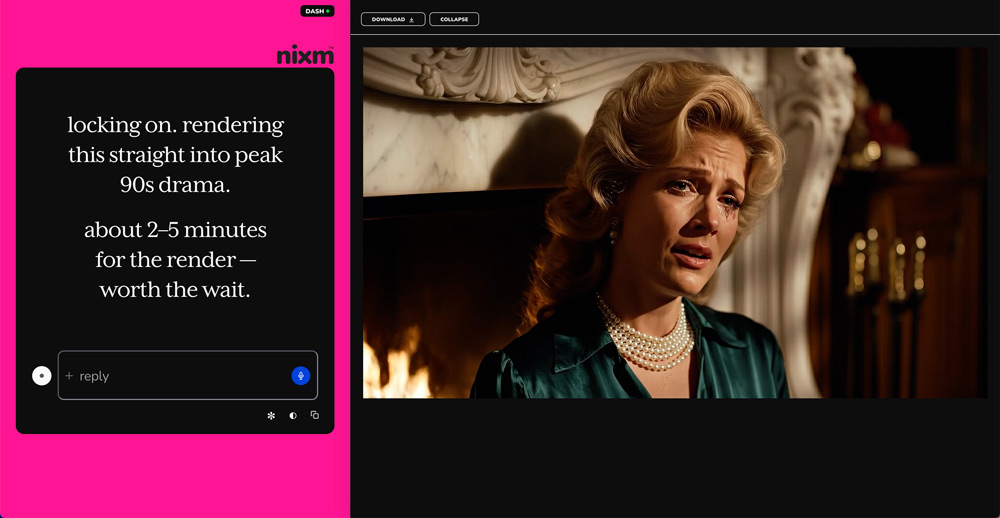
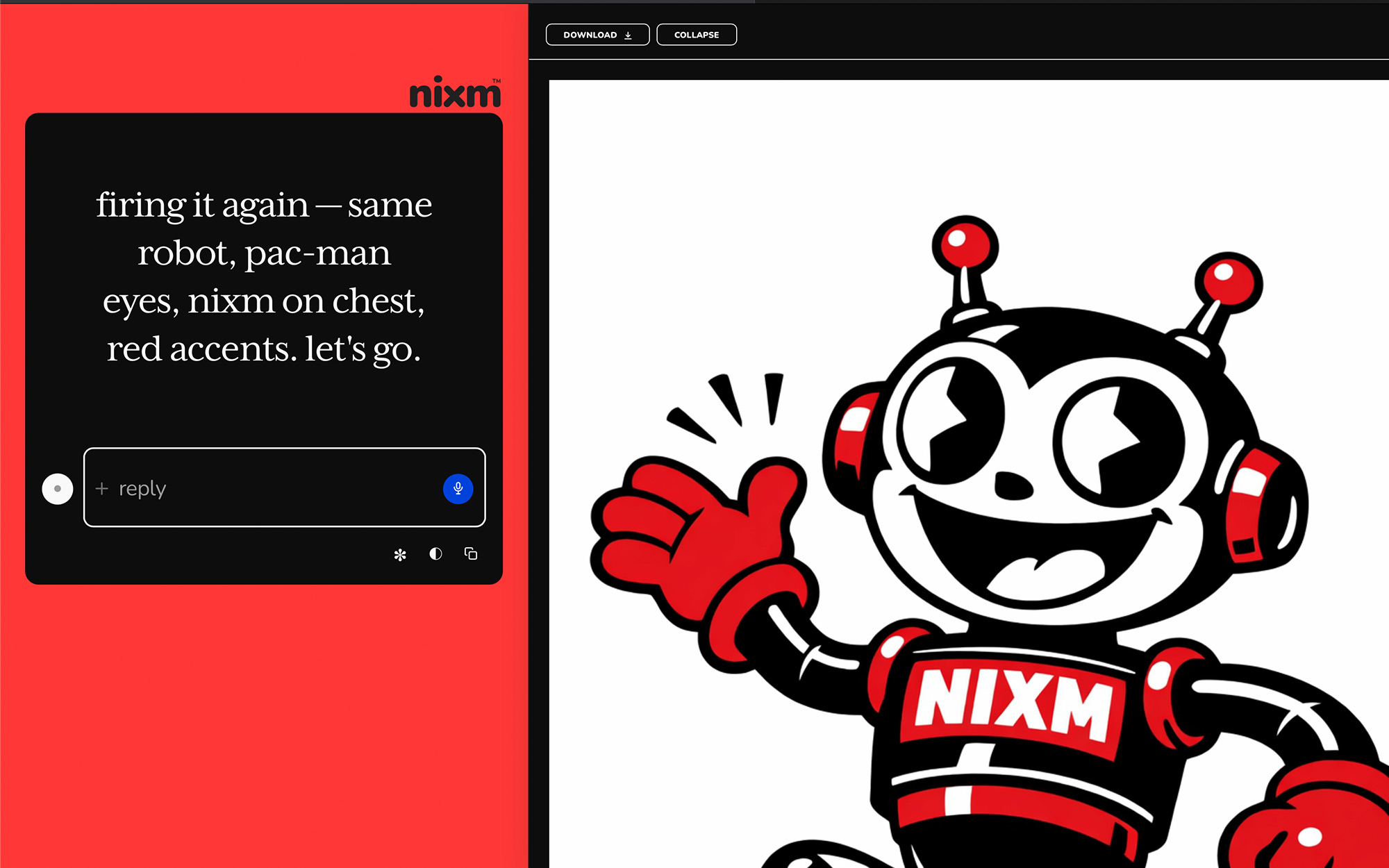
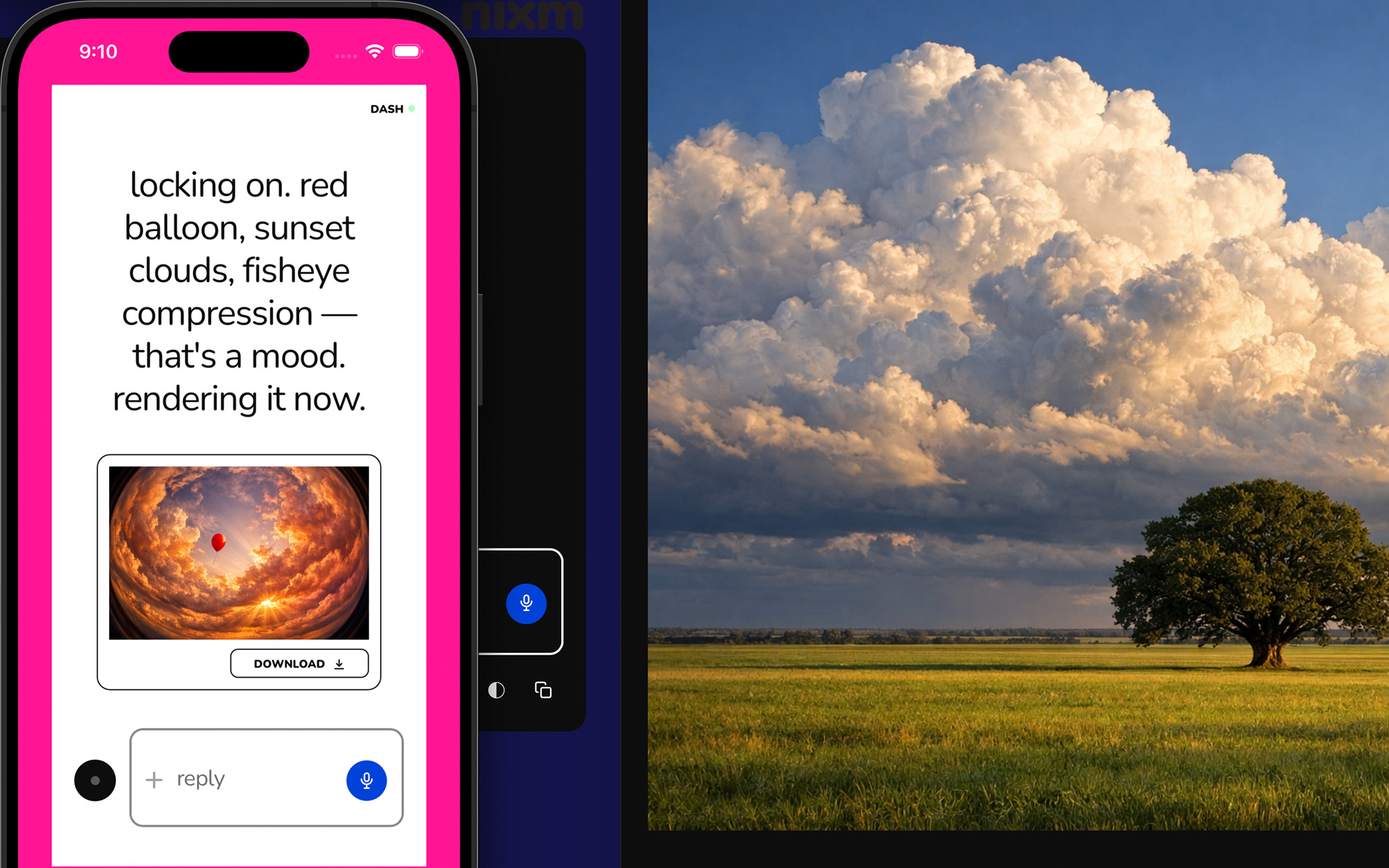
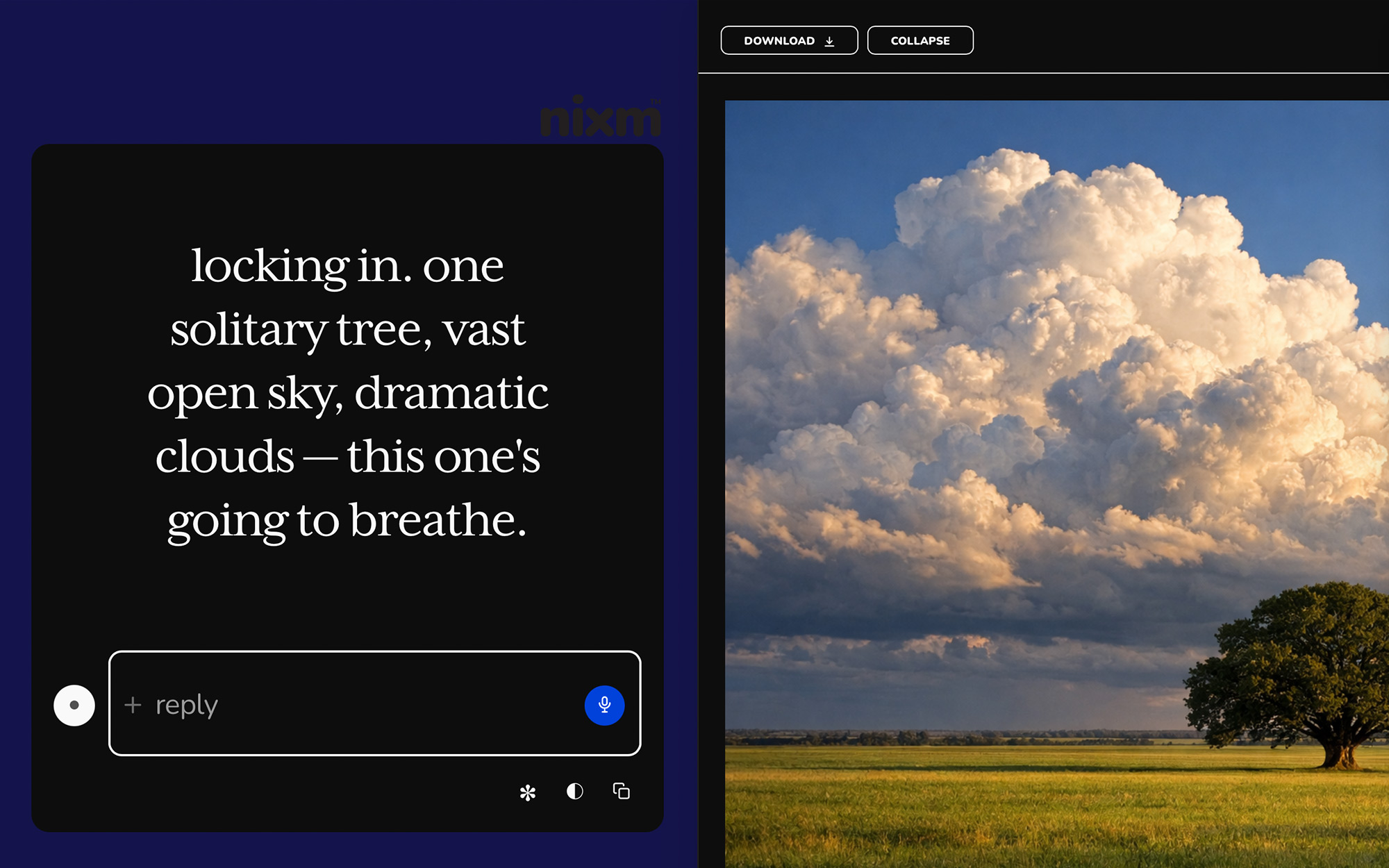
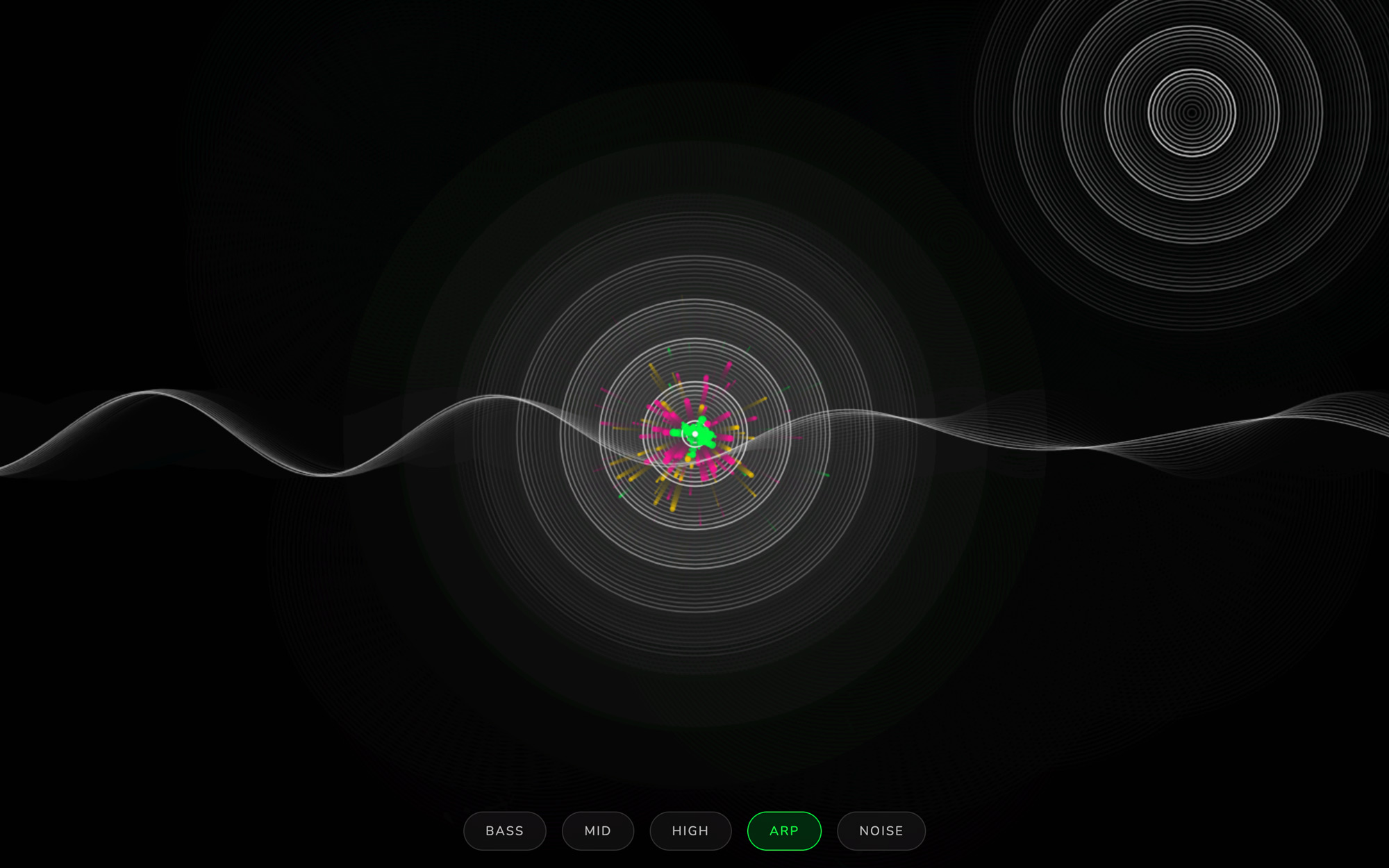
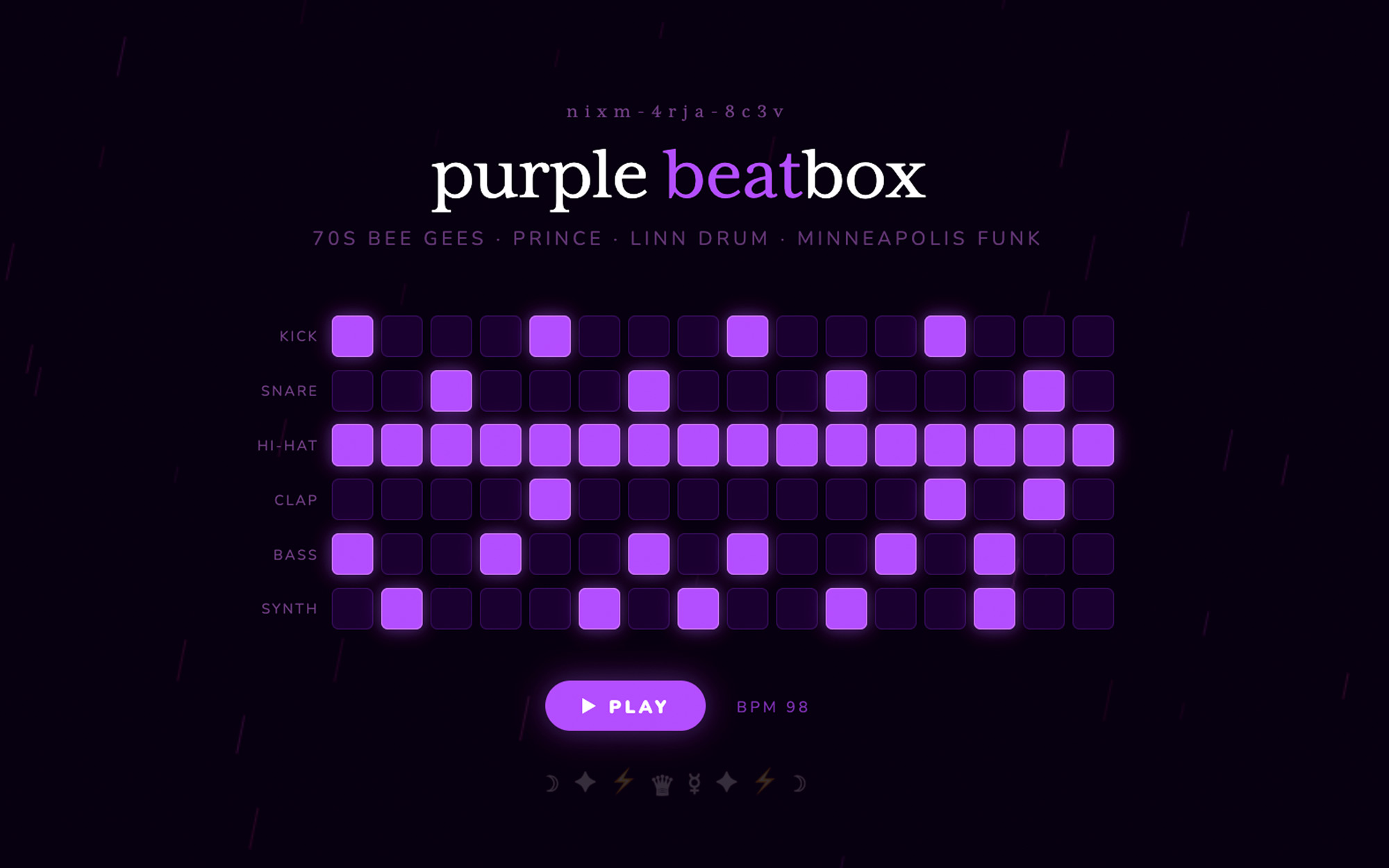
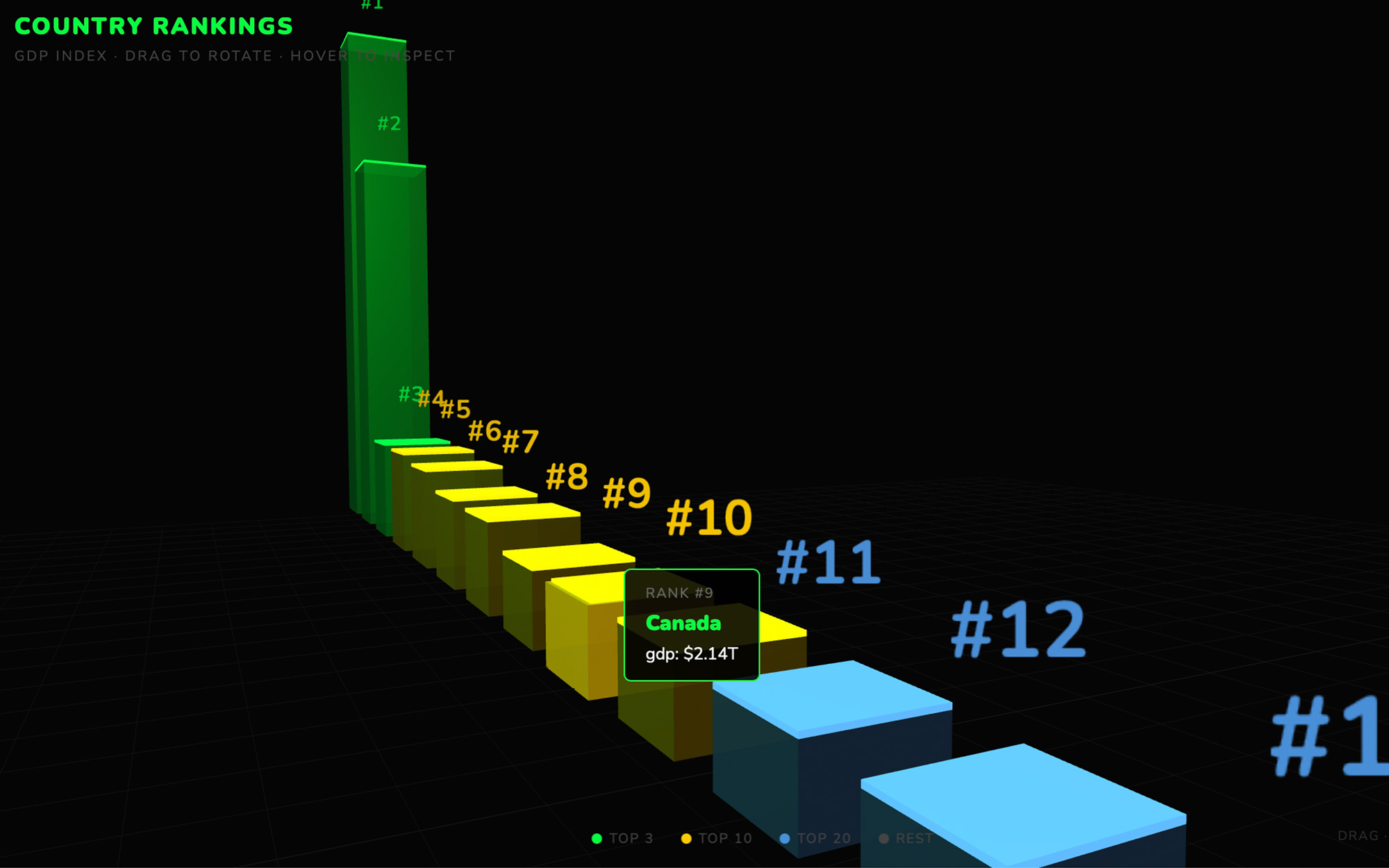
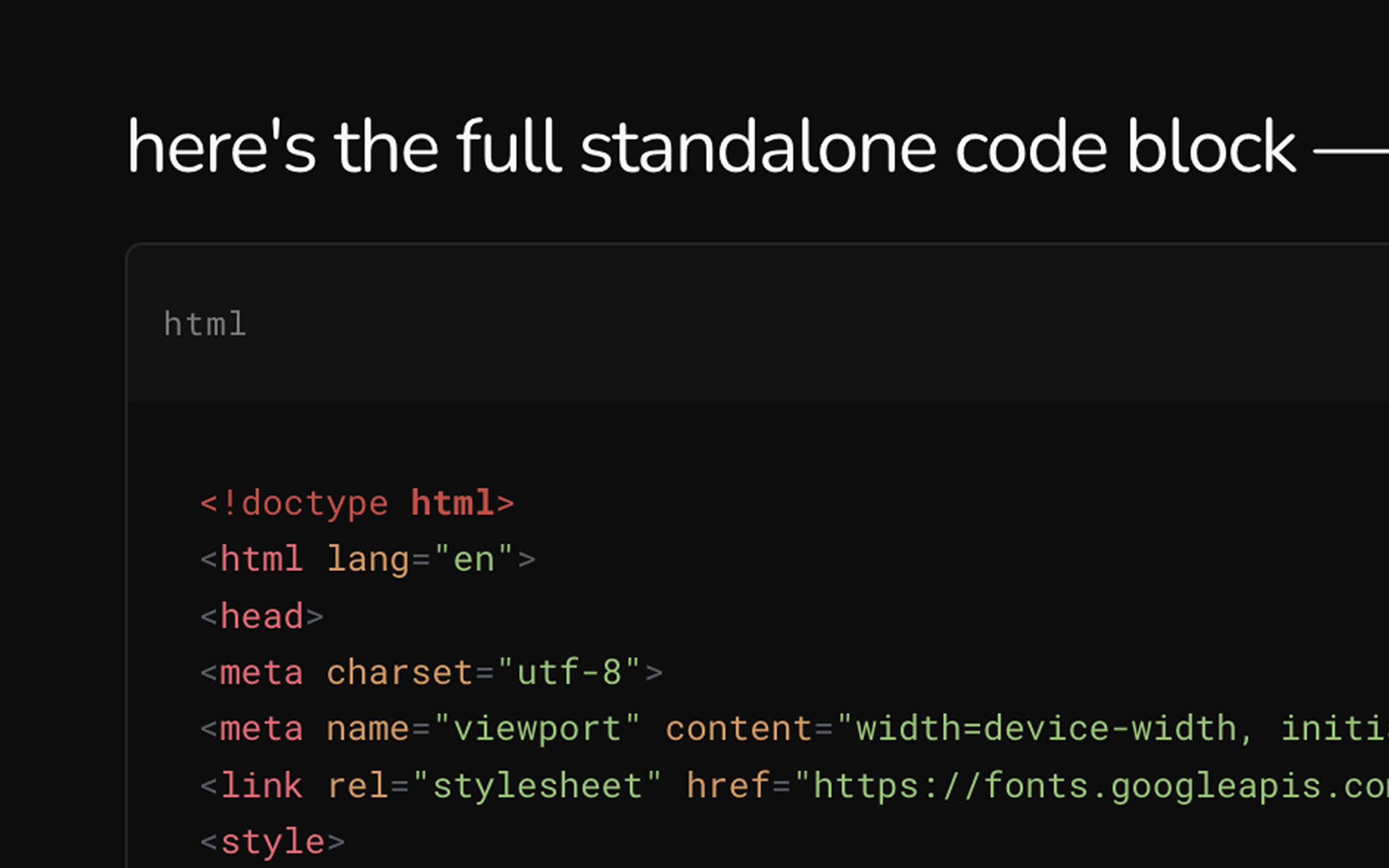
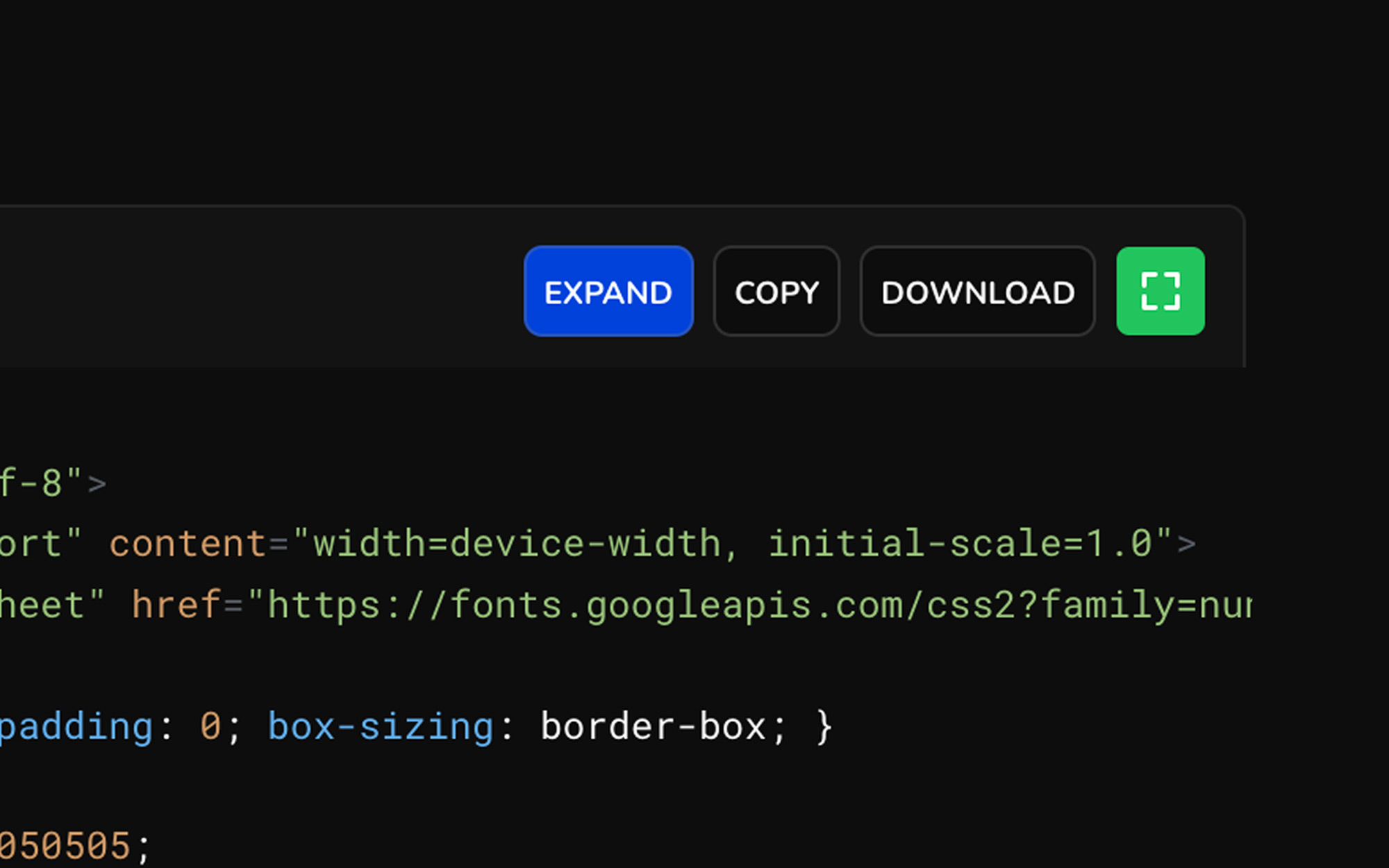
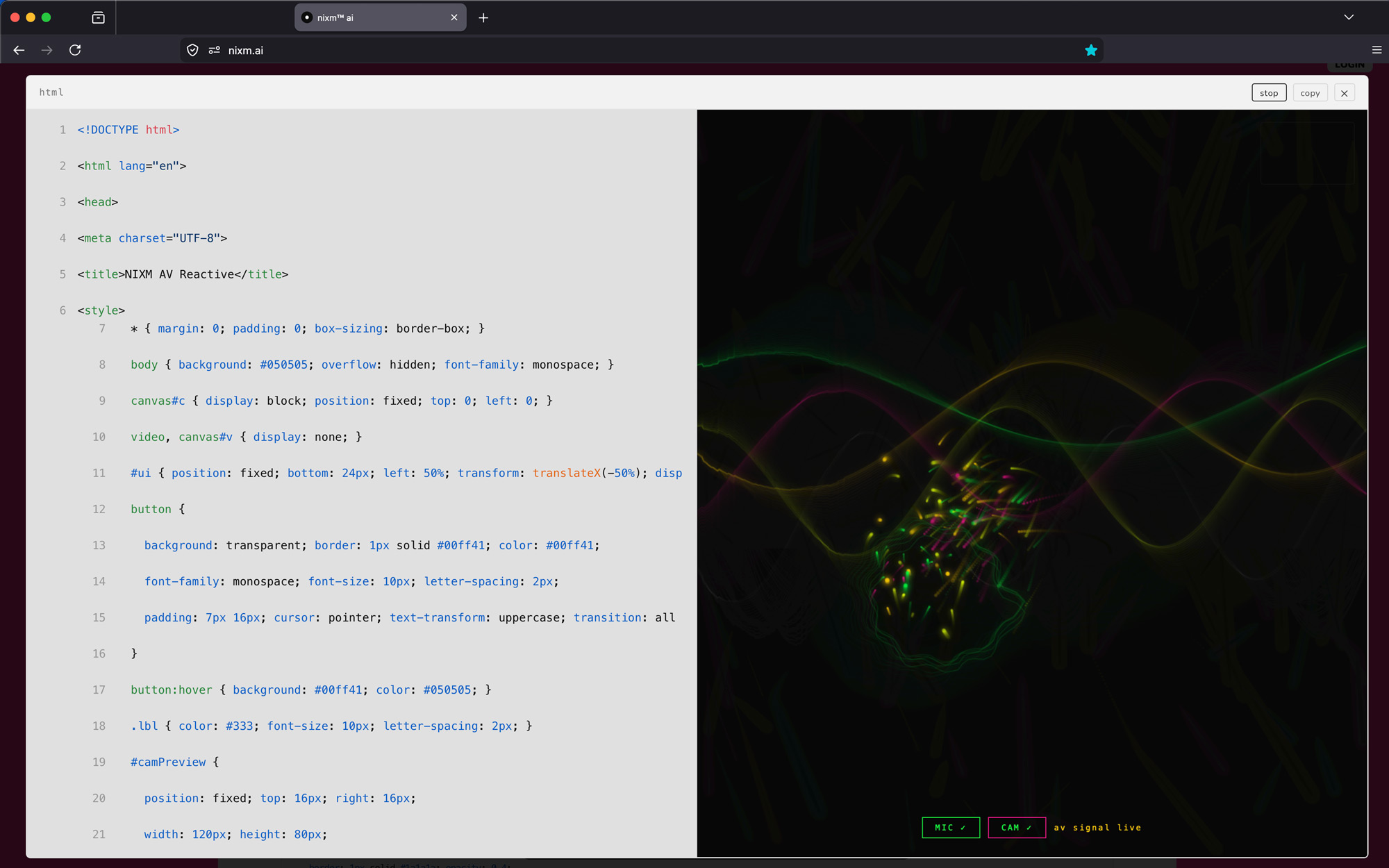
yes. ask nixm™ to show, visualize, render, or animate something and it renders live inline — particles, 3D scenes, charts, interactive demos. data and ideas, made visible. for code you want to keep, copy, or modify, ask it to build something instead — that gives you the full source with a toolbar to expand, copy, and export. for pictures, ask it to generate an image — square, landscape, or portrait, rendered inline.
can i animate a still?
any still in a signal can be set in motion — say "animate this" (or press ANIMATE on the image) and nixm™ builds a motion pass from that exact frame: one camera move, ambient action, sound if the scene implies it. the frame stays the frame. one video credit.
can i make a video longer?
yes. every finished clip has an EXTEND button — about seven more seconds, same unbroken shot, one video credit per pass. even better: ask in words. "keep going, but have her turn toward the light" gives the extension a direction, and a directed continuation almost always beats a neutral one.
what is CAST?
a signal can hold a cast — characters you've established with reference images. upload a face, or use a frame nixm™ already rendered, give it a name, and it stays. then put that character in a new scene: a different place, a different action, same face. nixm calls it a scene; you'll see the shot and the price before anything is spent.
how do i add someone to the cast?
attach an image in the conversation and tell nixm™ who it is. one image at a time — nixm asks whether each new one is a new character or another angle of someone you already have. a character can hold up to four images (one main, three angles), which is what keeps the face consistent.
what can i upload?
images you own or have the right to use — photos of yourself, people who have agreed to be there, things you shot, frames nixm™ already rendered for you. one at a time, under 12mb.
what does not belong here: anyone under 18, anything sexual, real people who have not agreed — public figures included — and characters or footage someone else owns. a costumed superhero is somebody's property even when a model draws it happily. the model's filter is not the rule; this is.
uploads are screened automatically and spot-checked by a person. anything outside those lines is removed, and the account with it. everything else dissolves with the signal, as usual.
what does a scene cost?
10 seconds is 2 video credits, 15 seconds is 3, however many characters are in it. sound is included in both. nixm™ shows you the cast, the shot and the price first — nothing renders until you say go.
how long does a scene take?
about 10 to 15 minutes, whichever length you pick — these are bigger renders than a standard clip. you can close the page; the clip lands on the signal when it's done.
how many characters can a scene hold?
a scene holds four references — cast and props together. three characters and a prop, two characters and two props, four faces. more than that and someone doesn't make it into the frame; nixm™ proposes inside the limit and says what it cut. each character can carry up to three angles — one photo works, three hold better.
what can a scene actually hold?
less than a sentence can ask for. two camera positions in fifteen seconds, one in ten — a third shot costs a face. a character arrives in the clothes from their reference; text won't change them. to dress someone, cast the outfit as a reference and say wearing it, or render a still of them in the new clothes and cast that. one dressed character per scene is what holds today, and a print on a shirt needs a medium shot or closer to read. nixm knows these limits and proposes within them — when your ask runs past, it tells you what it trimmed, or offers two scenes.
can a character talk?
yes, and the voice lands — but lip sync is still experimental, even on a still face looking at the lens. a moving mouth in a moving shot won't match. if the line matters, keep the shot still; if the motion matters, let the sound carry it. this improves with the engine; we'll say when it does.
can i cast a face nixm™ rendered, not one i uploaded?
yes. render the still, then say cast her as vesper — naming it is what makes it a cast member. it moves into the cast strip and works exactly like an upload.
can i rename a character?
yes, any time — just ask. the new name sticks to that character and nixm™ uses it from then on.
do my uploaded references stay private?
they live in the signal, like everything else you make there — and they dissolve with it. a public signal shows its cast to anyone with the link; mark the signal private and it's yours alone. either way, nothing is trained on and nothing outlives the signal. one exception, stated plainly: uploads are screened for safety, and a person may look at an image for that reason — never at your dialogue.
what does "seeding" mean?
seeding is how you set the frequency. instead of just asking a question, you give nixm™ context: your goal, your mindset, your constraints. it locks to that — and every response from then on stays anchored to what you actually wanted.
how is this different from a chatbot?
a chatbot is stateless — it treats every message as a fresh transaction. nixm™ uses a contextual anchor that keeps your original intent alive across the whole session. it doesn't drift. it doesn't forget what you came to do.
why does the interface change color? can i pick my own?
the color shift is a live readout of the session's state — thinking, idle, reacting. it's a small feedback loop between the AI's processing and your visual field. signal activity made visible. want a different color? just ask — "use green", "tone down the background".
what happens when a signal expires?
signals live for seven days from creation. after that, the signal dissolves — its intent, its distilled log and any images you uploaded — and nothing of it remains. nixm™ is built on the principle of ephemeral intelligence: no transcript of your conversation is ever kept. the insights are yours. the noise is deleted. nothing is harvested.
can a signal live longer than seven days?
yes — now it can. one credit adds seven days to a signal you own. press "+7 days" in your dash as many times as you like; the days stack. dissolving stays the default — keeping something alive is a choice you make, not a setting you forget.
can i end a signal before seven days?
yes. press "dissolve" in your dash, beside the privacy toggle — it appears only on signals you own. one tap arms it, a second confirms, and the dialogue, its images and its clips go immediately. private hides a signal; dissolve ends it. there is no undo, which is the point.
made a signal without signing in and want it gone early?
signals made without an account have no owner, so there's no dissolve button. email info@nixm.ai with the signal's id (NIXM-…) and we'll dissolve it by hand — nothing else about you is needed. do nothing and it dissolves on its own seven days after it was made.
what survives after a signal dissolves?
whatever you took out. the frames and clips you downloaded are yours forever — the conversation is the part that expires. nothing is kept, nothing is harvested. that's not a limitation of the product; it is the product.
is nixm™ open source?
no. the orchestration layer, contextual anchor logic, and session architecture are proprietary. this isn't a wrapper — it's a custom-built framework designed to keep your intent alive across a session in a way standard AI cannot.
is nixm™ private?
structurally, yes. nixm™ doesn't keep a transcript of your conversation. a distilled log stays with the signal for seven days, then dissolves — and nothing you type is used for training. and if you need something from a past session — just ask again. your thinking stays yours because we never kept a transcript of it.
one clarification: a shared nixm carries your intent seed publicly — that's the feature. anyone with the link enters the same focused context. what stays private is the dialogue itself: no transcript of it is kept. the signal's distilled log is part of that shared context, and it dissolves with the signal after seven days. you control what you seed. nixm™ controls nothing after that.
can i share a nixm with someone else?
yes. every nixm is shareable by default. when you create a nixm, you can share the link and anyone who opens it enters the same focused intelligence you created. they don't need to set up context — the nixm holds it.
are my signals public or private?
by default, signals you create while logged out are public — anyone with the link can open them. once you log in, you can mark any signal you own as private: the link still works only for you, never for anyone else. toggle privacy from the signal ID pill at the top of the screen when you're signed in.
what does everything cost?
a message costs 1 credit. an image adds 2 more — charged only when the image actually arrives. video runs on its own separate pool: 1 video credit for HD, 2 for 4K, charged when the clip is delivered. a cinematic scene with your cast is 2 credits at 10 seconds, 3 at 15. extending a clip is 1 video credit per pass; keeping a signal alive is 1 credit per +7 days.
what if a render fails?
you pay for the message, never for media that didn't arrive. a failed or filtered render doesn't charge the image or video part — that's charged at delivery, on purpose.
do credits expire?
no. never. they'll be waiting whenever the next idea is.
how do i redeem a gift code?
sign in (free — a magic link, no password), open the sign-in panel, and tap have a gift code?. enter the code — credits land instantly on your account. gift codes never expire, and one code redeems once, on any account.
i lost my gift code or the email — can it be recovered?
yes. the code was emailed to the buyer (and to the recipient, if one was added at checkout) — search your inbox for "nixm". if the email is gone, the buyer can write to info@nixm.ai with the purchase email address and we'll look it up. unredeemed codes stay valid indefinitely.
are downloaded files safe to run?
nixm™ produces real, executable code. before running anything you download, open it in an editor and read it first. treat it like code from any source on the internet — not magic, not malware, just code. use your discretion.
what can i actually ask nixm to do?
more than people expect. nixm™ isn't a chatbot — it's a primed surface for shaping work. some examples to try:
| what |
try this |
| build a tool |
build a beatbox in vanilla js. build a QR code generator. build a markdown editor with live preview. |
| visualize an idea |
visualize photosynthesis in 3d. show me q1 growth as a chart. animate how a transformer works. |
| write a brief or doc |
write a brand brief in editorial tone. draft a one-page hiring rubric. summarize this thread into a memo. |
| think out loud |
walk me through pricing for a 50-person agency. compare two technical approaches. roast my product copy. |
| study or learn |
explain mitochondria like i'm 14. quiz me on the krebs cycle. visualize the periodic table by reactivity. |
| iterate |
refine the last response, but tighter. give me a more cynical version. cut everything that's not specific. |
if it can be described, you can ask it. nixm™ answers the way the signal is primed.
questions fréquentes.
qu'est-ce qu'un nixm, exactement ?
un nixm est une URL unique qui transporte avec elle votre contexte d'IA déjà amorcé. vous l'amorcez avec une intention, il se verrouille sur cette fréquence, et quiconque ouvre le lien entre dans la même intelligence focalisée que vous avez créée. aucune configuration, aucune explication à refaire.
nixm™, un nixm, un signal — lequel est lequel ?
trois mots, trois choses.
nixm™ est l'interface — ce que vous utilisez en ce moment même.
un nixm est ce que vous créez avec : une URL qui porte votre intention. amorcez-en un, partagez-le, revenez-y.
un signal est l'intention elle-même, verrouillée. chaque nixm en porte un — c'est ce qui le fait tenir. (en coulisses, il est amorcé sur deux : un signal d'intention et un signal de collab. c'est la mécanique, rien que vous ayez à régler.)
en bref : vous utilisez nixm™ pour créer un nixm, et le signal est ce qui est verrouillé dedans.
est-ce que nixm peut me montrer des choses — graphiques, visuels, démos ?
oui. demandez à nixm™ de montrer, visualiser, rendre ou animer quelque chose et le résultat s'affiche en direct dans le fil — particules, scènes 3D, graphiques, démos interactives. les données et les idées, rendues visibles. pour du code que vous voulez conserver, copier ou modifier, demandez-lui plutôt de construire quelque chose — vous obtenez alors la source complète, avec une barre d'outils pour agrandir, copier et exporter. pour des images, demandez-lui de générer une image — carrée, paysage ou portrait, affichée dans le fil.
puis-je animer une image fixe ?
n'importe quelle image fixe d'un signal peut être mise en mouvement — dites « anime ça » (ou appuyez sur ANIMATE sur l'image) et nixm™ construit une passe de mouvement à partir de cette image exacte : un mouvement de caméra, une action d'ambiance, du son si la scène l'appelle. l'image reste l'image. un crédit vidéo.
puis-je allonger une vidéo ?
oui. chaque clip terminé porte un bouton EXTEND — environ sept secondes de plus, le même plan ininterrompu, un crédit vidéo par passe. mieux encore : demandez-le avec des mots. « continue, mais fais-la se tourner vers la lumière » donne une direction à l'extension, et une continuation dirigée vaut presque toujours mieux qu'une continuation neutre.
qu'est-ce que CAST ?
un signal peut porter une distribution — des personnages que vous avez établis à partir d'images de référence. téléversez un visage, ou reprenez une image que nixm™ a déjà rendue, donnez-lui un nom, et il reste. vous pouvez ensuite placer ce personnage dans une nouvelle scène : un autre lieu, une autre action, le même visage. nixm appelle ça une scène ; vous verrez le plan et le prix avant que quoi que ce soit ne soit dépensé.
comment ajouter quelqu'un à la distribution ?
attachez une image dans la conversation et dites à nixm™ de qui il s'agit. une image à la fois — nixm demande si chaque nouvelle image est un nouveau personnage ou un autre angle de quelqu'un que vous avez déjà. un personnage peut porter jusqu'à quatre images (une principale, trois angles), et c'est ce qui garde le visage constant.
que puis-je téléverser ?
des images que vous possédez ou que vous avez le droit d'utiliser — vos propres photos, des personnes qui ont donné leur accord, ce que vous avez filmé ou photographié, des images que nixm™ a déjà produites pour vous. une à la fois, sous 12 mo.
ce qui n'a pas sa place ici : toute personne de moins de 18 ans, tout contenu sexuel, toute personne réelle qui n'a pas donné son accord — personnalités publiques comprises — et tout personnage ou extrait appartenant à autrui. un super-héros costumé appartient à quelqu'un, même quand un modèle le dessine sans broncher. le filtre du modèle n'est pas la règle ; celle-ci l'est.
les téléversements font l'objet d'un contrôle automatique et de vérifications humaines ponctuelles. tout ce qui sort de ces limites est retiré, et le compte avec. le reste se dissout avec le signal, comme d'habitude.
combien coûte une scène ?
10 secondes valent 2 crédits vidéo, 15 secondes en valent 3. le son est inclus dans les deux cas. nixm™ vous montre d'abord la distribution, le plan et le prix — rien ne se rend tant que vous n'avez pas dit d'y aller.
combien de temps prend une scène ?
environ 10 à 15 minutes, quelle que soit la durée choisie — ce sont des rendus plus lourds qu'un clip standard. vous pouvez fermer la page ; le clip arrive sur le signal une fois terminé.
combien de personnages tient une scène ?
une scène tient quatre références — distribution et accessoires compris. trois personnages et un accessoire, deux et deux, quatre visages. au-delà, quelqu'un manque à l'image ; nixm™ propose dans la limite et dit ce qu'il a retiré. chaque personnage peut porter jusqu'à trois angles — une photo suffit, trois tiennent mieux.
que peut vraiment tenir une scène ?
moins qu'une phrase peut demander. deux positions de caméra en quinze secondes, une en dix — un troisième plan coûte un visage. un personnage arrive dans les vêtements de sa référence ; le texte ne les change pas. pour l'habiller, ajoutez la tenue comme référence et dites il la porte, ou rendez une image de lui dans la nouvelle tenue et castez-la. un personnage habillé par scène, c'est ce qui tient aujourd'hui, et un imprimé sur un t-shirt se lit en plan moyen ou plus serré. nixm connaît ces limites et propose à l'intérieur — quand la demande déborde, il dit ce qu'il a coupé, ou propose deux scènes.
puis-je renommer un personnage ?
oui, à tout moment — il suffit de le demander. le nouveau nom reste attaché à ce personnage et nixm™ l'utilise à partir de là.
mes références téléversées restent-elles privées ?
elles vivent dans le signal, comme tout ce que vous y créez — et elles se dissolvent avec lui. un signal public montre sa distribution à quiconque a le lien ; marquez le signal comme privé et elle n'appartient qu'à vous. dans les deux cas, rien ne sert à entraîner quoi que ce soit et rien ne survit au signal. une exception, dite clairement : les téléversements font l'objet d'un contrôle de sécurité, et une personne peut regarder une image à ce titre — jamais votre dialogue.
que veut dire « amorcer » ?
amorcer, c'est régler la fréquence. au lieu de simplement poser une question, vous donnez un contexte à nixm™ : votre objectif, votre état d'esprit, vos contraintes. il se verrouille dessus — et chaque réponse reste ensuite ancrée à ce que vous vouliez vraiment.
en quoi est-ce différent d'un chatbot ?
un chatbot est sans état — il traite chaque message comme une transaction isolée. nixm™ utilise un ancrage contextuel qui maintient votre intention d'origine vivante sur toute la session. il ne dérive pas. il n'oublie pas ce que vous êtes venu faire.
pourquoi l'interface change-t-elle de couleur ? puis-je choisir la mienne ?
le glissement de couleur est une lecture en direct de l'état de la session — réflexion, veille, réaction. c'est une petite boucle de retour entre le traitement de l'IA et votre champ visuel. l'activité du signal, rendue visible. vous en voulez une autre ? demandez-le simplement — « passe au vert », « adoucis le fond ».
que se passe-t-il quand un signal expire ?
les signaux vivent sept jours à compter de leur création. passé ce délai, le signal se dissout — son intention, son journal condensé et les images que vous avez importées — et il n'en reste rien. nixm™ repose sur le principe d'une intelligence éphémère : aucune transcription de votre conversation n'est jamais conservée. les idées sont à vous. le bruit est supprimé. rien n'est exploité.
un signal peut-il vivre plus de sept jours ?
oui — c'est désormais possible. un crédit ajoute sept jours à un signal qui vous appartient. appuyez sur « +7 days » dans votre tableau de bord autant de fois que vous le souhaitez ; les jours s'additionnent. la dissolution reste le comportement par défaut — garder quelque chose en vie est un choix que vous faites, pas un réglage que vous oubliez.
puis-je mettre fin à un signal avant sept jours ?
oui. appuyez sur « dissoudre » dans votre tableau de bord, à côté du réglage de confidentialité — il n'apparaît que sur les signaux qui vous appartiennent. une pression l'arme, une seconde confirme, et le dialogue, ses images et ses clips disparaissent immédiatement. privé le masque ; dissoudre y met fin. il n'y a pas de retour en arrière, et c'est voulu.
signal créé sans compte : comment le supprimer plus tôt ?
un signal créé sans compte n'a pas de propriétaire, donc pas de bouton « dissoudre ». écrivez à info@nixm.ai avec l'identifiant du signal (NIXM-…) et nous le dissoudrons à la main — rien d'autre sur vous n'est nécessaire. sinon, il se dissout tout seul sept jours après sa création.
que reste-t-il après la dissolution d'un signal ?
ce que vous en avez sorti. les images et les clips que vous avez téléchargés sont à vous pour toujours — c'est la conversation qui expire. rien n'est conservé, rien n'est récolté. ce n'est pas une limite du produit ; c'est le produit.
nixm™ est-il open source ?
non. la couche d'orchestration, la logique d'ancrage contextuel et l'architecture de session sont propriétaires. ce n'est pas un wrapper — c'est un cadre sur mesure conçu pour garder votre intention vivante sur toute une session, ce que l'IA standard ne sait pas faire.
nixm™ est-il privé ?
structurellement, oui. nixm™ ne conserve aucune transcription de votre conversation. un journal condensé reste avec le signal pendant sept jours, puis se dissout — et rien de ce que vous tapez ne sert à entraîner un modèle. et si vous avez besoin de quelque chose d'une session passée — redemandez, simplement. votre pensée reste la vôtre parce que nous n'en gardons jamais la transcription.
une précision : un nixm partagé transporte publiquement votre amorce d'intention — c'est justement la fonctionnalité. quiconque a le lien entre dans le même contexte focalisé. ce qui reste privé, c'est le dialogue lui-même : aucune transcription n'en est conservée. le journal condensé du signal fait partie de ce contexte partagé, et il se dissout avec le signal au bout de sept jours. vous contrôlez ce que vous amorcez. nixm™ ne contrôle rien au-delà.
puis-je partager un nixm avec quelqu'un d'autre ?
oui. chaque nixm est partageable par défaut. quand vous créez un nixm, vous pouvez en partager le lien, et quiconque l'ouvre entre dans la même intelligence focalisée que vous avez créée. la personne n'a aucun contexte à mettre en place — le nixm le retient.
mes signaux sont-ils publics ou privés ?
par défaut, les signaux que vous créez sans être connecté sont publics — quiconque a le lien peut les ouvrir. une fois connecté, vous pouvez marquer comme privé n'importe quel signal qui vous appartient : le lien ne fonctionne alors que pour vous, jamais pour quelqu'un d'autre. la confidentialité se règle depuis la pastille d'identifiant du signal, en haut de l'écran, lorsque vous êtes connecté.
combien coûte l'ensemble ?
un message coûte 1 crédit. une image en ajoute 2 — facturés seulement quand l'image arrive vraiment. la vidéo fonctionne sur une réserve séparée : 1 crédit vidéo en HD, 2 en 4K, facturés à la livraison du clip. une scène cinématique avec votre distribution coûte 2 crédits à 10 secondes, 3 à 15. prolonger un clip coûte 1 crédit vidéo par passe ; garder un signal en vie coûte 1 crédit par tranche de +7 jours.
et si un rendu échoue ?
vous payez le message, jamais un média qui n'est pas arrivé. un rendu qui échoue ou qui est filtré ne facture pas la partie image ou vidéo — celle-ci est facturée à la livraison, délibérément.
les crédits expirent-ils ?
non. jamais. ils vous attendront jusqu'à la prochaine idée.
comment utiliser un code cadeau ?
connectez-vous (c'est gratuit — un lien magique, sans mot de passe), ouvrez le panneau de connexion et touchez un code cadeau ?. saisissez le code — les crédits arrivent immédiatement sur votre compte. les codes cadeaux n'expirent jamais, et un code s'utilise une seule fois, sur n'importe quel compte.
j'ai perdu mon code cadeau ou l'e-mail — peut-on le retrouver ?
oui. le code a été envoyé par e-mail à l'acheteur (et au destinataire, si l'un a été ajouté au moment du paiement) — cherchez « nixm » dans votre boîte de réception. si l'e-mail a disparu, l'acheteur peut écrire à info@nixm.ai avec l'adresse e-mail utilisée pour l'achat et nous le retrouverons. les codes non utilisés restent valables indéfiniment.
les fichiers téléchargés peuvent-ils être exécutés sans risque ?
nixm™ produit du code réel, exécutable. avant de lancer quoi que ce soit que vous avez téléchargé, ouvrez-le dans un éditeur et lisez-le d'abord. traitez-le comme du code venant de n'importe quelle source sur internet — ni magie, ni logiciel malveillant, juste du code. à vous de juger.
que puis-je réellement demander à nixm ?
plus de choses qu'on ne l'imagine. nixm™ n'est pas un chatbot — c'est une surface amorcée pour façonner du travail. quelques exemples à essayer :
| quoi |
essayez ceci |
| construire un outil |
construis une boîte à rythmes en js pur. construis un générateur de QR code. construis un éditeur markdown avec aperçu en direct. |
| visualiser une idée |
visualise la photosynthèse en 3d. montre-moi la croissance du t1 sous forme de graphique. anime le fonctionnement d'un transformeur. |
| rédiger un brief ou un document |
rédige un brief de marque sur un ton éditorial. rédige une grille d'embauche d'une page. résume ce fil en une note. |
| réfléchir à voix haute |
explique-moi la tarification pour une agence de 50 personnes. compare deux approches techniques. démolis le texte de mon produit. |
| étudier ou apprendre |
explique-moi les mitochondries comme si j'avais 14 ans. interroge-moi sur le cycle de krebs. visualise le tableau périodique par réactivité. |
| itérer |
affine la dernière réponse, mais plus serrée. donne-moi une version plus cynique. coupe tout ce qui n'est pas précis. |
si ça peut se décrire, ça peut se demander. nixm™ répond à la mesure de l'amorce du signal.